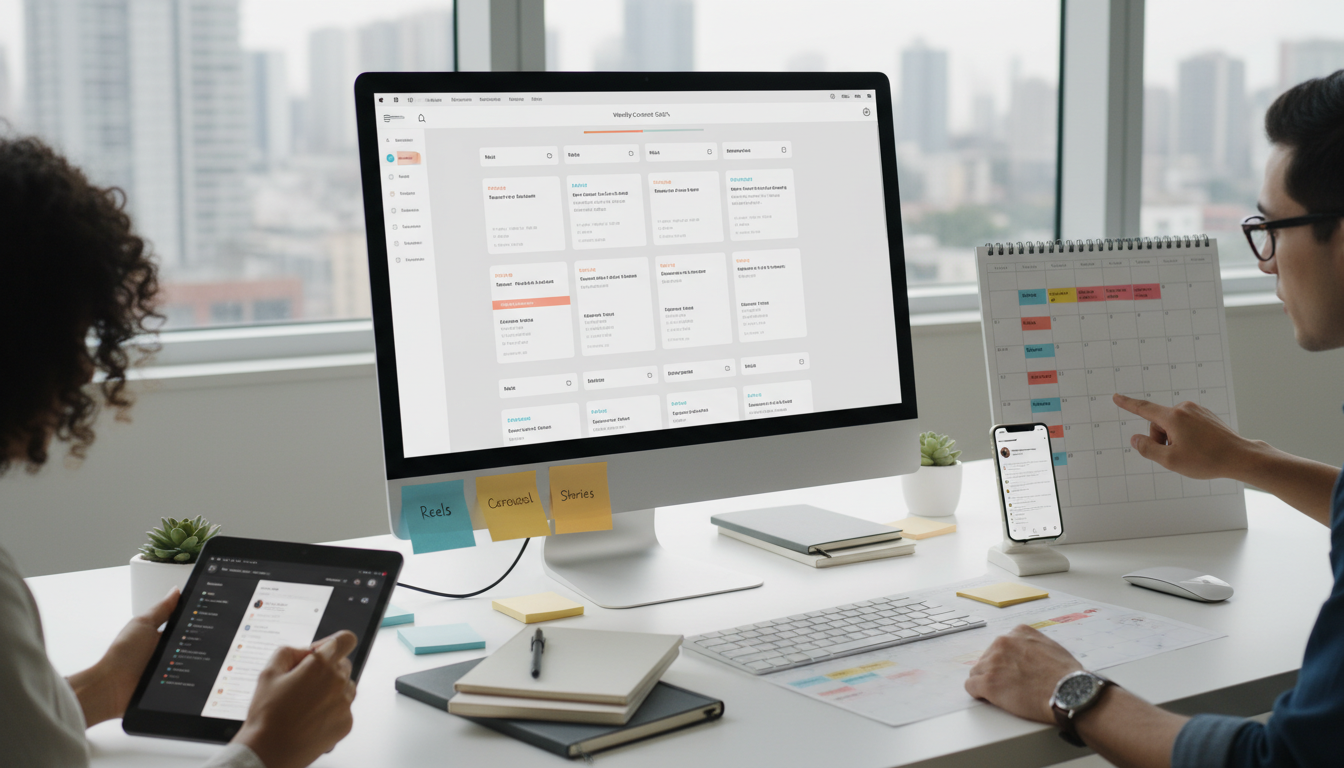
Social Media Content Planner for Instagram That Keeps You Consistent
A social media content planner for Instagram helps you post on time, stay organized, and reduce the stress of last-minute ideas. Instead of guessing what to share each day, you build a simple plan around your goals, content themes, and best posting times. That means more consistency, clearer messaging, and better chances of reaching the right audience.
Consistency matters on Instagram because followers expect a steady presence. If you disappear for long stretches, engagement often drops. A planner turns random posting into a repeatable system. It helps creators, small businesses, and marketing teams know what to post, when to post it, and why each piece of content matters.
Why does Instagram consistency matter so much?
Instagram rewards regular activity. While no one can promise exact results, consistent posting gives the platform more signals about your account. It also gives your audience more chances to interact with your content through likes, saves, shares, replies, and profile visits.
Just as important, consistency builds trust. When people see useful posts every week, they start to remember your brand. That is true whether you run a shop, coach a service, or grow a personal account. A strong Instagram content calendar for consistent posting keeps your ideas visible instead of lost in your notes app.
There is also a practical benefit. Planning ahead saves time. You can batch tasks, write captions in one sitting, and schedule posts before a busy week begins. That lowers pressure and makes your workflow calmer.
What should a social media content planner for Instagram include?
The best planner is not the fanciest one. It is the one you will actually use. Still, certain fields make planning easier and improve content quality over time.
Core planning fields
- Date and time
- Content pillar or topic
- Format such as Reel, carousel, Story, or static post
- Visual asset or draft link
- Caption
- Hashtags or keywords
- Call to action
- Status, such as idea, in progress, scheduled, or posted
These fields support clear decision-making. You can quickly see gaps in your week, balance different formats, and avoid posting five promotional pieces in a row.
Helpful advanced features
If you want the best Instagram social media planner features, look for tools that connect with Instagram Insights, support scheduling, and leave space for notes. Flexible calendar views are useful too. So are review reminders, because regular check-ins help you improve based on real data instead of hunches.
Some people use Google Sheets or Notion. Others prefer Trello, Asana, Buffer, Later, or Meta Business Suite. The tool matters less than the structure. Choose one place where your team, or just you, can plan, create, and track every post.
How can you build a posting plan that you can actually keep?
Start with realistic goals. Many accounts fail because they plan too much too soon. It is better to post three solid feed posts and several Stories each week than promise daily content and burn out after ten days.
Next, choose three to five content pillars. These are the main themes your audience expects from you. A fitness coach might use workouts, nutrition, client wins, and daily habits. A local bakery might use new items, behind the scenes, customer favorites, and seasonal offers.
Then apply a simple mix. Many marketers use the 80/20 rule. Around 80 percent of posts should educate, entertain, inspire, or build connection. Around 20 percent can promote a product, service, or offer. This creates value while still supporting business goals.
- Define one or two clear Instagram goals.
- Create three to five content pillars.
- Set a weekly posting cadence you can maintain.
- Plan formats across the week.
- Batch content creation by task.
- Schedule posts in advance.
- Review results and adjust monthly.
This simple process turns strategic Instagram posting schedule tips into daily action. You stop reacting and start publishing with intention.
When is the best time to post on Instagram?
The best time depends on your audience, not a universal rule. General studies can offer a starting point, but your own Instagram Insights are more useful. Look at when followers are most active and test several time slots for each format.
If your audience is active in the evening, posting at noon may limit reach. If your followers are parents, students, or office workers, their habits may differ across weekdays and weekends. A good planner includes space to record these patterns so you can learn what works.
This is also where how to schedule Instagram posts for engagement becomes practical. Scheduling tools let you publish when followers are online, even if you are busy. That helps you stay visible without being glued to your phone every day.

How does a planner streamline content creation?
A dedicated planner removes repeated decision-making. Instead of asking what to post today, you follow a prepared roadmap. That frees mental energy for writing stronger hooks, filming better videos, and responding to your community.
Batching is a major benefit. You might film Reels on Monday, write captions on Tuesday, design graphics on Wednesday, and schedule everything on Thursday. This approach is faster than switching between tasks every day. It also makes teamwork easier because everyone knows what stage each post is in.
Automated Instagram content planning tools can help with evergreen posts too. Evergreen content stays useful over time, such as tutorials, FAQs, testimonials, or beginner tips. Scheduling these pieces in advance keeps your account active while leaving room for trends, news, or spontaneous Stories.
Even with automation, leave open spaces in your calendar. Instagram works best when planned content and real-time content support each other. Your planner should create structure, not make your feed feel robotic.
What does a simple weekly Instagram planner look like?
You do not need a complex system to start. A basic week might include one educational carousel, one Reel, one customer story, and daily Stories. That is enough for many small brands.
- Monday: Educational carousel tied to a core question
- Wednesday: Reel showing a process, tip, or behind-the-scenes moment
- Friday: Social proof, testimonial, or product highlight
- Daily Stories: Polls, quick updates, reminders, and replies
This mix keeps content varied and manageable. Over time, you can add live sessions, collaborations, or user-generated content if your audience responds well.
Common mistakes to avoid
One mistake is planning without goals. Another is posting only promotions. Many accounts also ignore performance reviews, which means they repeat weak ideas and miss stronger ones. Some people choose a tool that is too complicated, then stop using it after a week.
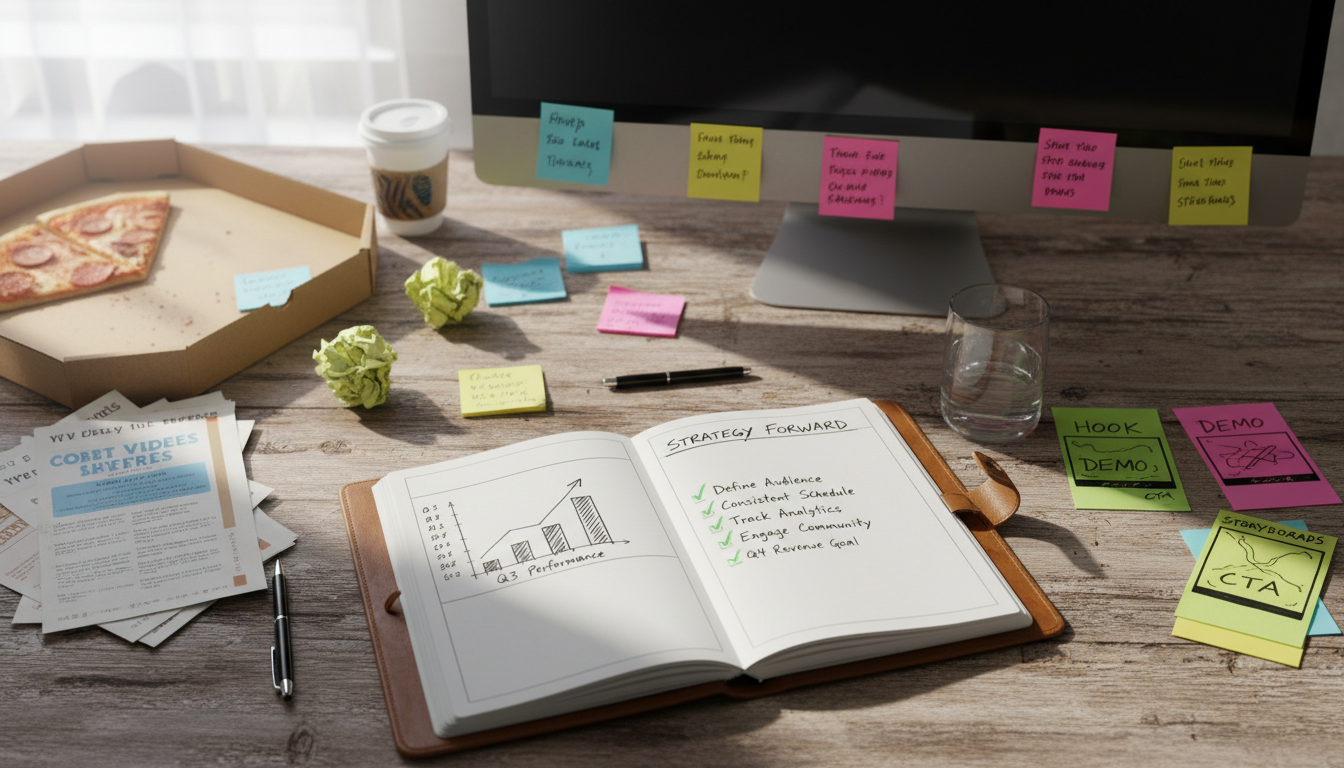
A better approach is simple, repeatable, and flexible. Review your numbers each month. Notice which posts get saves, shares, replies, and profile visits. Then update your planner based on evidence. According to industry reports, short video and carousel posts often perform strongly, but your audience response should guide the final choice.
FAQ
How far ahead should I plan Instagram content?
Two to four weeks ahead works well for most people. It gives you structure without making your calendar too rigid.
Can I use a spreadsheet instead of a paid tool?
Yes. A spreadsheet can work very well if it includes dates, formats, captions, assets, and status tracking.
How often should I review my Instagram planner?
Review it weekly for scheduling and monthly for performance. That balance helps you stay organized while improving results over time.
Should I plan Stories too?
Yes. Stories support daily connection, quick updates, and engagement. Adding them to your planner makes your whole Instagram presence more consistent.
