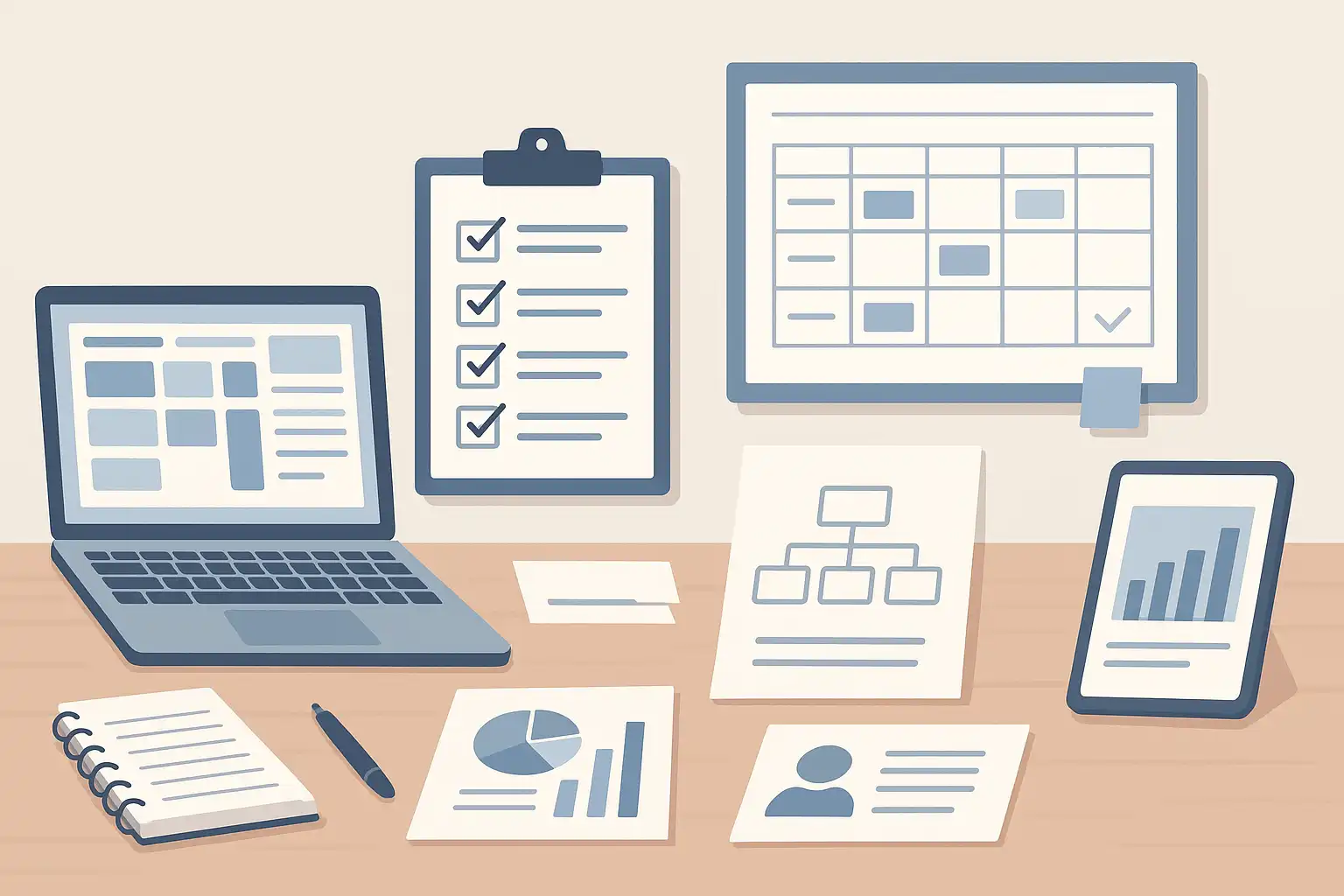
Looking to create a content strategy document template but not sure where to begin? You’re in the right place. This article will walk you through a clear, actionable template you can use to detail your content strategy, help your team stay focused, and drive better results. Whether you’re a solo marketer, part of a growing startup, or managing communications at a large business, having a well-organized strategy document isn’t just helpful—it’s crucial. We’ll answer your pressing questions, provide practical steps and examples, and show you how the right template brings clarity and consistency to your entire content operation.
What makes a content strategy document template practical?
A practical content strategy document template is easy to fill, easy to update, and easy to share. Its main purpose is to capture all the key details—goals, audience, voice, workflows, and performance measures—so you can focus on creating content that aligns with your business aims. The best templates avoid clutter. They’re not long, confusing reports. Instead, they act as a one-page or multi-section guide that helps everyone on your team understand what they should do, when, and why.
Let’s break down what sets a great template apart:
- Clarity: Everyone can read and use it, from your newest hire to your CEO.
- Actionable: It spells out what needs to be done, not just why content matters.
- Flexible: Adapt the template as your business, audience, or channels evolve.
- Collaborative: It becomes a living document your team updates and references regularly.
For instance, companies often use Google Docs or Microsoft Word for the initial draft because of their simplicity and collaboration features. But as your approach matures, you might shift to content marketing platforms or project management tools to streamline workflows, content calendars, and feedback processes.

What are the essential components to include in a content strategy document template?
When building your template, focus on including these core elements. Each one connects directly to practical needs and helps your team take purposeful action:
- Mission statement: A clear summary of why you are creating content. This one or two-sentence statement guides decisions and keeps you focused on your unique approach. For example, “To educate busy HR managers with actionable articles and checklists on workplace wellness.”
- Goals: Define what you hope to achieve—brand awareness, engagement, lead generation, customer loyalty, or sales. List them concisely and link them to measurable outcomes.
- Audience personas: Use a five-step process to define your key audiences: research, segment, describe, validate, and revisit. Include short bios, needs, interests, and pain points for each persona.
- Content planning details: Outline content types (blog posts, videos, guides), conduct a content inventory, and plan audits. Add brand voice and style guidelines using a five-step process (discover, define, document, train, review).
- Staffing and resources: List necessary skills, assign roles, and note how you’ll bring in new talent for specialized needs.
- Content creation process: Describe how you generate ideas, use creative briefs, focus on evergreen topics, and keep readers engaged.
- Distribution and promotion: Cover where and how you’ll share content—on your blog, via social media, through email, and in partnerships. Explain your promotion tactics, influencer outreach, and link-building basics.
- Measurement and optimization: Choose KPIs that go beyond surface numbers. Track indicators like open rates, click-throughs, and survey feedback. Outline how you’ll analyze, report, and refine your efforts.
Combining these key areas ensures your document is comprehensive and delivers lasting value. If you’re curious about how different teams approach these steps, the Content Marketing Institute offers sample templates you can adapt to your needs.
How does a content strategy document template improve teamwork?
Teamwork often stumbles without a shared plan. That’s where your content strategy document template steps in. By writing down your goals, processes, and standards, you give everyone a common language, reduce confusion, and foster accountability.
Consider this scenario: a writer, designer, and marketer all work on a blog post. Without a template, they may have different ideas about tone, length, and calls to action. With a good template, everyone refers to agreed brand voice guidelines and a checklist for each step. This keeps messaging and quality consistent, no matter who produces the content.
- Reduces Misunderstandings: Each team member knows their role, deadlines, and expectations.
- Speeds up Approvals: Step-by-step processes help leaders review, approve, and publish efficiently.
- Enables Cross-Training: New hires or freelance contributors quickly learn your style and process.
- Supports Continuous Improvement: KPIs and feedback loops guide the team in refining content over time.
To see this in action, many companies adopt a “living” content strategy document template. It changes as campaigns, products, or platforms change, so everyone stays aligned and engaged. When you integrate content calendars and project management tools, coordination improves even more.
How do you document your content strategy effectively?
Documenting your strategy is more than filling out a template. It’s about turning ideas into clear, organized steps the whole team can follow. Here’s how to make your documentation process smooth and reliable:
- Start with a workshop or kickoff session. Gather stakeholders—your writers, marketers, designers, and managers—for a meeting. Discuss your goals and challenges. Align on the overall mission and key audiences.
- Choose your format and tools. Most teams begin with Google Docs for its real-time collaboration. As you scale, platforms like Trello, Asana, or Monday.com help manage content calendars and tasks.
- Create your core sections. Build each segment step by step: mission statement, goals, personas, planning, creation, distribution, and measurement.
- Keep everything brief and actionable. Avoid jargon. Use checklists, bullet points, and tables to make the document scannable.
- Share widely, update often. Make the template accessible to everyone who creates, reviews, or approves content.
For example, an efficient way to keep your strategy current is to review it quarterly. Assign a team member to gather feedback, note changes in priorities or audience behavior, and refresh any outdated sections.
What tools and formats work best for content strategy documentation?
Effective documentation depends not just on what you write but where and how you store that information. Here are some recommended tools and formats:
- Document platforms: Google Docs and Microsoft Word support real-time editing, comments, and sharing—ideal for team collaboration and ongoing revisions.
- Spreadsheets: Excel and Google Sheets are helpful for organizing content inventories, editorial calendars, and KPI dashboards.
- Project management tools: Asana, Trello, Airtable, and Monday.com help teams plan, track, and visualize content workflows.
- Specialized content marketing platforms: Tools like CoSchedule, Contentful, and HubSpot integrate strategic documentation with planning and publishing features.
Importantly, the template format should be concise and easy to reference. Whether it’s a single-page guide or a multi-section document, the goal is usability. Many organizations use checklists and summary tables to distill key information into actionable formats. This approach encourages all team members to consult the template consistently, not just during big planning meetings.
Table: Content Strategy Document Template Sections
| Section | Key Details |
|---|---|
| Mission Statement | Purpose and unique value of your content |
| Goals | Target metrics and business objectives |
| Personas | Descriptions of core audience segments |
| Planning | Content types, inventory, audit schedule |
| Brand Voice | Tone, style, and language guidelines |
| Staffing | Roles, responsibilities, and external support |
| Creation Process | Ideation, briefs, workflow steps |
| Distribution | Promotion channels and tactics |
| Measurement | KPIs, analytics, and reporting |
What are the benefits and challenges of using a content strategy document template?
Using a template brings structure, focus, and repeatability to your content marketing. Let’s consider the main pros and some challenges to be aware of:
- Benefits:
- Speeds up onboarding for new team members
- Keeps messaging and tone consistent
- Simplifies planning and progress tracking
- Promotes accountability through clear KPIs
- Encourages strategic thinking, not just tactical production
- Challenges:
- Requires regular updates as business needs change
- Needs team buy-in and training to use effectively
- Can get too complex if not carefully managed
To manage complexity, start simple. Focus on the core sections—mission, goals, personas, and processes. Add details and new elements only as your team grows or your marketing becomes more sophisticated. Remember, a “living” template is one you revisit and refine, not a static document left in a folder.

How can you adapt your template for different teams or industries?
The basics of a content strategy document template apply to most organizations. However, you’ll need to adjust some sections to fit your team’s size, skills, and industry requirements. Here are some tips:
- Small teams: Focus on essentials. One-person teams may skip sections on staffing or formal approvals.
- Agencies or marketing consultancies: Add sections on client communications, review cycles, and contract deliverables.
- B2B companies: Use more detailed persona profiles and long-form content plans. If you’re interested in actionable ideas, reading a Simple B2B Content Strategy guide is extremely helpful.
- B2C brands: Focus on quick-turn calendars, seasonal campaigns, and short, engaging formats like posts and stories.
- Nonprofits: Emphasize mission, impact metrics, and donor communications in the template.
No matter your sector, be sure to document your specific regulatory, compliance, or privacy requirements. Teams in highly regulated industries such as healthcare or finance may need extra approval steps or legal review in their workflow.
What are some best practices for making your content strategy template a living resource?
Your content strategy template shouldn’t just sit on your shared drive collecting digital dust. To keep it alive and useful, follow these best practices:
- Assign an owner: Make one person responsible for keeping the template current and reminding the team to use it.
- Set regular review dates: Schedule reviews—monthly, quarterly, or after major campaigns—to update goals, KPIs, and processes.
- Encourage team feedback: Invite everyone to suggest improvements based on real-world use. Practical feedback leads to a better template.
- Incorporate reporting: Link your strategy document to ongoing performance reports. Highlight wins, challenges, and lessons learned so your strategy evolves.
- Keep it scannable: Use bullet points, short paragraphs, and clear subheadings so users can find what they need fast.
Remember, your template should support—not slow down—your team’s work. If you notice parts being ignored, that’s a sign to simplify or rearrange those sections. Also, having a good grasp of content strategy principles helps in creating and updating your template efficiently.
How does a content strategy template relate to content planning and execution?
Your content strategy template acts as a foundation for all content planning and delivery activities. It sets the direction, boundaries, and workflow for your team so you can create campaigns and assets faster and with fewer mistakes. For those who want a deeper dive into how strategic planning connects to execution, exploring resources such as content planning explained provides additional insights.
In day-to-day operations, the template guides how you brainstorm topics, schedule content, assign roles, and launch campaigns. It ensures work isn’t duplicated and that your messaging remains relevant to your audience. Over time, the data and feedback you collect through your measurement section will also drive updates to the template, completing the cycle of continuous improvement.
What can entry level teams learn from using a template?
If you’re just getting started with content marketing, the idea of building detailed documentation may seem overwhelming. But a simple, practical template helps even entry level teams avoid common pitfalls. For example, teams often struggle with defining clear goals or tracking which content performs well. Using a template helps you stay organized and gives you a way to measure progress. For more on this topic, it’s worth checking out the challenges and opportunities discussed in entry level content strategy resources.
Starting small is key. Focus on high-impact sections—mission, goals, audience, and publishing workflow. Add more details as you gain experience and your team’s needs grow. By documenting your efforts from the start, you’ll be able to adapt, scale, and succeed much faster.
FAQ
What is the difference between a content strategy document template and a content marketing plan?
A content strategy document template outlines the big picture—your mission, target audiences, voice, workflow, and measurement framework. A content marketing plan, on the other hand, is more tactical. It focuses on campaign calendars, specific topics, channels, and schedules. Think of the strategy template as your “why and how,” while the plan answers “what and when.” Both are important and work best when used together.
How often should I update my content strategy document template?
Update your template at least once a quarter, or whenever you experience major shifts in your business, audience, or channels. Frequent updates keep your team aligned and your content relevant. If your organization is growing rapidly or experimenting with new platforms, review it more often to capture lessons learned and tweak your approach.
Can I use templates from other organizations as a starting point?
Yes, many teams start by adapting templates from industry authorities like the Content Marketing Institute. Customize these resources to fit your goals, processes, and audience. The most effective template is one you can easily update and that your team uses regularly. Over time, shape it to reflect your unique processes and needs.
Is there a “one-size-fits-all” template for every company?
No single template works for every organization. Your needs depend on your industry, team size, and goals. Keep your template flexible—start with core sections and adjust as you learn. Periodically review and refine your template to ensure it always supports your business objectives and team workflows.

Related Posts