If you are comparing content calendar and strategy software for small business teams, the real decision is not “which tool has the most features.” It is which tool matches the way your team actually plans, creates, reviews, and publishes content without adding enterprise-level complexity you will never use. A content calendar helps small businesses plan, schedule, and manage content across multiple platforms in one place, but the best software also supports the daily workflow behind that calendar.
That matters because most teams already rely on a limited set of workflow tools rather than giant marketing suites: Sprout Social’s content calendar data says 76% of content marketers use tools for calendaring, collaboration, or workflow. The practical takeaway for a small business is simple: buy for clarity, not for scale you do not need yet.
This guide compares Trello, Asana, Notion, Airtable, CoSchedule, and ClickUp based on the criteria that change day-to-day operations: ease of planning, visibility across channels, approval flow, asset organization, flexibility, and how quickly a small team can keep the system updated. If you are already weighing simpler boards against database-style setups, this content calendar and strategy software for small business teams guide is meant to get you to a decision, not just a shortlist.
How these tools were evaluated
Small business teams usually do not need every possible content marketing feature. They need a tool that centralizes planning and coordination when time, budget, and staff are limited. So this comparison focuses on buying criteria that affect adoption and output, not just feature checkboxes.
- Planning clarity: Can the team see what is publishing, where, and when?
- Workflow fit: Can one person draft, another review, and another publish without confusion?
- Strategy support: Does the system make it easy to tie content to campaigns, launches, and business goals?
- Maintenance burden: Will the team actually keep the tool current after the first month?
- Flexibility vs. simplicity: Is the tool ready-made, or does it require setup discipline to become useful?
Quick comparison: which software fits which team?
ToolBest forMain strengthMain tradeoff
Trello
Very small teams that want a simple editorial calendar
Fast to learn and easy to maintain
Can feel limited once content operations become more complex
Asana
Teams that need clearer task ownership and approvals
Strong structure for deadlines and accountability
Less natural for database-style content planning
Notion
Teams that want planning docs, briefs, and calendars in one place
Excellent flexibility for strategy and documentation
Needs thoughtful setup or it becomes messy quickly
Airtable
Teams managing multiple channels, content types, or campaigns
Best visibility and filtering for structured content operations
Higher setup complexity than board-based tools
CoSchedule
Marketing-led teams that want a purpose-built marketing calendar
Designed around campaign and publishing workflows
Less flexible outside a marketing-specific use case
ClickUp
Teams that want one system for content plus broader operations
Feature depth and customization
Can overwhelm small teams that just need a content workflow
The minimum feature set most small businesses actually need
The easiest way to overbuy is to start with advanced features instead of workflow needs. A small business usually does not need a full content strategy software stack with elaborate automation, deep reporting, and multi-layer permissions. It needs a working system for team content planning that survives real weekly use.
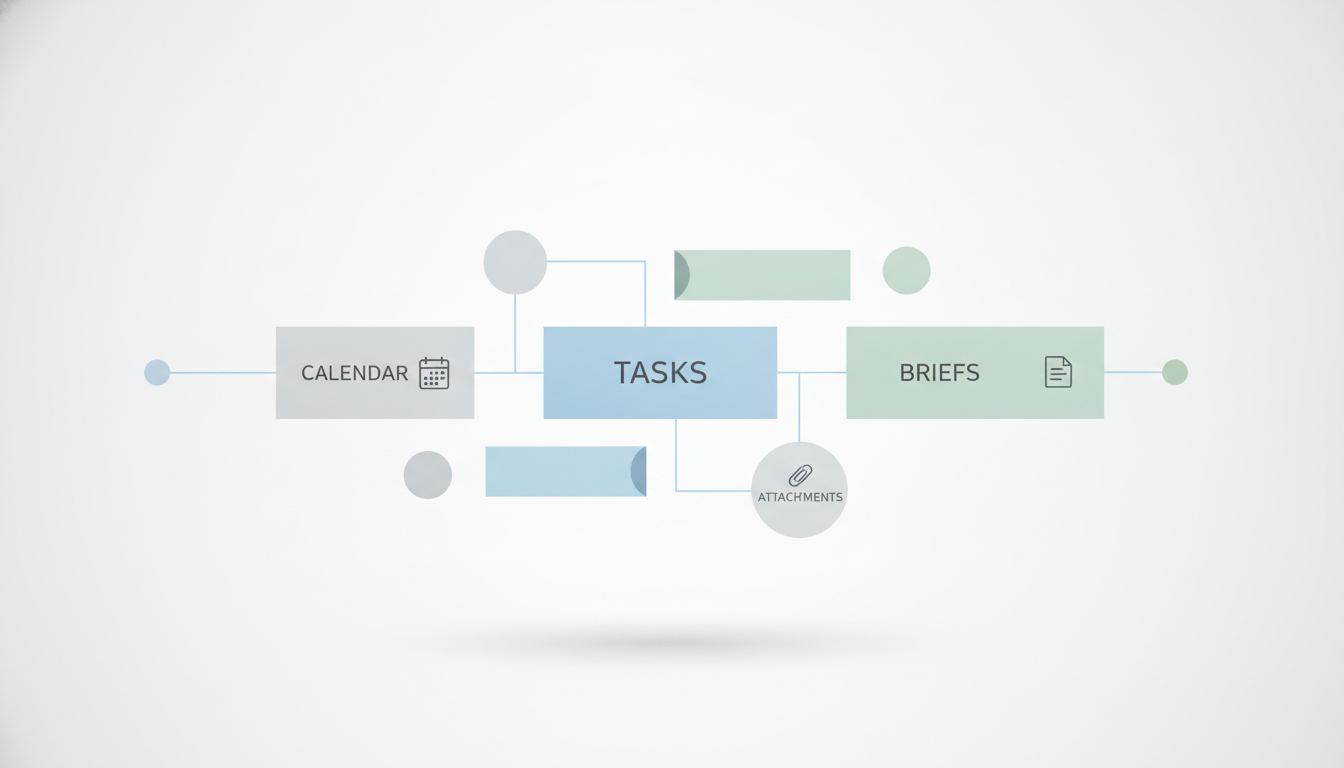
For most teams, the minimum viable stack looks like this: calendar view, task assignments, due dates, status stages, space for briefs or copy, asset attachments, and a lightweight content approval workflow. Shared visibility matters because planned content should be visible to everyone involved, and scheduled publishing reduces last-minute work.
If your team handles one brand and a few channels, start there. Only move up to richer content planning software when one of these problems appears consistently:
- You cannot filter content by campaign, channel, owner, or stage.
- Your approval process lives in email or chat and content gets stuck.
- Assets, captions, and briefs are scattered across folders and documents.
- Your content marketing calendar no longer reflects launches, promotions, or seasonal campaigns accurately.
That is the dividing line between a simple board tool and a more structured system. Teams planning several brands or campaign layers often hit that threshold faster, which is why some eventually compare templates and architectures such as a content plan template for multiple brands before choosing software.
Best options by team type
Each tool below can work. The difference is what kind of small business team it works for best, and what friction you are accepting in return.
Trello: best if your team wants simple and will not maintain a complex system
Trello works best for a two- to four-person team that needs a visual editorial calendar and a straightforward content workflow. It is especially good for teams publishing blog posts, email campaigns, and a social media content calendar on a predictable cadence.
The strength is obvious: almost anyone can understand a board with stages like Ideas, Drafting, Review, Scheduled, and Published. The limitation is just as obvious. Once you need campaign views, deeper field structure, or more nuanced reporting, Trello can start to feel like a wall of cards instead of a planning system.
Asana: best if missed deadlines and fuzzy ownership are your main problem
Asana is a strong choice when your bottleneck is accountability rather than ideation. If content gets delayed because no one knows who owns the brief, the draft, or the final approval, Asana usually solves that faster than looser tools.
That matters because approval is a real operational issue: CMI’s 2024 B2B benchmarks found 41% of B2B marketers said workflow or content approval is a challenge. For a small team, a clear assignee, deadline, and review stage can remove more friction than adding another strategy dashboard.
The tradeoff is that Asana feels more like project management software adapted for content than native content strategy software. That is fine if process discipline is your priority. It is less ideal if your team wants rich content databases and editorial metadata.
Notion: best if strategy, briefs, and calendars must live together
Notion works best when your team wants one workspace for topic research, audience notes, briefs, campaign plans, and the editorial calendar itself. It is often the better fit for teams that think in documents first and workflows second.
Its flexibility is the attraction and the risk. Notion can become an excellent content hub, but only if someone defines views, fields, naming rules, and status logic up front. If nobody owns the system, flexibility turns into inconsistency. Teams torn between task-first and doc-first planning should look closely at a Notion vs Asana for content planning breakdown before deciding.
Airtable: best if your content operation is outgrowing board-style tools
Airtable is the best fit when you need a true content database: multiple channels, recurring campaigns, asset tracking, custom fields, and filtered views for different stakeholders. If your content calendar is also a campaign system, Airtable is often the clearest upgrade.
The main advantage is structure. You can organize by platform, audience segment, campaign, owner, format, or publish date without losing visibility. The main tradeoff is setup overhead. Airtable rewards careful architecture and punishes casual use. If your team will not maintain fields and views, its power goes unused. For a narrower head-to-head on simplicity versus structure, see this Trello vs Airtable content calendar comparison.
CoSchedule: best if you want a purpose-built marketing calendar
CoSchedule is a strong option for teams that want software shaped around a marketing calendar rather than generic project management. It suits businesses that think in campaigns, launches, promotions, and coordinated publishing across channels.
The benefit is less setup guesswork. The tradeoff is reduced flexibility if your workflow does not match the product’s assumptions. If your team wants an all-purpose workspace, another tool may fit better. If you want a content marketing calendar that feels immediately marketing-led, CoSchedule is compelling.
ClickUp: best if content is only one part of a larger operations system
ClickUp fits small businesses that want content planning inside a broader company workflow that may also include operations, client delivery, or product work. It is feature-rich and adaptable.
Its limitation is cognitive load. For a small team that only needs planning, approvals, and publishing, ClickUp can feel heavier than necessary. Choose it when standardization across the business matters more than having the lightest content calendar software.

The best workflow setup for a team of three to five people
Small teams do best with a simple chain of responsibility. Not a committee. Not six statuses. One owner per stage, visible deadlines, and a shared calendar everyone can trust.
- Planner: chooses topics tied to business goals, audience interests, launches, and seasonal moments.
- Creator: drafts the asset, copy, or post.
- Reviewer: checks message, accuracy, and brand fit.
- Publisher: schedules or publishes and marks results for later review.
In practice, one person may hold two roles. That is fine. What fails is unclear handoff. A workable content approval workflow for a small business should use only a few statuses: Idea, Assigned, Draft, In Review, Scheduled, Published. More than that usually adds management theater, not speed.
How to tell whether your calendar is improving results, not just organization
A good content calendar does more than make the week look tidy. It should improve output quality, reduce scramble, and help the team align content with product launches, promotions, holidays, and audience demand. To measure that, track operational and business signals together.
- Operational: on-time publishing rate, average time from idea to publish, approval delays, and number of last-minute changes.
- Strategic: share of content tied to a campaign or business goal, coverage across chosen platforms, and consistency of publishing frequency.
- Performance: whichever outcome matters most to the business, such as traffic, leads, replies, bookings, or sales-assisted engagement.
If those first two categories improve while performance stays flat, your content operations are cleaner but your strategy may be off. That is when regular review matters. Effective planning starts with the right platforms, realistic cadence, and ideas tied to audience interests, then improves through recurring review rather than one-time setup.
Which option fits your situation
The fastest way to choose is to identify your main constraint. Do not start with features. Start with the failure point you are trying to remove.
- Choose Trello if your team is tiny, wants speed, and will abandon a system that feels heavy.
- Choose Asana if delays come from unclear ownership, deadlines, and approvals.
- Choose Notion if briefs, research, and planning documents need to sit beside the calendar.
- Choose Airtable if you need a structured content planning software setup across channels, campaigns, or content types.
- Choose CoSchedule if you want a marketing calendar built around campaign execution with less DIY setup.
- Choose ClickUp if content must live inside a broader operational system for the business.
When this content calendar software decision becomes obvious
If your team publishes a modest amount of content and mainly needs consistency, Trello is often enough. If your pain is missed steps and approval chaos, Asana is the safer pick. If strategy docs and the editorial calendar keep getting separated, Notion usually makes more sense. If you are managing a larger matrix of channels, campaigns, and formats, Airtable gives the best structure. CoSchedule is the right answer for teams that want a marketing-shaped tool rather than a blank workspace, while ClickUp makes sense when content is only one part of a unified company system.
The mistake is not choosing the “wrong” platform forever. The mistake is buying software that demands more process than your team can sustain. For a small business, the best content calendar and strategy software for small business use is the one your team updates every week, uses to assign real work, and reviews often enough to connect planning with performance. Pick the lightest tool that solves your current bottleneck, then upgrade only when the workflow—not feature envy—forces the move.

Related Posts