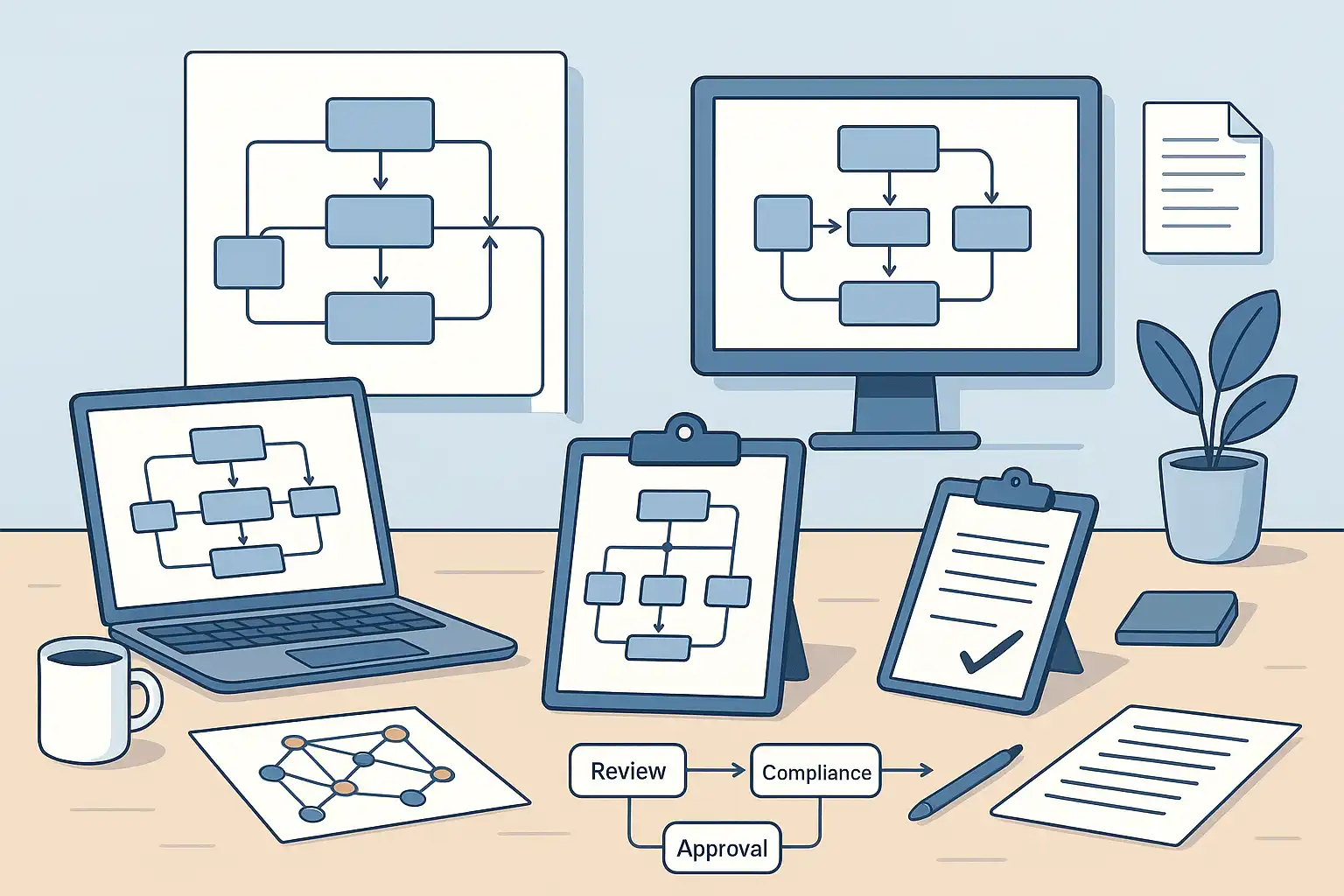
If your team regularly creates content that requires review, feedback, and sign-off before publication, you need two things working together: a clear governance model that defines how content is managed across your organization, and a practical approval process template that guides each piece of content from draft to published.
Without these, teams face bottlenecks, miscommunication, inconsistent messaging, and compliance risks. According to Content Marketing Institute research, documented workflows are one of the strongest differentiators between the most and least successful content teams — the most successful are far more likely to have written processes in place.
This guide covers both — what they are, how to build them, and how to make them work for teams of any size.
What is a content governance model template?
A content governance model template is a structured framework that defines how content is planned, created, reviewed, approved, published, and maintained across your organization. It spells out roles, responsibilities, standards, and workflows — making the entire process transparent and repeatable.
A governance model isn’t just a checklist. It’s the system that ensures every piece of content is accurate, on-brand, and compliant with your organization’s policies — consistently, at scale.
What is a content approval process template?
A content approval process template is a reusable set of steps that guides team members through reviewing and approving content before it goes live. Instead of managing approvals through ad hoc emails or informal conversations, your team follows a clear, shared path — reducing confusion and accelerating publishing.
The relationship between the two: your governance model defines the overall system and standards. Your approval process template is the operational tool that executes that system for each individual piece of content.
For teams new to formal content governance, mapping the big picture first with a content strategy documentation framework helps clarify the overall direction before getting into governance details.

Why teams need both
Teams without clear governance and approval processes experience:
- Bottlenecks and delays — content stuck waiting for the right approver
- Miscommunication — unclear responsibilities lead to rework
- Inconsistent quality — different people applying different standards
- Compliance risks — sensitive content published without proper review
- Slow onboarding — new team members take too long to understand the process
With documented governance and a clear approval template:
- Publishing speed increases and wasted effort decreases
- Content quality becomes more consistent
- Compliance and legal risks are minimized
- New team members onboard faster
- Creative, technical, and business teams collaborate more effectively
Essential components of a content governance model
When building your governance model, include these core elements:
- Defined roles and responsibilities: Identify everyone involved — creators, editors, strategists, reviewers, approvers. Make it clear who does what at each stage.
- Content workflow stages: Map out every step: planning, creation, editing, compliance review (where relevant), approval, publishing, and archiving.
- Policies and standards: Document rules for tone, style, voice, branding, publishing frequency, and deadlines. These standards reflect your organization’s mission and values.
- Approval chain: Detail who gives final sign-off so content moves smoothly without confusion about authority.
- Feedback and iteration process: Define how feedback is shared and acted on, including review cycles and how revisions are tracked.
- Ongoing review schedule: Treat your governance model as a living document. Schedule regular reviews to keep it current and compliant.
Essential components of a content approval process template
Every effective approval template should include:
- Scope settings: Define who the template applies to — your whole organization, a specific team, or certain departments.
- Basic settings: Give your template a clear name, description, and category so it’s easy to find and use.
- Form design: Create fields users complete when submitting for approval — content title, deadline, file attachments, compliance checkboxes.
- Workflow settings: Define who approves, in what order, and what response options are available (approve, request changes, reject). Add custom response options if needed.
- Audit trail: Document every approval action for compliance and reference.
A typical content governance workflow
Here’s what a team-wide governance workflow looks like in practice:
- Ideation: Content strategy or product teams propose ideas, log them, and prioritize.
- Assignment and planning: Project managers assign tasks, set deadlines, and clarify requirements.
- Content creation: Writers, designers, or developers produce the first draft.
- Internal review: Editors and subject matter experts review and provide feedback.
- Compliance review (if applicable): Legal, regulatory, or brand specialists check for risk — especially for product pages, financial content, or healthcare materials.
- Final approval: A designated decision-maker (content lead, manager) gives the green light.
- Publishing: Content goes live on the relevant platform.
- Archiving and maintenance: Outdated content is archived or updated based on scheduled reviews.
Sample approval stages
| Stage | Responsible | Reviewer | Approver | Notes |
|---|---|---|---|---|
| Draft | Content Creator | Editor | Editor | Initial quality check |
| Compliance Review | Editor | Legal Team | Legal Lead | Check for regulatory risk |
| Final Approval | Editor | Content Manager | Content Lead | Brand alignment check |
Types of approval workflows
Not all approvals look the same. Choose the right structure based on your content type and risk level:
- Sequential: Approvals happen one after another — safest for sensitive, regulated, or high-stakes content.
- Parallel: Multiple approvers review simultaneously — faster, good for lower-risk content.
- Single approver: One person signs off — ideal for lightweight, fast-moving content like social posts.
- Conditional: Certain review steps are triggered only based on content type or specific form responses.
For routine announcements or social media content, a single-approver or parallel flow reduces friction. For legal, compliance-sensitive, or executive communications, sequential is safer.
How to build your governance model and approval template — step by step
Building the governance model
- Identify stakeholders. List everyone who creates, reviews, or approves content — across marketing, legal, product, HR, and any other relevant department.
- Map your current workflow. Sketch how content moves today from idea to publication. Note where confusion or delays happen.
- Set clear roles and responsibilities. Assign ownership for each stage. Clarifying who owns content strategy on your team is one of the most important steps for sustainable governance.
- Document policies and standards. Write guidelines for tone, branding, formatting, and legal requirements — with input from all teams to ensure buy-in.
- Design your workflow. Lay out the sequence visually. Flowcharts or digital workflow tools make this easier to communicate.
- Integrate tools. Connect your governance model to your CMS, approval platforms, or project management tools.
- Test and refine. Run a pilot with real projects, gather feedback, and adjust.
- Communicate and train. Share the model with all team members and conduct training — especially during onboarding.
- Review regularly. Schedule check-ins every 6–12 months to update roles, policies, or workflows as your organization evolves.
Building the approval process template
- Map your current approval process. List every step and role involved. Where does it get stuck? Who needs to review what?
- Remove unnecessary steps. Decide what genuinely needs approval versus what just needs to be communicated.
- Choose your platform. Microsoft Teams, Asana, Trello, Monday.com, Airtable — each lets you build custom templates with form fields and automated workflows. Microsoft’s Approvals app for Teams documentation explains how to build custom templates for organization-wide or team-specific approval workflows.
- Design the template. Create required form fields, set approval order, assign roles. Include clear instructions for each step.
- Pilot and gather feedback. Test with a few real projects before full rollout.
- Train the team. Walk everyone through how to submit requests and track them.
- Review and update quarterly. As workflows, roles, or content types change, update your template to match.
Best practices for managing governance and approvals
- Build cross-functional ownership: Include representatives from every department that touches content. This prevents blind spots and ensures buy-in.
- Keep forms simple: Ask only for the information you genuinely need. Long, complex forms reduce adoption.
- Limit approval layers: Too many approval stages create bottlenecks. Each layer should serve a clear purpose.
- Automate notifications: Automatic alerts keep approvers informed without manual follow-up.
- Centralize access: Store templates in one shared location so everyone uses the current version.
- Control edit permissions: Limit who can modify templates to prevent confusion from unauthorized changes.
- Archive old templates: Don’t delete outdated versions — archive them for reference or compliance needs.
- Treat templates as living documents: Update them regularly as your team, content types, and standards evolve.
Tools that support governance and approval workflows
| Tool | Best For |
|---|---|
| Microsoft Teams (Approvals Hub) | Built-in approvals, customizable templates, automated notifications |
| Asana | Custom workflows, task assignment, visual progress tracking |
| Trello | Card-based workflow with checklists and automation |
| Monday.com | Visual workflow builder, timelines, automations |
| Airtable | Flexible database-style tracking and collaboration |
| Notion | Documentation-focused teams needing governance + planning in one place |
Most platforms allow file attachments, automated reminders, and template import/export as your processes evolve. For teams comparing options in depth, a roundup of top content approval tools can help you choose the right platform for your needs.

How to measure success
Track these metrics to know if your governance and approval process is working:
- Average approval turnaround time: Are requests moving faster than before?
- Revisions per approval round: Fewer rounds means clearer briefs and better upfront quality.
- Missed deadlines and errors: These should decrease as accountability improves.
- Team satisfaction: Regular feedback reveals whether people find the process helpful or burdensome.
If you use digital workflow tools, many of these metrics can be generated automatically.
When to update your templates
Watch for these triggers:
- Team size or structure changes (new members, new departments)
- New content types introduced (video, podcasts, interactive content)
- Company policies or compliance requirements change
- Feedback shows the current process is slow or confusing
- Increase in errors or missed deadlines
Updating templates usually means small adjustments, not full rewrites. Communicate every change clearly so everyone adopts the new version.
Pros and cons
| Pros | Cons |
|---|---|
|
|
Keeping Your Governance Model on Track
Review your governance model every 6–12 months at minimum — or sooner if your team structure, content types, or regulatory requirements shift significantly. Small teams shouldn’t shy away from formal governance either; even a lightweight version with fewer stages and simpler roles brings clarity and reduces friction. The key is scaling the model to fit your team, not the other way around.
It’s also worth distinguishing between governance and strategy: your content strategy defines what you’re trying to achieve and who you’re speaking to, while your governance model defines how that strategy gets executed consistently and at quality — the processes and people behind it.
For urgent content, build a fast-track workflow directly into your template. This might mean fewer approval stages or notifying all reviewers simultaneously rather than sequentially. Use it sparingly though — over-relying on fast-track undermines the quality standards your governance model is designed to protect.
On the tool side, Microsoft Teams Approvals Hub, Asana, Trello, Monday.com, and Airtable all support customizable approval workflows. The best choice is usually whichever platform your team already lives in, plus whatever level of automation actually matches your needs.

Related Posts