A smart content planning software comparison starts with one simple idea: choose the tool that matches how your team works, not the one with the longest feature list. The best platform helps you plan, assign, track, publish, and improve content without adding confusion. For most teams, the features that matter most are ease of use, collaboration, calendar quality, integrations, reporting, automation, and room to grow.
That sounds straightforward, but many buyers get distracted by flashy dashboards or long lists of add-ons. In practice, a smaller set of useful features often beats a complex platform that nobody enjoys using. If a tool saves time, keeps deadlines visible, and helps everyone stay aligned, it is already doing the hardest job well.
What should you look for first?
Start with usability. If writers, editors, designers, and managers cannot understand the system quickly, adoption drops. A clean layout, simple navigation, and clear task views matter more than fancy design. Good software should make your workflow feel lighter within the first week.
Next, look at collaboration. Content rarely moves from idea to publication through one person alone. Teams need comments, status updates, ownership, approvals, and file sharing in one place. This is why many buyers search for content planning software with collaboration features before anything else.
The calendar is another core feature. A strong content calendar should show upcoming posts, deadlines, channels, campaigns, and dependencies clearly. It should also allow filtering by team member, project, or platform. For busy groups, visual planning reduces missed deadlines and duplicate work.
Then check integrations. Your planning tool should connect smoothly with apps you already use, such as Google Drive, Slack, WordPress, HubSpot, Canva, or social media schedulers. Good integration reduces copying, pasting, and manual updates. It also makes reporting more accurate because data flows together.
Which features actually affect day-to-day work?
Some features look impressive in demos but barely help in daily use. Others quietly save hours every week. The most useful ones usually support planning, review, and follow-through. These are the features that turn a tool from a digital notebook into a working system.
- Customizable content calendar with monthly, weekly, and board views
- Task assignments, due dates, and status labels
- Comments, approvals, and version tracking
- Templates for briefs, blog posts, social campaigns, and workflows
- Analytics and reporting tied to content goals
- Automation for recurring tasks, reminders, and handoffs
- Mobile access for quick updates away from a desk
- Storage for briefs, images, and draft files
Progress tracking is often underrated. It sounds basic, but knowing whether a piece is in ideation, drafting, review, design, or scheduled status keeps projects moving. Without clear progress markers, teams end up asking for updates in chats and meetings instead of seeing the answer instantly.
Customization matters too. A solo creator may want a lightweight board, while a large team may need approval stages, campaign labels, and separate views for SEO, social, and editorial work. Customizable content planning and workflow management software is valuable because it adapts to your process instead of forcing a rigid one.
How do popular tools compare?
Different tools solve different problems well. Asana is strong for structured project management, task ownership, dashboards, and automation. Many marketing teams like it because it supports cross-team planning and offers broad integrations. It works especially well when content is part of a bigger campaign process.
Notion is flexible and highly customizable. Teams can build databases, editorial calendars, content briefs, and documentation in one workspace. That flexibility is useful, but it can also mean more setup time. If your team enjoys building systems, Notion can be powerful. If not, it may feel too open-ended at first.
Trello keeps things simple with boards, lists, and cards. It is easy to learn and works well for content calendar tools for small teams. Butler automation adds useful shortcuts, and different views help people track progress visually. However, larger organizations may eventually want stronger reporting and more advanced workflow control.
CoSchedule is built with marketers in mind. It combines planning, campaign management, social scheduling, and AI support in one system. Its ReQueue feature is often mentioned because it can automatically reshare content. For teams focused on publishing and promotion together, CoSchedule is often one of the best content planning software for marketing teams.
Basecamp takes a broader teamwork approach. It combines scheduling, communication, to-do lists, and file sharing. Some teams love its all-in-one simplicity and transparency. Others find it less tailored to content operations than tools with dedicated calendar and campaign features.
HubSpot is worth noting if you already use its marketing ecosystem. Its planning resources, CMS tools, and campaign connections can make workflow smoother. It may not be the first choice for every editorial team, but its value grows when content, email, CRM, and reporting already live in the same platform.
How important are integrations and automation?
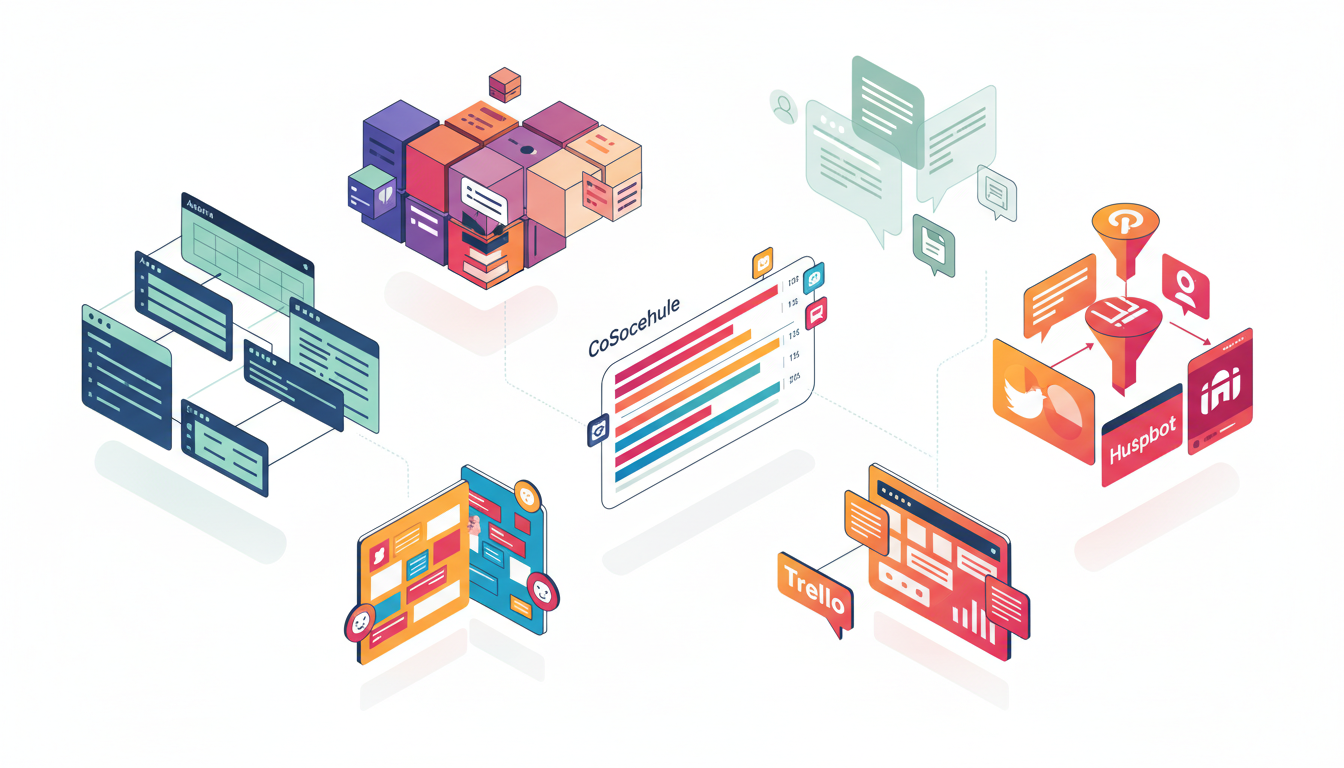
They matter a lot because planning does not happen in isolation. Content teams write in documents, design in creative apps, publish in CMS platforms, and promote through social tools. When your planner connects to those systems, work moves faster and errors drop. This is where content planning software integration with social media and publishing platforms becomes a real advantage.
Asana and CoSchedule often stand out here. Asana connects with many common work apps and helps teams automate handoffs. CoSchedule links planning with promotion more directly, which can help teams manage both blog and social calendars together. Notion can also connect well, though it often needs third-party tools for deeper automation.
Automation should be practical, not flashy. Useful automations include moving a task to review when a draft is uploaded, sending reminders before deadlines, creating recurring assignments, or notifying the next owner. These small steps reduce mental load and help teams stay consistent.
What makes a tool right for small teams or growing teams?
Small teams usually need speed, clarity, and low setup time. They benefit from easy boards, templates, and a calendar that shows the whole month at a glance. Trello and simple Notion setups often work well here because they are lightweight and affordable.
Growing teams need more structure. As more people join, content gets tied to campaigns, approvals multiply, and reporting becomes important. That is when advanced permissions, dashboards, and workflow automation become more valuable. A tool that felt perfect for three people may feel limiting for twelve.
- List your current workflow from idea to publication.
- Mark where delays, confusion, or duplicate work happen.
- Choose the features that solve those exact problems.
- Test the tool with one real campaign, not a fake demo.
- Review adoption after two weeks and adjust templates.
This process prevents overbuying. Many teams pay for enterprise-style complexity when they really need a better calendar, clearer ownership, and smoother approvals. A good content planning software comparison should always connect features to real tasks, not abstract promises.
How should you evaluate reporting and performance tracking?
Planning software does not need to replace a full analytics platform, but it should help you connect effort to results. Useful reports show publication volume, campaign status, missed deadlines, workload by team member, and sometimes content performance. Even simple reporting can reveal bottlenecks.
For example, if drafts keep stalling at review, the problem may not be productivity. It may be an approval process that depends on one overloaded editor. If social posts go out late, the issue might be weak coordination between editorial and promotion. Reporting helps you see these patterns instead of guessing.
Look for dashboards that are easy to read. If reporting takes too many clicks or feels confusing, most teams will ignore it. The best reports support decisions, such as whether to publish more often, shift resources, or simplify a workflow step.

Making the final choice
When comparing tools, resist the urge to chase the platform with the most features. Instead, ask which one your team will actually use every day. The right choice should make planning visible, collaboration smoother, deadlines clearer, and reporting easier to act on.
In many cases, the winner is the tool that fits your habits with the fewest workarounds. If you need strong task control and broad integrations, Asana is a solid choice. If flexibility matters most, Notion can shine. If simplicity is key, Trello works well. If marketing coordination is the main goal, CoSchedule deserves serious attention.
A useful content planning software comparison ends with confidence, not confusion. Focus on usability, collaboration, calendar strength, integrations, automation, and reporting. When those pieces fit your workflow, your team spends less time managing content and more time creating content that performs.
FAQ
What is the most important feature in content planning software?
For most teams, the most important feature is a clear and usable workflow. That usually includes an easy calendar, task ownership, status tracking, and simple collaboration. Without those basics, advanced features rarely help.
Is content planning software only useful for large marketing teams?
No. Solo creators and small teams can benefit just as much. The key is choosing a tool that matches your size and complexity. Small groups often do best with simple systems they can maintain easily.
Should I choose a tool with built-in analytics?
If your team wants one place to monitor planning and results, built-in analytics can be helpful. Still, it does not need to replace dedicated reporting tools. What matters most is seeing progress, bottlenecks, and basic outcomes clearly.
How long should a software trial last before deciding?
Two to four weeks is usually enough for a fair test. Use one real campaign during the trial, involve the people who will use the tool daily, and check whether the software saves time instead of creating extra steps.

Related Posts