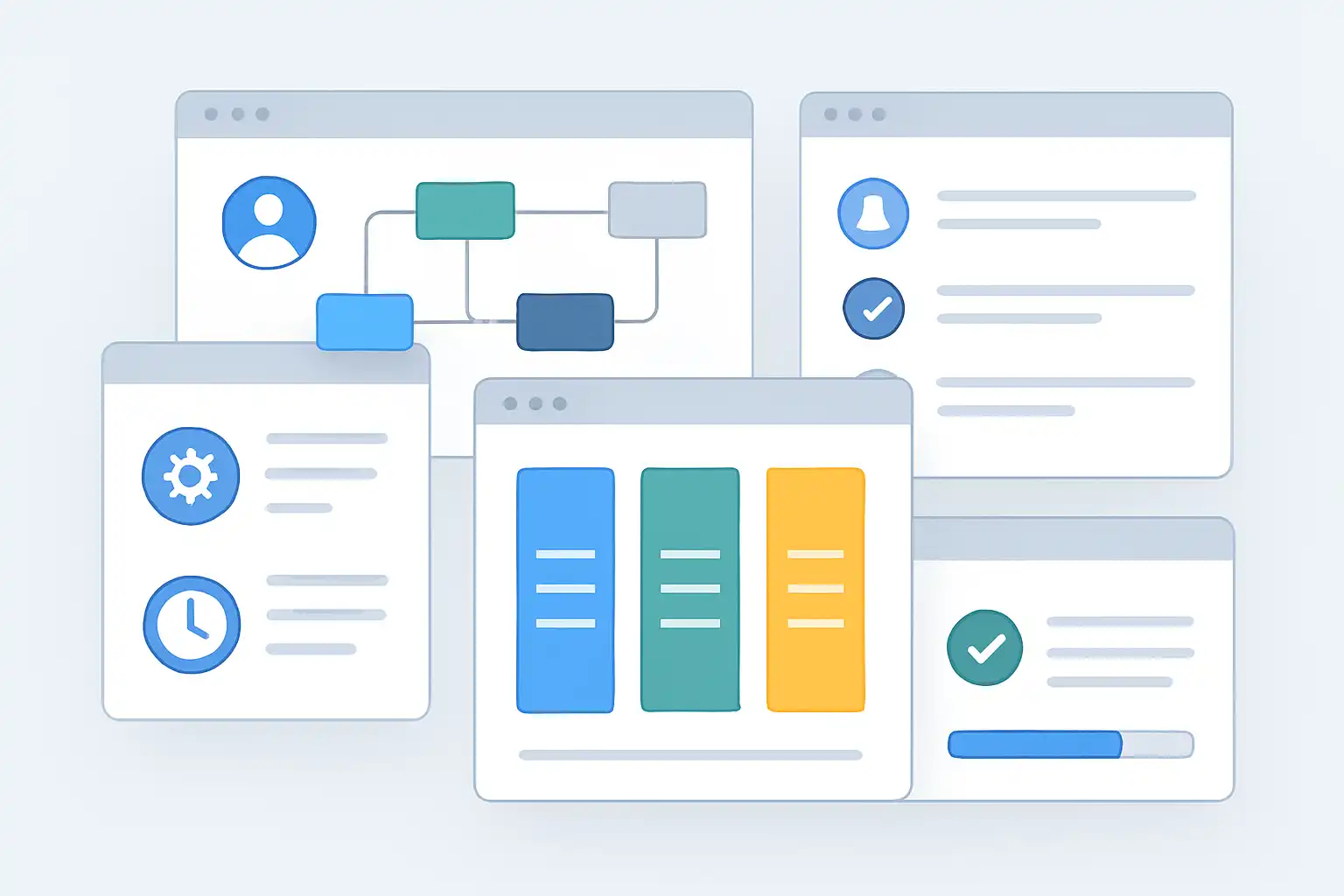
If your team struggles with scattered files, endless email threads, missed deadlines, or confusion about who’s doing what — structured content collaboration workflows are the solution. A well-designed workflow maps out every step from idea to publication, assigns clear responsibilities, and keeps everyone aligned — whether you’re a small team or a large organization.
This guide covers everything you need: what collaboration workflows are, how to set one up, which tools to use, how to find and customize templates, and how to keep your workflow effective over time.
What is content collaboration workflows management?
Content collaboration workflows management is a structured approach to planning, delegating, and tracking tasks when multiple people work together on content. It covers everything from the initial idea through drafting, review, approval, and final publication.
Good workflow management means everyone knows what they should do, when they should do it, and how their work connects with others. This isn’t just for writers — it benefits marketers, editors, designers, and IT teams who work on shared projects.
For example, when creating a marketing campaign, you need writers for copy, designers for visuals, and editors for final review. Without a workflow, you get missed deadlines and duplicated effort. With one, every step is predictable and everyone stays on track.

Why use structured content collaboration workflows?
The main benefit is better productivity. According to McKinsey research, the average interaction worker spends nearly 20% of the workweek looking for internal information or tracking down colleagues. Well-defined workflows cut this wasted time and free your team to focus on work that actually matters.
Key benefits:
- Streamlined process: Every stage — ideation, drafting, review, approval, publication — is clear and sequenced.
- Improved communication: Everyone knows who is responsible for each step and when it’s due.
- Fewer errors: Built-in checklists and reminders prevent things from falling through the cracks.
- Consistent quality: Repeatable steps ensure nothing is missed, even as team members change.
- Faster turnaround: Bottlenecks are easy to spot and eliminate when the process is visible.
- Better remote collaboration: Cloud-based workflows keep distributed teams aligned without constant check-in meetings.
- Easier onboarding: New team members can get up to speed quickly when the process is documented.
For a deeper look at how this works in practice, this walkthrough of a real-world content collaboration workflow example shows how teams turn theory into a system that actually runs.
How to set up a content collaboration workflow — step by step
- Identify your content process. Map out every step from idea to delivery: drafting, reviewing, editing, approving, publishing, and distributing.
- Assign roles. Decide who is responsible for each task — use specific names or job titles to avoid ambiguity.
- Choose your tools. Select software that matches your workflow and is easy for everyone to use (more on this below).
- Set realistic deadlines. Give each step a clear time frame and communicate expectations to the whole team.
- Create reusable templates. Save time by building templates for recurring content types — blog posts, social media, newsletters, whitepapers.
- Integrate your tools. Connect your workflow to tools you already use, like Slack for notifications or Google Drive for document storage.
- Review and adjust. After each project or campaign, gather feedback and refine the workflow to make it smoother next time.
Which tools help manage content collaboration workflows?
Many tools support workflow management — the best choice depends on your team’s size, complexity, and existing setup.
- Project management platforms: Trello, Asana, and Monday.com let you create task boards, assign team members, set due dates, and track progress visually.
- Document collaboration tools: Google Docs and Microsoft 365 allow multiple users to edit together, leave comments, and review changes in real time.
- All-in-one workspaces: Notion and Airtable offer highly customizable workflow templates, content calendars, and databases — ideal for teams who want everything in one place.
- Content management systems (CMS): WordPress and Drupal help teams manage publishing workflows, set permissions, and track article status.
- Specialized workflow software: Smartsheet offers more advanced project tracking for complex content operations.
Most of these platforms integrate with each other, allowing you to combine messaging, file storage, and workflow tracking without switching between multiple apps.
Key features to look for in any tool
- Task assignment — clear ownership for every step
- Commenting and feedback — inline comments reduce email chains
- Version control — track changes and restore previous versions
- Notifications and reminders — automatic alerts for deadlines and handoffs
- Integrations — connects with Slack, Google Drive, Dropbox, and other tools your team already uses
Content collaboration workflow templates — what they are and where to find them
A workflow template is a ready-made framework that structures and manages your content creation process. Rather than building your process from scratch, a template gives you a proven starting point that you customize for your team.
A good template doesn’t just list tasks — it maps who drafts content, who reviews it, who approves it, and who publishes the finished piece.
Types of templates available
| Template Type | Main Purpose |
|---|---|
| Content Creation Workflow Plan | Guides teams from idea to publication with clear role assignments |
| Content Marketing Automation Workflow | Visualizes how automation supports campaign execution |
| Gated Content Workflow Template | Coordinates lead-capture content like eBooks and whitepapers |
| Content Reporting Workflow | Manages data collection, reporting, and performance analysis |
| Content Strategy Checklist Template | Aligns all content activities with strategic marketing objectives |
Where to find reliable templates
- Google Workspace — free templates in Sheets and Docs for collaborative workflows
- Trello / Asana — built-in workflow boards with downloadable content team templates
- Notion — customizable templates for planning, calendars, checklists, and more
- SlideTeam — specialized PowerPoint templates for workflow visualization and reporting
- Canva — visual workflow diagrams and content checklists

How to customize a template for your team
Downloading a template is just the start — customization is what makes it truly useful.
- Add or remove stages to match your actual content process. You might add compliance checks, creative briefs, or stakeholder approvals.
- Assign specific team members to each phase so no task is left without an owner.
- Integrate with your existing tools — link to Slack for notifications, Google Drive for documents, or your CMS for publishing.
- Edit checklists to reflect your brand’s content quality standards.
- Color-code or visualize steps to highlight priorities and dependencies at a glance.
A customized template becomes a living document that evolves as your team and processes grow.
How to share and maintain your workflow template
- Cloud storage: Store in Google Drive, Dropbox, or your project management system so everyone has access at all times.
- Version management: Assign one person to own updates and prevent conflicting changes.
- Team training: Run a walkthrough session when introducing a new template — short video tutorials work well for remote teams.
- Feedback loops: After each project, invite suggestions for improvement. The best workflows are built iteratively.
- Scheduled reviews: Revisit your template quarterly or after major campaigns to keep it current.
Common mistakes to avoid
- Not customizing the template. A default workflow ignores your unique process. Always adapt it before rolling it out.
- Failing to assign clear roles. If tasks aren’t linked to specific people, confusion and delays will follow.
- Overcomplicating the process. Too many steps or unnecessary detail overwhelm users and reduce adoption.
- Ignoring feedback. Workflows should evolve. If your team spots inefficiencies, revise them.
- Not updating regularly. As your team grows and strategies change, outdated workflows create friction instead of reducing it.
- Resistance to new tools. Start small with a pilot group, communicate the benefits clearly, and offer hands-on training to ease adoption.
Pros and cons of structured content collaboration workflows
Pros:
- Saves time and reduces confusion
- Improves team accountability
- Delivers more consistent content quality
- Easy tracking of project status
- Enables effective remote collaboration
- Helps new team members onboard faster
Cons:
- Requires upfront setup time
- Needs team buy-in to be effective
- Some tools have learning curves
- Too much structure can slow creative work if the workflow isn’t flexible enough
The advantages consistently outweigh the drawbacks, especially for teams managing complex, multi-step content projects.
FAQ
What industries benefit most from content collaboration workflow management?
Almost every industry can benefit — marketing, publishing, software development, education, and healthcare all see improved teamwork and fewer delays with structured workflows.
Do you need expensive software to manage workflows?
No. Free or low-cost tools like Google Drive, Trello, and Notion work well for most teams. What matters more than the tool is having a clear process that everyone follows.
How do you know if your workflow is effective?
Signs of success include consistently meeting deadlines, fewer errors in published content, reduced email chains, and positive feedback from team members. If projects run more smoothly and the team feels less stressed, your workflow is working.
What if team members resist adopting a new workflow?
Involve them in designing it. When people feel ownership over a process, they’re far more likely to follow it. Explain the benefits clearly, offer training, and gather feedback after the first few projects. Start with a small pilot group before rolling out to everyone.
How do I keep my workflow template updated as my team grows?
Schedule regular reviews quarterly or after big campaigns. Collect feedback from all team members and adjust the template to handle new content types, roles, or approval steps. As new tools emerge, integrate them to keep things modern — much like a dynamic approach to easy workflows management that evolves alongside your team.

Related Posts