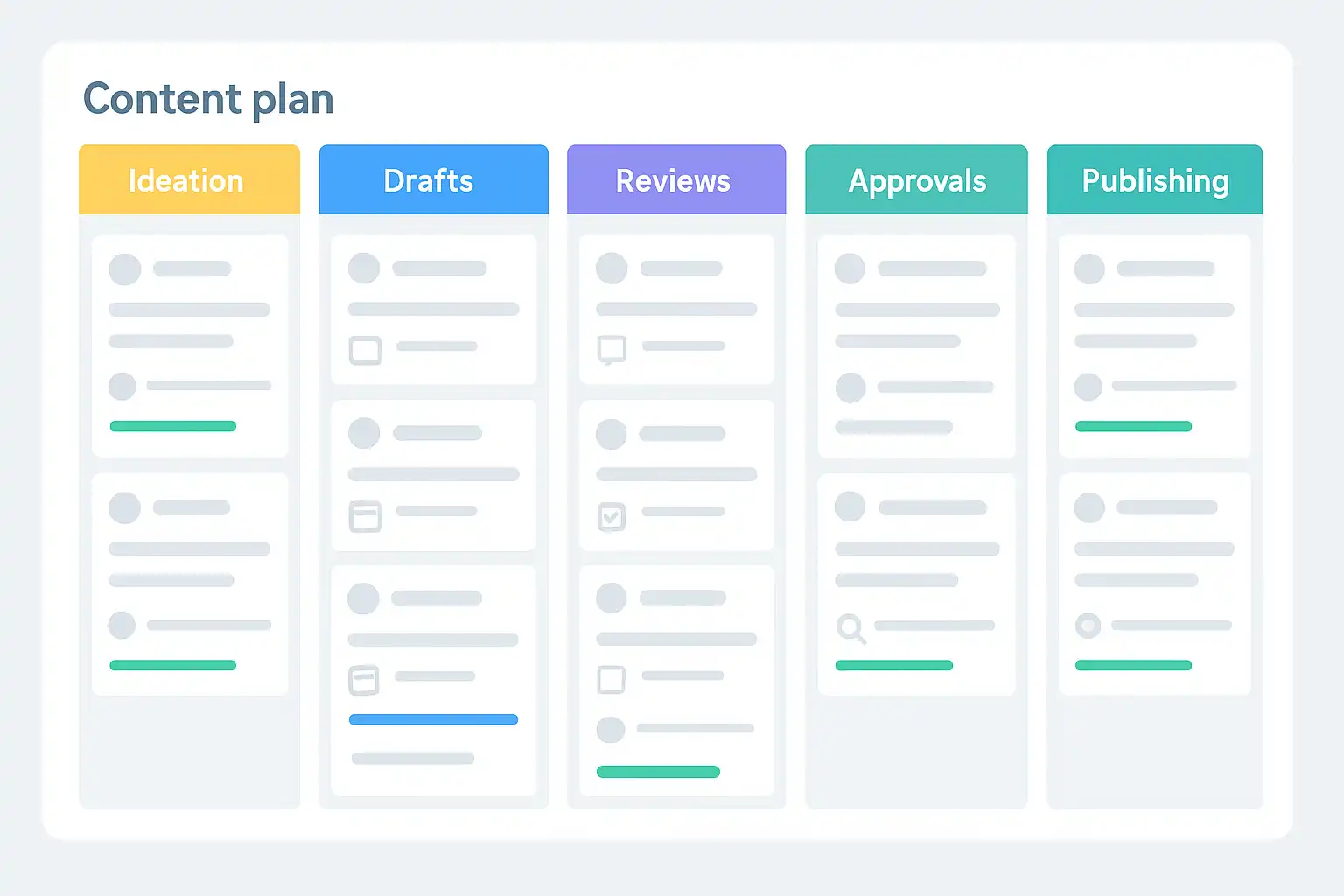
A content plan template that supports approvals and workflow stages
A content plan template with workflow stages streamlines content creation by clearly defining each step from ideation to publication, including drafting, reviews, approvals, and scheduling. It assigns roles, deadlines, and tracks progress to ensure accountability and prevent bottlenecks. Essential components include content ideas, workflow stages, assigned responsibilities, status tracking, feedback, and automated reminders. Such templates enhance team collaboration by providing transparency, reducing miscommunication, and enabling real-time updates. Common workflow stages include ideation, brief creation, content drafting, internal and subject-matter review, approval, quality assurance, and publishing, customizable to fit specific team needs. Tools like Trello, Asana, and CoSchedule help automate and manage these workflows efficiently. Regularly updating the template promotes continuous improvement and scalability. This approach benefits diverse teams—from agencies to in-house groups—by improving clarity, efficiency, and consistency in content production. Additionally, it supports cross-team alignment by unifying marketing, legal, product, and design efforts. Effective templates balance structure with flexibility, feature intuitive layouts, collaborative feedback spaces, and integration capabilities. Presenting this system to stakeholders highlights its ability to reduce delays, enhance transparency, and scale content operations, making it an essential strategy for high-quality, timely content delivery across multiple channels.
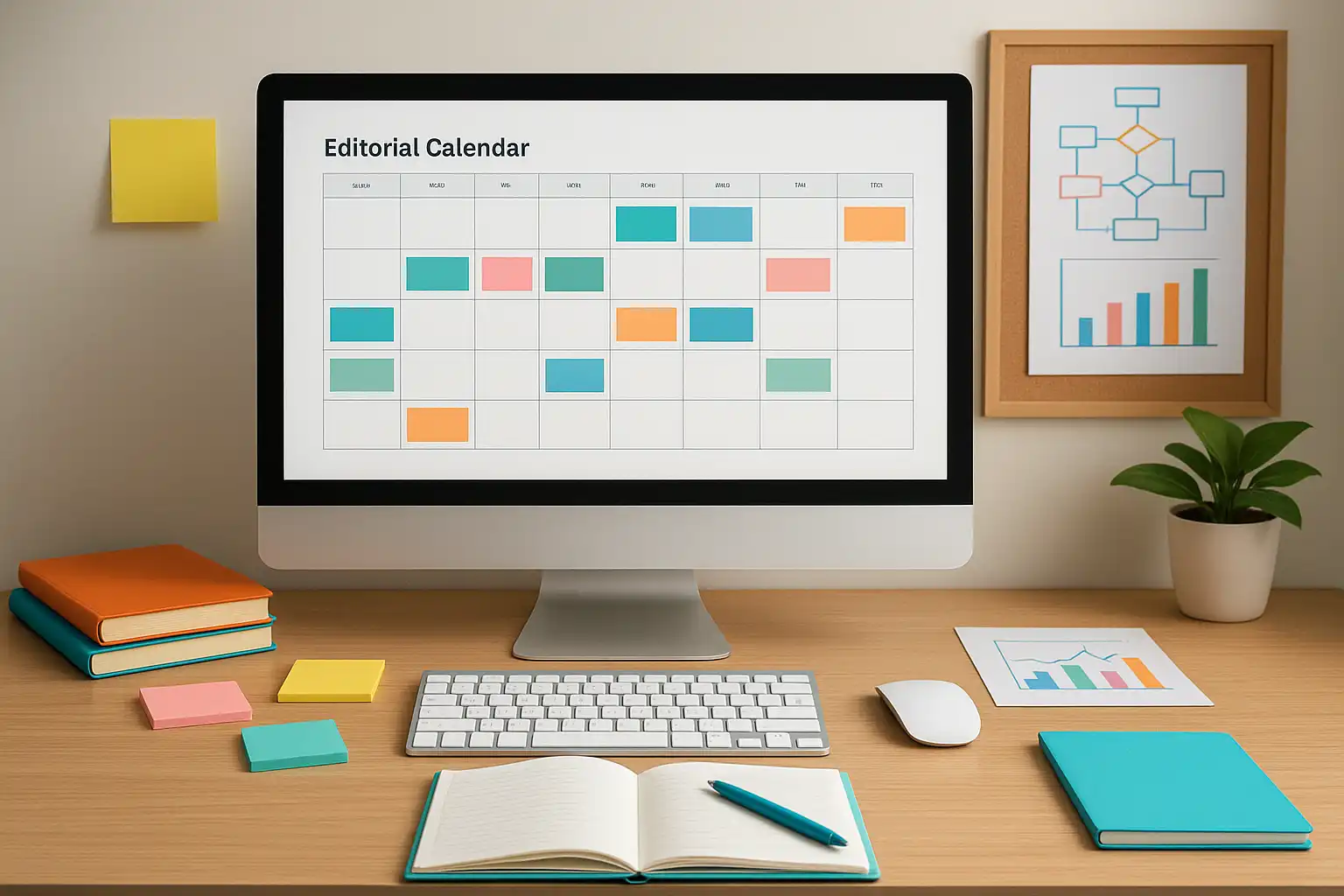
A blog-focused content plan template for consistent publishing
A well-structured blog content plan template is essential for consistent publishing and audience engagement. This guide outlines key components such as defining content strategy, maintaining a content pipeline, setting a realistic publishing schedule, brainstorming ideas, managing an editorial calendar, planning distribution, and tracking performance metrics. Using templates streamlines workflow, avoids topic duplication, balances content types, and enhances team collaboration. Incorporating SEO strategies—like keyword research, mapping keywords to posts, consistent scheduling, and performance monitoring—boosts search rankings and organic traffic. Editorial calendars improve accountability, strategic variety, and efficiency, while analytics-driven adjustments ensure content relevance. Effective templates reduce stress by providing clarity, preparation time, and adaptability, preventing burnout and writer’s block. Recommended tools include Google Sheets, Notion, Trello, and Airtable, adaptable for solo bloggers or teams. Regular updates and flexibility keep templates relevant and productive. Overall, a content plan template transforms blogging into a manageable, goal-oriented process that supports growth, improves reader retention, and maximizes content impact.
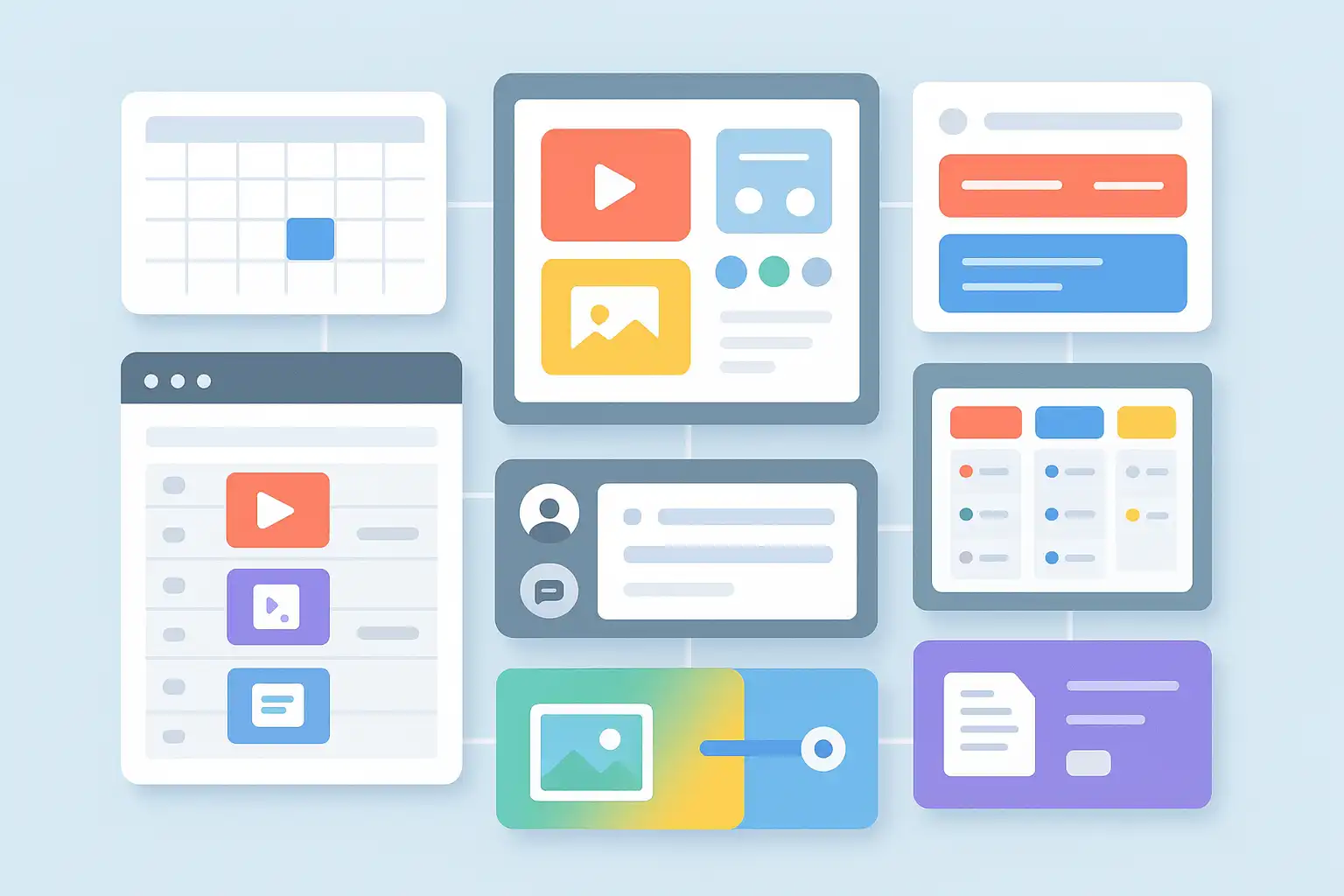
A Notion content plan template for organizing ideas and deadlines
A Notion content plan template is a dynamic, customizable tool designed to streamline content ideation, production, and scheduling within a single workspace. Ideal for teams managing blogs, social media, or multi-channel campaigns, it centralizes ideas, deadlines, and task assignments, eliminating the need for multiple apps. Key features include a content database, status tracking, deadline fields, content type categorization, assignee assignment, and versatile views like calendar, Kanban, and timeline. This flexibility enables real-time updates, easy collaboration, and clear accountability. Building a template involves creating a Notion page, adding a database, setting properties, and inviting collaborators, with options for automation and integrations to enhance workflow efficiency. Notion’s adaptability allows teams to visualize progress, manage feedback, and maintain comprehensive content briefs, fostering transparency and reducing confusion. While initial setup and learning can be challenging, the benefits of centralized planning, improved communication, and customizable views make Notion a popular choice for content management. Regular updates, team ownership, and iterative improvements ensure the template remains effective. Overall, a Notion content plan template transforms scattered ideas and deadlines into an organized, collaborative process, helping teams deliver consistent, well-managed content strategies.
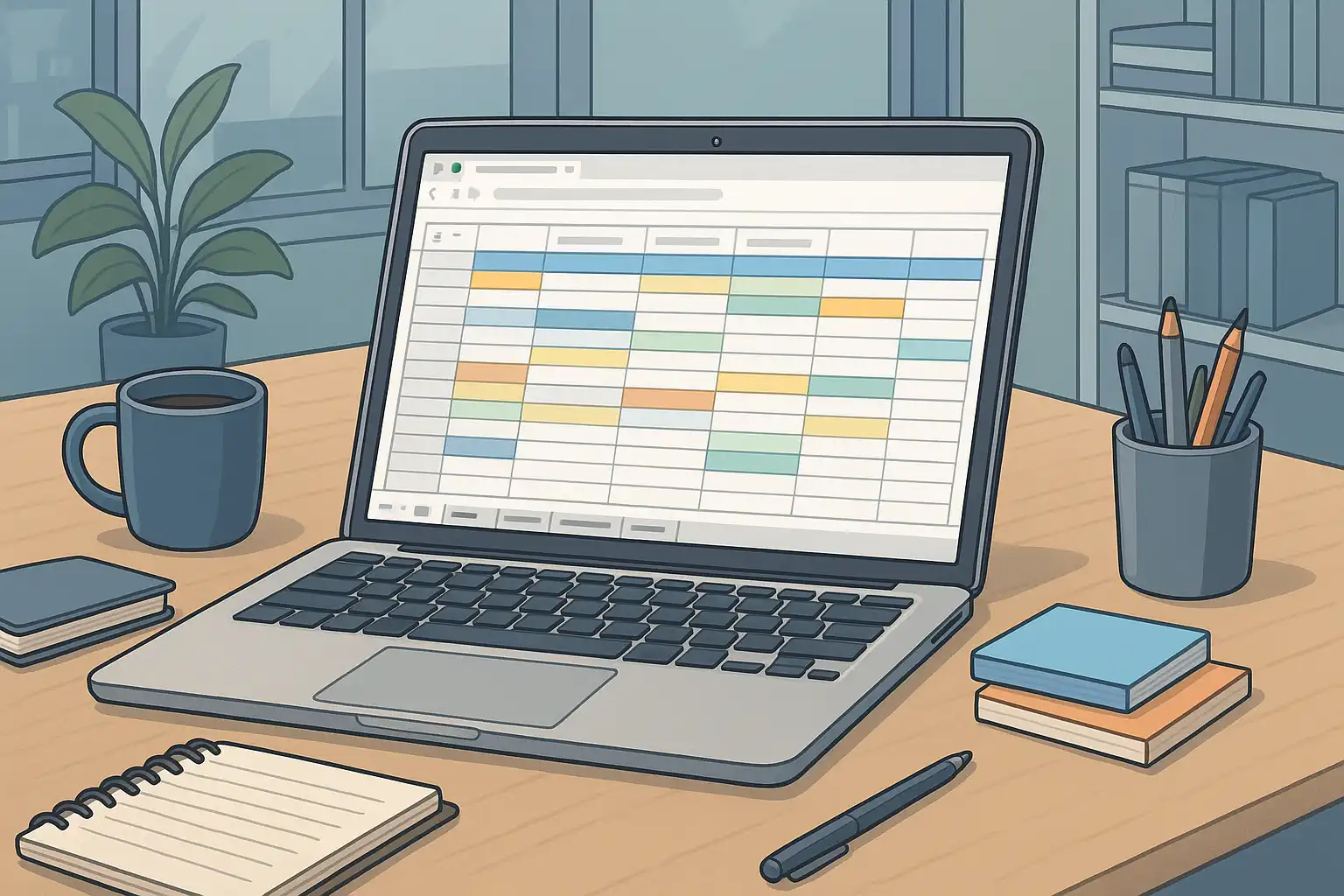
Setting up a content plan in Google Sheets for weekly publishing
This guide explains how to set up and optimize a weekly content plan in Google Sheets for streamlined publishing workflows. Google Sheets offers flexibility, real-time collaboration, and customization with essential columns like Publish Date, Channel, Content Title, Target Keyword, Funnel Stage, Owner, Status, and Asset Links. Using data validation dropdowns, conditional formatting, and filters ensures consistency and clarity across teams. Organizing content with separate tabs for Roadmap, Content Calendar, and Performance enables focused management. Automation via Google Apps Script, Zapier, or Make further enhances efficiency by handling reminders, status updates, and archiving. Best practices include starting simple, maintaining regular reviews, archiving completed work, and using role-specific filter views to keep the process manageable and transparent. Collaborative features like assigning clear owners, enabling comments, and adjusting permissions foster accountability and engagement. Advanced formulas and pivot tables help track deadlines, performance, and bottlenecks. This approach empowers marketing teams to maintain consistent weekly publishing, improve transparency, and scale their content strategy effectively using a customizable, low-barrier tool.

How to use a content plan template across channels and formats?
A content plan template with channels and formats is essential for consistent, effective multi-channel marketing. It organizes content ideas, schedules, and collaborations across platforms like blogs, social media, emails, and more, ensuring tailored content for each channel. Key components include a content calendar, defined channels and formats, content topics, design assets, workflow tools, automation, and performance metrics. Adapting the template for each platform—such as SEO-focused blog posts, visual social media updates, targeted emails, and gated content—optimizes engagement. Best practices involve segmenting by format, repurposing content, embedding analytics-driven timing, and maintaining brand consistency with unified calendars and guidelines. Popular digital tools like Trello, Asana, Notion, and CoSchedule enhance flexibility, automation, and tracking. Measuring effectiveness relies on engagement metrics, traffic analysis, team feedback, and continuous plan refinement. Avoid overcomplication, ignoring platform specifics, and lack of role clarity. Regular monthly reviews keep the strategy agile and aligned with goals. This structured approach boosts content quality, brand recall, and ROI, making a content plan template indispensable for modern, multi-channel marketing success.
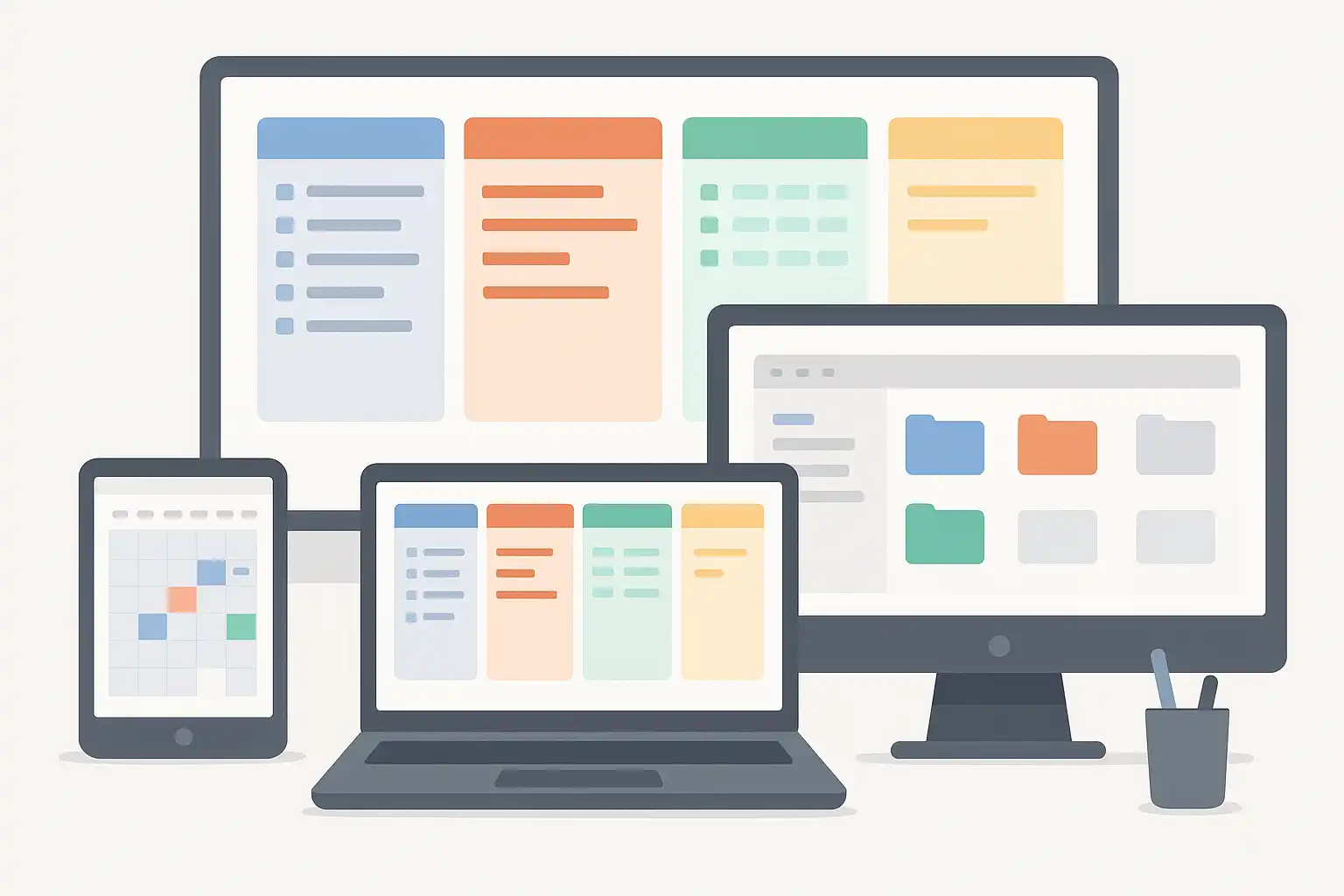
A content plan template built for marketing team workflows
A content plan template is essential for marketing teams managing multiple campaigns, channels, and deliverables. It organizes content creation by defining deliverables, roles, deadlines, and workflow stages, ensuring clarity and accountability throughout the process. Key elements include a deliverables list, assigned responsibilities, content calendar, briefs, workflow stages, KPIs, and asset management. Using tools like Google Sheets, Trello, Notion, or Airtable helps streamline collaboration, track progress, and centralize resources. Customized templates tailored to a team’s unique goals and structure improve productivity, reduce burnout, and enhance communication. Regular reviews and feedback ensure the template evolves with changing workflows. Measuring effectiveness involves monitoring KPIs, surveying the team, auditing bottlenecks, and analyzing content performance. Implementing a structured content plan template transforms marketing workflows by improving organization, fostering teamwork, and driving consistent, high-quality content delivery that supports measurable business growth.

Content strategy interview questions and what good answers include
This article provides a comprehensive guide to content strategy interview questions and effective answers. It emphasizes the importance of demonstrating strategic thinking, clear communication, and adaptability. Key topics include understanding business goals, audience research, planning, measurement, problem-solving, and collaboration. Common questions focus on developing strategies from scratch, key components, measuring success using KPIs and tools like Google Analytics and SEMrush, overcoming challenges using the STAR method, and tailoring content for different audiences. Candidates should highlight real examples, connect answers to business objectives, and show continuous improvement. Practical tips include structuring responses clearly, mentioning relevant tools, and sharing personal or freelance experiences. Avoid vague answers and buzzwords; instead, provide specific, honest insights and learning outcomes. This guide equips candidates to confidently tackle content strategy interviews with clarity and professionalism.

Freelance content strategy work: typical projects and how to price them
This guide on freelance content strategy outlines typical project types and pricing strategies for freelancers. Content strategy projects generally include research (competitive analysis, content audits, audience personas), insights (data synthesis, SWOT analysis), strategy development (defining goals, audiences, content themes, channels), and activation (editorial calendars, workflows, content management). Pricing should reflect all deliverables, not just the final strategy document, with clear breakdowns for each phase. Freelancers are advised to benchmark rates, consult peers, and consider factors like project scope, timeline, client size, and complexity. Proposals must be detailed, covering scope, methodology, timeline, costs, and credentials to build client trust. Both project-based and hourly pricing have pros and cons; many freelancers use a hybrid approach. Common pitfalls include undervaluing research, poor scoping, and lack of activation support. Essential skills focus on research, planning, and communication rather than writing alone. Recommended tools include Airtable, Trello, Google Analytics, and Miro. Strategies should be reviewed quarterly or after major changes to stay relevant. Offering activation services boosts client success and long-term engagement, making freelance content strategy an evolving, multifaceted role essential for modern businesses.
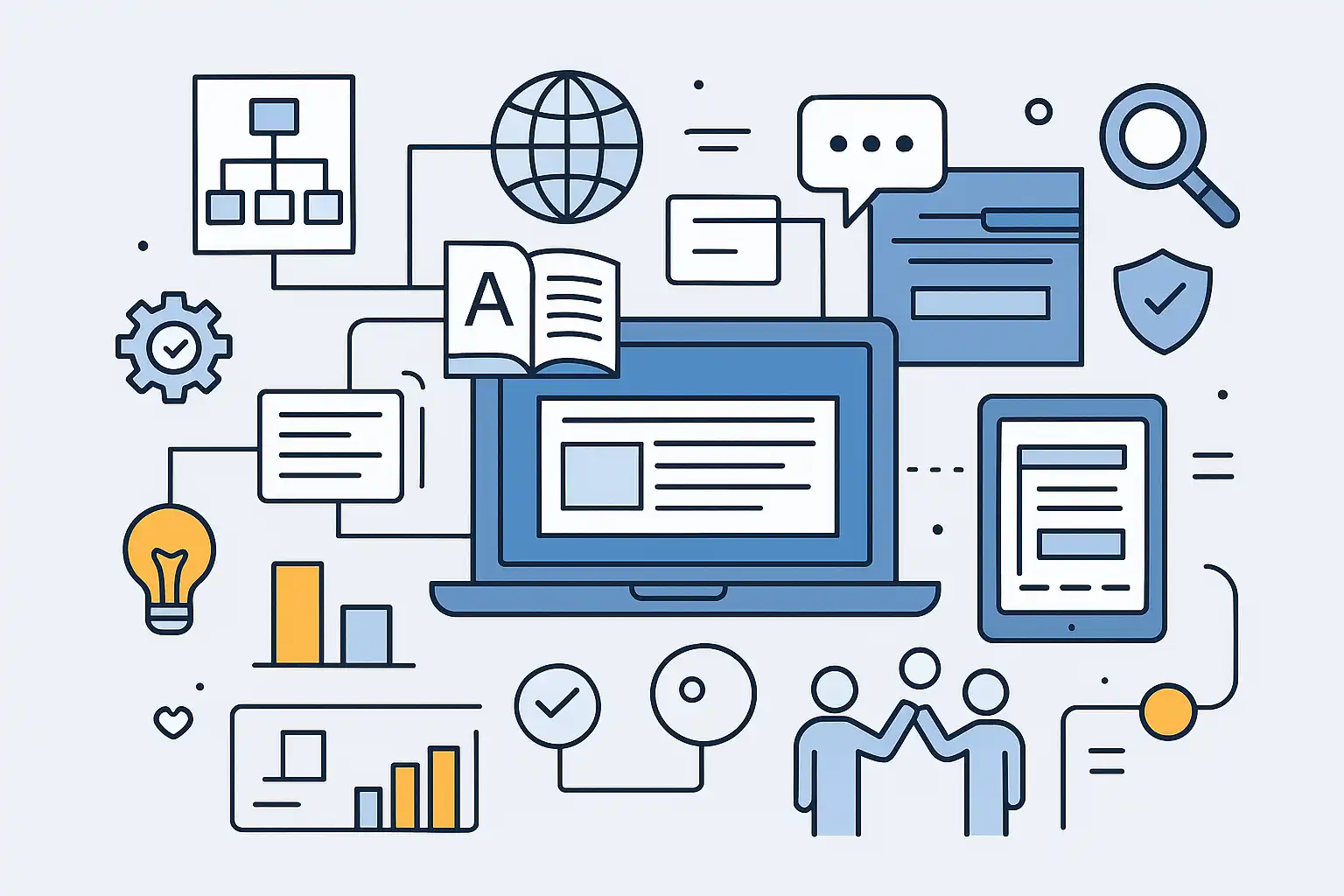
Content strategy roles inside product and UX organizations
Content strategists play a crucial role in product and UX teams by shaping how products communicate and ensuring clear, consistent information that enhances user experience. Beyond writing, they establish content governance, maintain style guides, manage terminology, plan information architecture, and support help resources. Collaborating closely with UX designers, product managers, and marketers, they align messaging with brand voice and user needs, informed by UX research. Their work improves navigation, reduces confusion, and boosts user satisfaction by crafting cohesive microcopy, onboarding content, and support materials. Essential skills include UX content design, research literacy, content governance, information architecture, cross-functional collaboration, and basic SEO. Content strategists actively contribute throughout the product lifecycle, from tone setting to refining messaging, while facilitating alignment across teams. The growing complexity of digital products and rising user expectations drive the increasing demand for these roles, as clear content directly impacts usability, trust, and conversion. Unlike UX writers who focus on interface text, content strategists oversee the broader content strategy, ensuring consistency and effectiveness. Their efforts also enhance onboarding and user education, reducing support needs. While not all teams have dedicated strategists, these functions are vital for scaling products and delivering seamless, user-centered experiences.

How to move from content writer to content strategist?
Transitioning from content writer to content strategist involves shifting from execution to planning and decision-making. While writers focus on creating content based on existing briefs, strategists develop content plans aligned with business goals, conduct audience research, collaborate with marketing and design teams, and analyze data to optimize results. To prepare for this role, aspiring strategists should build knowledge in digital marketing and analytics, practice audience research, learn tools like Google Analytics and SEMrush, and improve strategic thinking, communication, leadership, and adaptability skills. Volunteering for strategy tasks, sharing insights publicly, seeking feedback, and building a portfolio that highlights planning and research can demonstrate readiness for the role. Using tools such as content calendars, SEO platforms, and style guides supports efficient strategy development. Overcoming challenges like lack of formal experience and staying updated with trends requires proactive learning and small project involvement. Content strategists enjoy greater influence, higher pay, and career growth opportunities including senior roles, brand management, and consulting. The key mindset shift is to focus on broader business objectives and audience needs rather than just writing. Freelancers can leverage client work to gain strategy experience, and the transition timeline varies but depends on consistent effort and skill development.