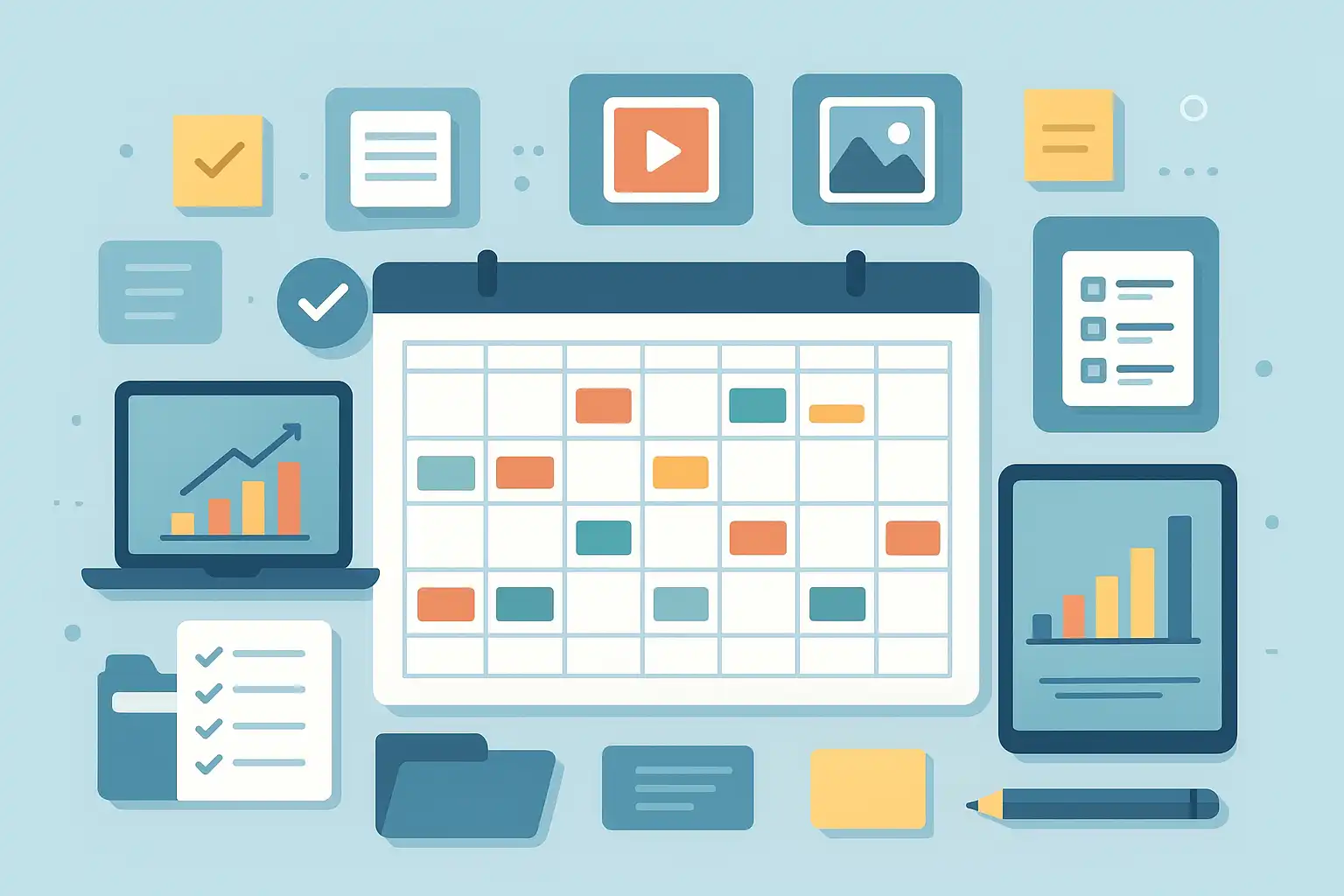
If you want to get organized and strategic with your marketing or brand storytelling, knowing how to prepare a content calendar is a game-changer. A content calendar lets you plan what to post, when to publish, and where your message will appear. Right away, here’s what you need to know: to prepare a content calendar that actually helps your work, you must define your goals, map your topics, choose the right tools, and stick with regular review and improvement. This article walks you through the entire process, step by step, so you can create a content calendar that keeps your messaging clear, consistent, and impactful—whether you’re a solo creator, a small business, or part of a large marketing team.
Let’s dive in and explore how a practical content calendar can help you avoid last-minute stress, stay on track with your content strategy, and make smarter decisions for your brand.
What is a content calendar, and why does it matter?
Simply put, a content calendar is a schedule that lists all your upcoming content pieces, such as blog posts, social media updates, email newsletters, videos, and more. It usually includes details like publication dates, assigned authors or creators, platforms (like Instagram or your blog), key themes or topics, and links to assets such as images or documents.
But why does having a content calendar matter so much? First, it brings consistency—so your audience always knows when to expect new content. A content calendar also helps you plan ahead for important dates or campaigns, balance different types of content, and ensure your brand voice stays unified across channels. Most importantly, it makes collaboration easier and helps you measure what’s working through simple tracking and analytics.
When you organize your workflow, you free up time for more creative thinking and reduce the chaos of last-minute posts. Teams can coordinate better, and individuals can see at a glance what’s coming up, what’s overdue, and what needs attention. If you want to learn how this fits into the broader picture, you might want to check out the content strategy process for more context.
How to prepare a content calendar: What are the essential steps?
The question at the heart of this guide is how to prepare a content calendar that’s effective and sustainable. Here’s a step-by-step process you can follow—and adapt—to your unique needs.
- Define your goals and audience. Before you lay out your calendar, clarify what you want to achieve. Are you aiming for more website traffic, growing a social following, boosting engagement, or generating sales? Knowing your audience is equally important—what topics are they interested in, and which platforms do they use? The answers shape your content choices.
- Audit your existing content. Review your past posts, videos, or campaigns. What worked well? Which formats got the most engagement? This analysis helps you avoid repeating mistakes and build on your best-performing topics. Performance reports from your social media or website offer valuable insights here.
- Choose your channels and content types. Do you need to post on Instagram, LinkedIn, TikTok, or your company blog? Each platform has its own style and audience, so plan your calendar based on where your readers or viewers spend their time. Also, consider mixing content types—like stories, how-to guides, live streams, and infographics.
- Create your content themes and topics. Map out big-picture themes, such as monthly campaigns or seasonal promotions. Then break them down into individual topics or post ideas. For example, if you run a pet store, your weekly themes might include pet care tips, featured products, customer stories, and special offers.
- Pick your tools and templates. You can keep it simple with a spreadsheet, use a shared Google Calendar, or adopt a dedicated software platform like Sprout Social, Notion, or CoSchedule. Templates help standardize the process—some tools even have built-in options that let you assign tasks, set reminders, and track analytics.
- Lay out your publishing schedule. Decide how often you’ll post on each channel. Start with a manageable cadence—such as three Instagram posts per week or one blog post every Thursday. Factor in publishing times, using features like Sprout Social’s ViralPost® to discover when your audience is most likely to engage.
- Add key details to each calendar entry. For every planned post, write down the platform, topic, format, assigned author, caption or copy, assets (such as images or videos), links, relevant hashtags, and the deadline or publication date. Keeping all this information in one place avoids confusion later.
- Set up workflow and approval processes. Especially for teams, outline who is responsible for drafting, reviewing, approving, and publishing each piece of content. Some platforms allow for automated approval workflows, which save time and help maintain brand standards.
- Store your assets centrally. Use cloud folders, asset libraries, or integrated tools to keep graphics, videos, and copy organized. This ensures everyone can find what they need without wasting time searching.
- Review, refine, and track results. A good content calendar is a living document. Regularly review what’s working (using built-in analytics or external reports), and adjust your strategy or schedule as needed. If a certain post format underperforms, try something new. If a campaign succeeds, consider repeating or expanding it.
If you want detailed insights on running a marketing blog, exploring Blog Planning Techniques can offer deeper guidance on topic selection and campaign planning.
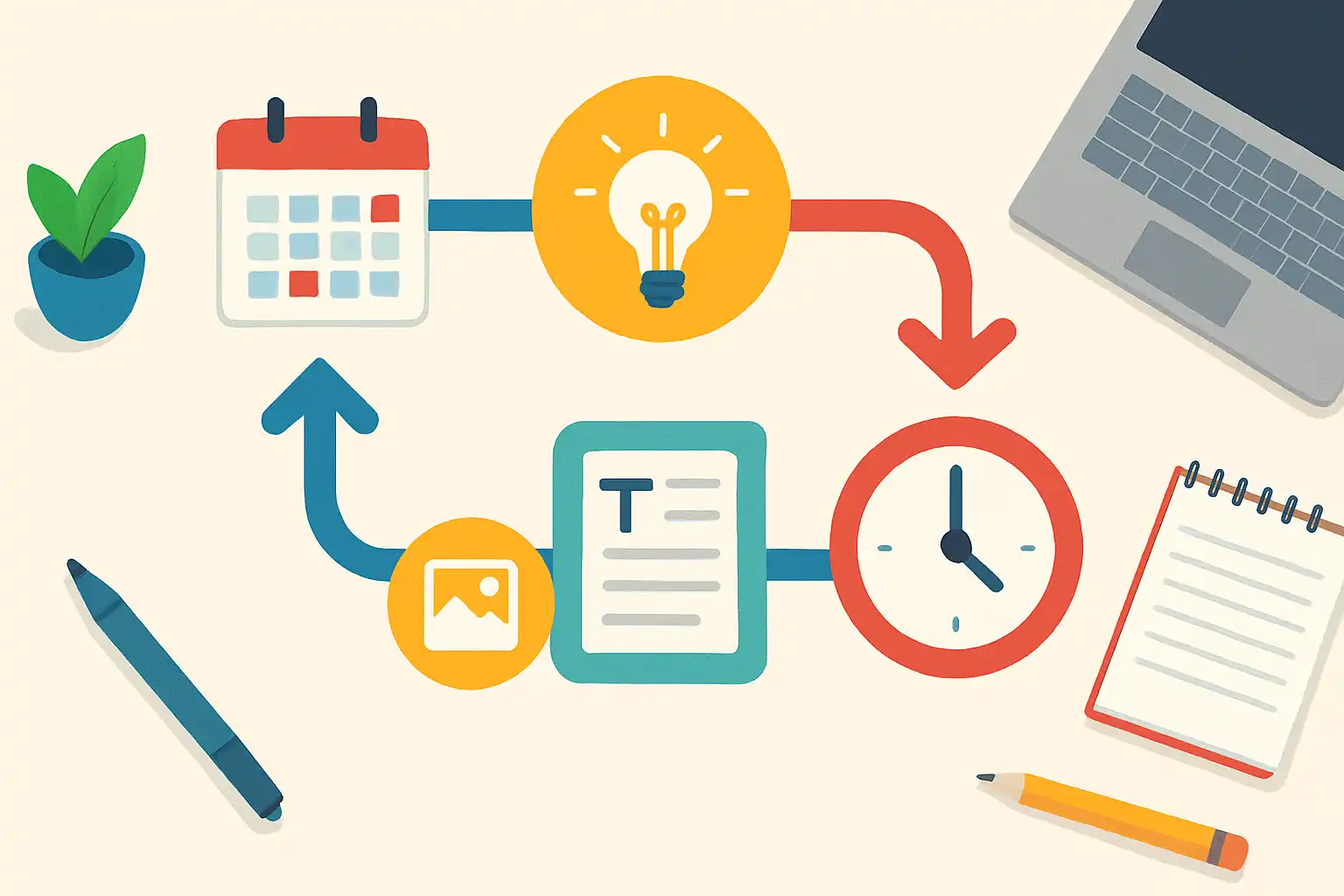
How can you make your content calendar easy to manage?
Ease of management is crucial for any content calendar. The more intuitive and accessible your calendar, the less likely you are to miss deadlines or let posts slip through the cracks. Here are some practical tips and best practices to keep your content planning smooth and efficient:
- Choose a single, central calendar. Pick a system that everyone can access, update, and refer to—whether it’s a shared spreadsheet, a cloud calendar, or a specialized content calendar tool. This avoids confusion and version conflicts.
- Use (and adapt) templates. Pre-built or custom templates speed up setup and keep your entries consistent. Many tools offer free social media calendar templates for effective planning, which you can personalize by channel or campaign.
- Automate recurring tasks. If you have weekly or monthly content features, set up recurring entries to save time. Tools like Notion or Google Calendar allow for repeating posts and reminders.
- Visual cues and color-coding. Use colors to differentiate platforms, content types, or campaign phases at a glance. This helps you avoid overload and spot gaps or conflicts easily.
- Integrate with other tools. Connect your calendar with project management or asset management apps, such as Trello, Asana, or Slack. Integration streamlines communication and ensures nothing gets lost.
- Give clear responsibilities. Assign tasks for each step: who drafts the post, who provides graphics, who schedules publishing, and who reviews. Having roles defined avoids last-minute confusion.
- Maintain a content idea bank. Dedicate a section of your calendar or a separate document to jot down new topic ideas as they come. This keeps inspiration flowing and helps fill gaps quickly.
- Schedule regular reviews. Set aside time weekly or monthly to review your calendar, update statuses, and discuss performance as a team. Short sync meetings go a long way in keeping everyone aligned.
If you want to understand the fundamentals behind planning, reading content planning explained delivers helpful background so you can apply these tips with more confidence.
Which content calendar tools and templates are best for your team?
The right tool makes a huge difference in your experience. There’s no universal answer, as it depends on your business size, workflow, skills, and budget. Here’s a breakdown of popular choices, including their strengths:
- Google Sheets or Excel: Free, flexible, and easy to share. Great for small teams or beginners. You can find many free social media calendar templates for effective planning and tweak them for your needs.
- Google Calendar: Best for those who prefer visual scheduling, reminders, and calendar syncing. Works well for editorial planning and deadline tracking.
- Notion: Highly customizable and excellent for collaborative teams, Notion lets you combine calendar views with project boards, feedback threads, and file storage.
- Sprout Social, Hootsuite, or Buffer: All-in-one solutions for content scheduling, cross-platform posting, analytics, and workflow automation. They’re ideal for brands managing multiple platforms and users.
- CoSchedule or Asana: Project management tools that double as content calendars, with built-in task assignments, workflow tracking, and integration with publishing tools.
When choosing a tool or template, look for:
- Ease of use and onboarding for your team
- Robust collaboration features and task assignments
- Automation options to save time on repetitive posting
- Built-in analytics and reporting to track performance
- Integration with your main social or publishing platforms
Start simple if you are new, and scale up as your needs grow. Regularly review your toolset to ensure it still meets your workflow and goals.

Why does a content calendar improve consistency and organization?
A content calendar brings order to your marketing efforts. Instead of rushing to create content at the last minute, you can plan months ahead, ensuring a steady stream of valuable posts for your audience. This leads to stronger audience relationships and smarter resource management.
It also helps you stay organized and avoid overlapping topics or missing key events. For instance, you can easily spot gaps around major holidays or company news, and shift content accordingly. A well-managed calendar prevents duplication, improves teamwork, and keeps quality standards high.
In fact, streamlining your calendar is one of the best ways to optimize your Content Strategy Structure and make sure all moving parts work together efficiently.
| Benefit | Description |
|---|---|
| Consistency | Ensures regular posting and audience engagement |
| Organization | Keeps campaigns, deadlines, and topics in one place |
| Collaboration | Makes teamwork and approvals easier |
| Performance Tracking | Tracks what works for future improvements |
| Stress Reduction | Prevents last-minute scrambles and missed deadlines |
What are the biggest mistakes to avoid when preparing a content calendar?
Even the best intentions can go wrong if you fall into common traps. Be on the lookout for these pitfalls when preparing your calendar:
- Overloading your schedule: Posting more often than you can realistically manage leads to burnout and decreased quality.
- Ignoring performance data: If you don’t review what works, you’ll keep repeating the same mistakes.
- Not allowing room for flexibility: Leave space for spontaneous posts or breaking news.
- Skipping team input: Collaboration leads to richer content and better ideas.
- Neglecting evergreen content: Not every post should be tied to a date—mix in timeless resources for long-term value.
- Failing to assign clear responsibilities: Unclear roles create confusion and missed tasks.
Stay mindful of these issues, and your content calendar will be much more useful for both short-term campaigns and long-term growth.
How often should you review and update your content calendar?
Reviewing and updating your content calendar is not a one-time event. Ideally, you should revisit your calendar:
- Weekly: To check on scheduled posts, fill gaps, or make last-minute adjustments based on performance data or news.
- Monthly: For strategic resets, adding new campaigns, brainstorming new topics, and reviewing analytics from the previous month.
- Quarterly: To align with larger business goals, product launches, or shifts in audience interests.
This regular review process ensures your calendar stays fresh, relevant, and effective. You’ll spot what’s working, identify new opportunities, and maintain buy-in across your team.
What does a great content calendar look like in practice?
A truly effective content calendar has a few key characteristics:
- It is visible and accessible to all team members.
- It includes all relevant content types (blog, social, email, etc.).
- Tasks, deadlines, and responsibilities are clearly marked.
- Links to assets, approvals, and status updates are included.
- It is reviewed and updated regularly based on performance.
For example, a simple monthly calendar might show blog post titles every Monday, corresponding Instagram posts on Wednesdays, and email newsletters every second Friday. Each entry lists the status (drafted, ready to review, scheduled), author, and links to supporting files.
An advanced version might add campaign labels, color-coded topics, and links to performance reports or approval comments. What matters most is that it’s right for your pace and team workflow—don’t overcomplicate if you’re starting out, but don’t be afraid to upgrade as your needs become more complex.
FAQ
How do I start if I have never used a content calendar before?
If you are new, start simple. Use a basic spreadsheet or Google Calendar to list your planned posts with dates and topics. Fill in details as you go and build your system gradually. Focus first on building a habit of planning ahead and checking your calendar regularly. As you get comfortable, you can add more details and try specialized tools.
How many months ahead should I plan my content calendar?
For most teams, planning one to three months ahead works well. This allows you to balance upcoming campaigns, seasonal events, and timely topics. However, always leave some flexible space for urgent or trending content. If your business is highly dynamic, weekly planning with a rolling update can be just as effective.
What information should every content calendar entry include?
Each entry should list the content type (blog, social, video), topic or title, author or creator, target platform, scheduled date and time, draft or final copy, required media assets, status (like draft, in review, scheduled), and any relevant links or hashtags. Having these details ready saves time and makes publishing smoother.
How do I get my team to use the content calendar consistently?
Make sure your calendar tool is easy to use and accessible. Assign clear roles and responsibilities for updating entries. Hold short regular meetings to review the calendar and encourage feedback. Celebrate small wins and improvements, and adapt your process based on what works for your team’s workflow.

Related Posts