Reaching customers across the world requires more than translating your website. True international expansion starts with applying multilingual website best practices—so visitors from any country can use and trust your site. This article explains how you can make your website accessible, culturally relevant, and consistent in every language, so you can increase engagement, improve SEO, and help your business grow globally.
What are the Essential Multilingual Website Best Practices?
If you want your website to succeed in multiple countries, start by following these core multilingual website best practices:
- Identify your target markets and languages. Use data like Google Trends, competitor research, and customer surveys to choose languages based on current customers or regions with high growth potential.
- Design intuitive navigation and language switching. Make it easy for users to find and change their preferred language with clear buttons or menus, and ensure these options are visible across every page.
- Use consistent layouts for all languages. Plan designs that work even when translated text is longer or shorter. Adapt for different character sets and ensure readability.
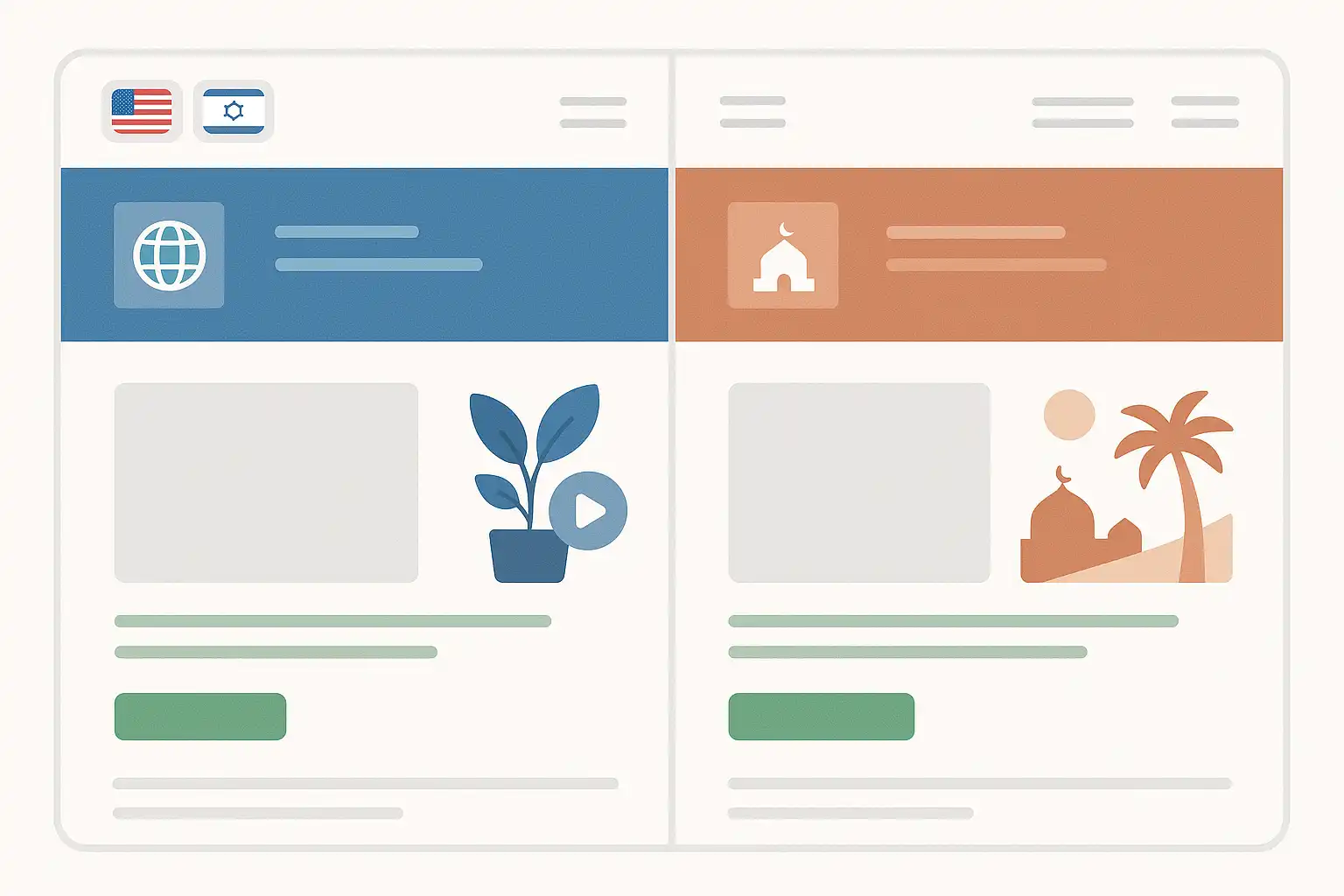
- Support right-to-left (RTL) languages. If targeting speakers of Arabic, Hebrew, or Persian, flip layouts appropriately and check that icons and navigation remain logical for RTL reading patterns.
- Localize text and multimedia. Translating written content is critical, but global users also expect images, videos, and graphics to be relevant. Use localized images and add translated captions or subtitles where possible.
- Ensure accurate, culturally sensitive translations. Rely on professional translators who know your industry and understand the local culture—machine translation often misses these vital details.
How Do Multilingual Website Best Practices Impact SEO and User Experience?
Following multilingual website best practices helps your site in two major ways: by improving user experience and boosting your international SEO. Here’s why these steps matter:
- Better accessibility and engagement. When users can easily read content in their language, they stay on your site longer and are more likely to convert into customers.
- Clear navigation reduces friction. Effortless language switching keeps visitors from giving up or missing important information.
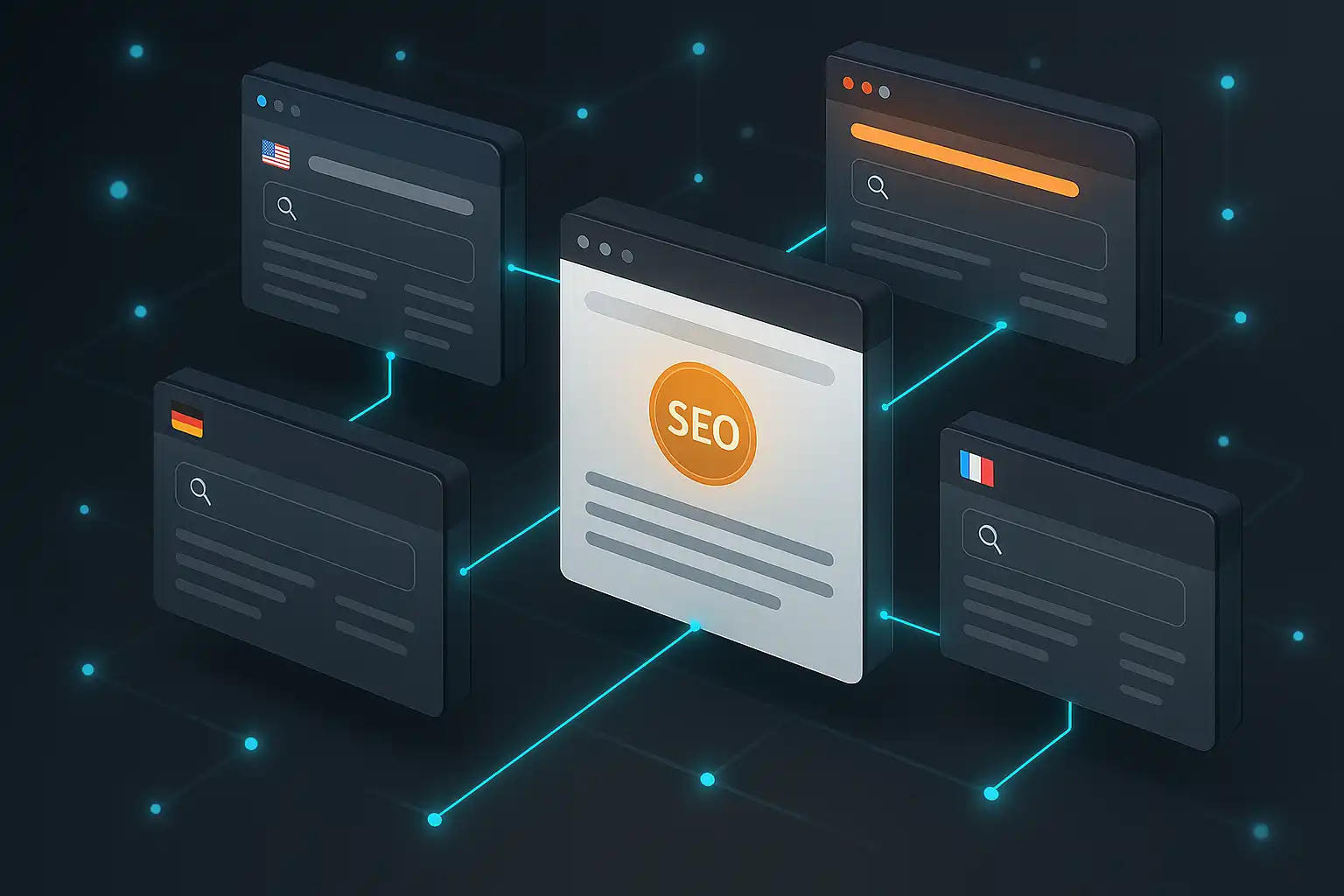
- Improved search engine visibility. Using correct language tags and translating meta content helps search engines find and rank your pages in each country targeted.
- Appropriate formatting for numbers, dates, and currencies. Localizing these elements builds user trust and prevents confusion. For example, the date 05/07/24 means May 7 in the US, but July 5 in much of Europe.
- Preventing encoding errors. Correct character encoding ensures text displays properly in every language. UTF-8 is a common standard supporting most world scripts.
Technical SEO Considerations
For search engines to recognize your multilingual content, use hreflang tags, translated meta titles, and meta descriptions. This tells search engines which language and region each page targets and can help you rank for searches in multiple countries. Also, structure your URLs to reflect language versions (such as /en/ for English, /fr/ for French), which is favored by both users and search engines.
What Steps Should Businesses Take to Maintain Brand Consistency?
Maintaining a consistent look, feel, and message across all languages is crucial for your reputation and trust. Here’s how to apply multilingual website best practices for brand consistency:
- Work with professional translators and editors. They’ll help you keep a uniform tone and style in every language, making your brand instantly recognizable.
- Standardize your layouts and design elements. Use the same color schemes, logo placement, and navigation structure everywhere. This reduces confusion and makes switching languages seamless.
- Synchronize content updates across languages. When you change a product description or add a new blog post, update all language versions as soon as possible to keep information aligned.
- Localize multimedia content. Photos, infographics, and videos may need to be refreshed for every market. For example, people and places in your images should resonate with local audiences.
- Respect local customs while keeping core values. Adapt messaging for cultural fit but stay true to your brand’s values and mission.
Quality Control for Translations
Set up a review process that includes both language professionals and native-speaking staff or customers. Regular reviews help you spot errors or cultural missteps early, so you can fix them before they harm your reputation.
How Do You Localize Website Images and Videos?
Beyond words, localizing your visual content is important for truly connecting with global users. Consider the following best practices:
- Use photos, graphics, and symbols that make sense for each target market. Avoid images with text embedded, or use Optical Character Recognition (OCR) technology to extract and translate text.
- Make sure videos have subtitles or voiceovers in the user’s language. Even background music may need adjusting to suit cultural norms.
- Be thoughtful about colors, gestures, or icons that might carry different meanings in other cultures.
Example: Popular Brands
Large companies like Airbnb and Coca-Cola succeed globally by adapting their visuals and campaigns to local tastes—whether it’s changing photos to reflect the people and places of a region, or swapping out slogans for more meaningful translations.

What are Common Challenges with Multilingual Websites and How Do You Solve Them?
Building a multilingual site comes with unique challenges, but these strategies help you overcome them:
- Text expansion or contraction. Some languages need more or fewer words. Design flexible layouts that can handle this change without breaking the page.
- Right-to-left (RTL) support. Not all website builders or templates handle RTL layouts easily. Test your site thoroughly and use appropriate CSS (like
direction: rtl;) for RTL languages. - Synchronization of updates. Set clear workflows to update all language versions together—using content management systems (CMS) with multilingual support helps.
- SEO performance in each region. Regularly monitor search rankings and analytics for each language to spot and address issues quickly.
- User feedback. Offer a way for users to report translation or navigation problems, then fix them promptly.
Recommended Tools
Consider using solutions like Weglot, Smartling, or WPML (for WordPress) that support multilingual content management, translation workflows, and technical SEO features out of the box.
Frequently Asked Questions
- How do I choose which languages to offer on my website?
- Use data on your website visitors, analytics, and market research. Prioritize languages spoken by your current and potential customers, and consider regions where you plan to grow.
- What is the best way to display language-switching options?
- Place a clear, easily accessible language menu at the top right corner or in the main navigation bar. Use both text and recognizable country or language flags, but make sure the menu works well on mobile devices.
- How can I ensure accurate translations?
- Always use skilled human translators who understand your industry and the local culture. Use quality checks and, when possible, ask native speakers to review pages before launching.
- Do I need to localize every page on my website?
- Focus first on high-traffic and conversion-critical pages. You can phase in localization for less important sections over time, based on user demand and business priorities.