If you are searching for content for mobile audiences examples that truly engage users, you are in the right place. Mobile audiences have specific needs: fast access, easy reading, and quick interaction. Effective content for mobile isn’t just small-screen versions of desktop formats; it’s purpose-built to suit touch, attention spans, and on-the-go lifestyles. In this article, you’ll find proven examples, design tips, and practical advice to ensure your content grabs and keeps attention on mobile devices.
What Are the Best Content for Mobile Audiences Examples?
Great mobile content puts the user’s needs first. Let’s look at some standout examples and what makes them work.
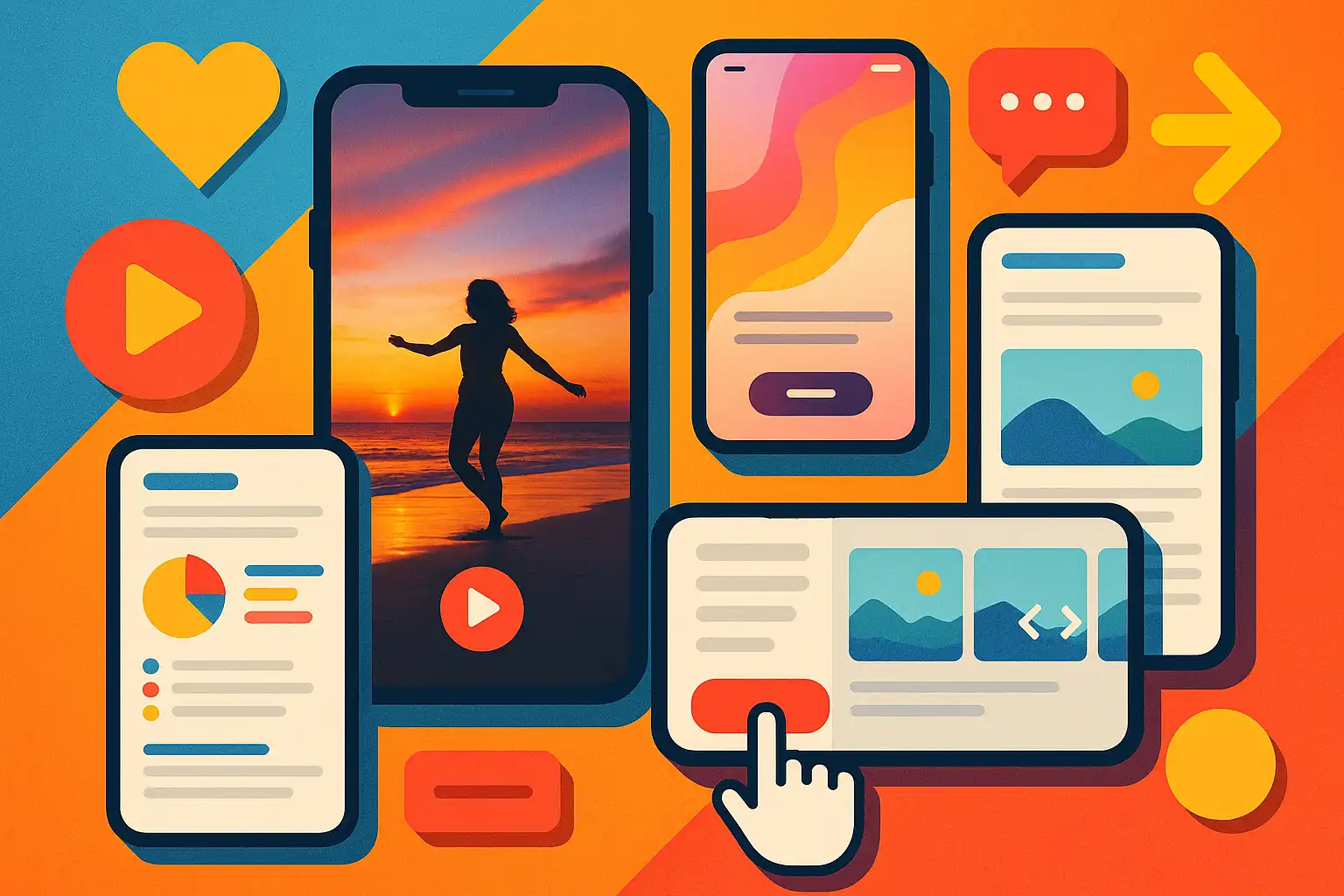
- Vertical Videos: Social platforms like TikTok and Instagram have made vertical video the standard. These videos fill the screen, are easy to watch with one hand, and require no rotation.
- Interactive Stories: Instagram and Facebook Stories use tappable elements, polls, and sliders. This format encourages user participation and is optimized for mobile engagement.
- Shoppable Posts: E-commerce brands often use in-feed shoppable posts. These allow users to tap on products and buy directly, making the buying journey seamless on mobile.
- Snackable Text Content: News apps and blogs often use bullet points, short paragraphs, and bold headings to help users find key facts quickly.
- Push Notifications: Short, actionable alerts that prompt users to interact right from the lock screen, driving immediate engagement without opening an app.
For example, when increasing engagement on video platforms, it’s important to adapt your approach for mobile viewing. A practical study of YouTube mobile watch time tips reveals how optimizing video thumbnails, titles, and cues can significantly boost time watched on smartphones.
How Can You Make Content for Mobile Audiences More Readable?
Readability is one of the top concerns for mobile users. Content should be concise, easy to scan, and visually clear. Here is how you can achieve that:
- Use Large, Legible Fonts: Ensure text is big enough to read without zooming.
- Break Up Information: Use subheadings, lists, and short paragraphs. This makes scanning easy.
- Highlight Key Points: Bold or color important words or phrases.
- Add Visuals: Use images, icons, or infographics that load quickly and fit the screen.
- Limit Pop-Ups: Avoid intrusive ads or overlays that can frustrate users.
For marketers and content creators, thinking about “content modules” can also be helpful. These are small, reusable parts of content—like quotes or graphics—that fit well in social media feeds or as standalone posts. By learning from smart content repurposing examples, you can see how breaking down long articles into infographics, short tips, or quick polls boosts both reach and readability on mobile devices.
What Design and Formatting Strategies Work Best for Mobile Content?
Design and formatting are key to creating content that actually works on mobile. The best strategies ensure accessibility, clarity, and appeal.
- Single-Column Layouts: Multi-column formats force scrolling or zooming, while single columns suit the small width of mobile screens.
- Tap-Friendly Buttons: Make sure interactive elements are large enough for fingers, and spaced to avoid accidental taps.
- Progressive Disclosure: Show only the most important details first. Let users tap to see more, reducing clutter.
- Contrast and Color: Use sufficient contrast between text and background for better readability, especially in sunlight or low-light conditions.
- Load Speed Optimization: Compress images and minimize scripts for quick load times, since slow pages drive mobile users away.
Effective use of branding is another way to catch attention. For instance, reviewing inspiring branded content examples shows how customized color palettes, consistent visuals, and memorable taglines can make mobile content stand out.
Why Does Content Need to Be Mobile-First Today?
Globally, over 50% of web traffic comes from mobile devices. This means most users will see your content on a phone long before they ever access a desktop. If your messages are hard to read, slow to load, or require too much interaction, people will simply move on. Mobile-first content removes these barriers and meets users where they are: on the go, with limited time, and a need for instant information.
Mobile-first also supports accessibility for those with visual or motor impairments by simplifying navigation and using readable fonts. As mobile technology evolves, expectations for speed, clarity, and responsiveness continue to rise. Meeting these needs is no longer optional—it’s crucial for success in digital communication.
Common Types of Content Optimized for Mobile Audiences
- Infographics: Compact graphics that tell a story at a glance.
- Carousels: Swipeable image or text sequences, popular on Instagram and LinkedIn.
- One-Question Polls: Interactive elements with instant feedback.
- Quick-Action Links: “Call Now” or “Message” buttons that enable one-tap actions.
- Microblogs: Platforms like Twitter excel with very short-form updates, ideal for mobile browsing.

What Makes Mobile Content Engaging?
Engagement on mobile is driven by content that feels personal, timely, and effortless to interact with. Here are strategies to boost engagement:
- Personalization: Tailor messages based on user data, like location or past behavior, to increase relevance.
- Timely Delivery: Use push notifications or time-sensitive posts to create urgency.
- Interactive Elements: Polls, sliders, and quizzes keep users actively involved.
- Clear CTAs (Calls to Action): Use direct prompts like “Buy Now,” “Read More,” or “Share Your Thoughts.”
- Gamification: Badges, points, or challenges turn passive viewing into active participation.
Mobile content should also reflect the user’s environment—for example, by using shorter loading times or offline-ready formats in areas with spotty internet. Keeping messages direct and focused on the user’s needs will also drive more consistent engagement.
Practical Steps to Create Effective Mobile Content
- Start with your audience: Identify their habits, devices, and content preferences.
- Choose mobile-friendly formats: Prefer videos, stories, carousels, or microblogs.
- Test readability: Review your drafts on several smartphone screens.
- Use analytics: Measure how users interact and refine accordingly.
- Iterate: Update regularly based on feedback and changing mobile trends.
FAQ: Content for Mobile Audiences Examples
- What is the difference between mobile-optimized and responsive content?
Responsive content adjusts to fit different screens, but mobile-optimized content is designed specifically for mobile needs: faster load times, simplified navigation, and touch-friendly buttons. - Can long articles work well on mobile?
Yes, if they are broken into short sections with clear headings, visuals, and bullet points. Consider dividing long reads into smaller pages or using “read more” links. - Which industries benefit most from mobile content?
Every industry can benefit, but especially retail, news, entertainment, and banking, where quick updates and instant access are critical. - How often should I update my mobile content?
Regular updates are important. Test new formats, keep content fresh, and adapt to changes in user behavior and mobile technology for best results.