How to Master Instagram Insights: A Complete Analytics Walkthrough
summary(TL;DR)
Mastering Instagram Insights empowers you to transform your social media efforts from guesswork into data-driven strategy, helping your brand grow faster and more efficiently. By understanding what content resonates most with your followers, when they are most active, and which formats inspire them to engage, you open the door to smarter decisions and authentic connections. This guide explains, step by step, how to unlock, interpret, and turn Instagram’s analytics into actions that make a real impact. Whether you are a creator or a brand, learning to use Instagram Insights can reshape your entire approach to content, community, and growth.
Key Takeaways
- Switching to a business or creator account is necessary to access Instagram Insights and harness its analytics features.
- The Instagram app, Meta Business Suite, and third-party platforms offer a range of analytics options—each serving different needs from basic tracking to advanced reporting.
- Key metrics like reach, engagement, saves, and follower demographics reveal what works and help tailor your content and posting schedule.
- Focusing on meaningful KPIs instead of vanity metrics (like likes and surface-level views) leads to more impactful decisions.
- Integrating analytics into your content workflow—such as optimal timing, custom reports, and hashtag tracking—helps maximize both efficiency and results.
Why should you use Instagram Insights?
Instagram Insights is not just a feature for curiosity—it’s a powerful analytics toolkit built inside the app for business and creator accounts. It helps convert your daily activity—posts, Stories, and Reels—into a clear picture of what your audience truly values. For people and brands looking to grow, understand their followers, and improve their content’s impact, Insights brings objective data that replaces guesswork. For beginners, having this data at your fingertips lets you stop thinking “maybe this works” and start knowing exactly what gets results.
By diving into Instagram Insights, you see patterns in your best-performing content, discover ideal posting times, and understand which demographics engage most with your brand. These insights allow for smarter planning, more relevant content, and a deeper connection with your followers. No matter your experience level or business size, learning these analytics tools becomes the backbone of every successful Instagram strategy.

How can you access and set up Instagram Insights?
Switching to a Business or Creator Account
To start using Instagram Insights, your profile must be set as a business or creator account. Personal accounts lack access to these powerful analytics. Converting is quick: open your profile, tap the menu, select ‘Settings’ (تنظیمات), and then choose ‘Account’. From there, opt for ‘Switch to Professional Account’ and select either ‘Business’ or ‘Creator.’ This unlocks not only analytics but also extra features like contact buttons and category tags, increasing your profile’s visibility and interactivity.
Many creators unintentionally overlook this step and wonder why analytics are missing. So, before anything else, confirm your profile type. Once switched, the ‘Professional Dashboard’ appears—your central base for metrics, performance overviews, and actionable insights.
Requirements and Access Tips
- Analytics are only available for business or creator profiles.
- Data covers the most recent 90 days and updates every 24 hours.
- If you don’t see Insights, double-check your account type as this is the most common access issue.
App and Tools Overview
- Instagram App: Instant mobile access to analytics via the Insights tab—simple and most direct for everyday users.
- Meta Business Suite: Combines Instagram and Facebook analytics, best for managing multiple accounts and campaigns together.
- Third-Party Tools (like Hootsuite, Sprout Social, SocialPilot): Access deeper, customizable analytics, historical exports, and team-based dashboards for advanced needs.
By integrating the right tools, you personalize your analytics setup to fit your workflow whether you’re a solo creator, small business, or part of a larger brand team.
What can you learn from the Instagram Insights dashboard?
Navigating the Insights Overview
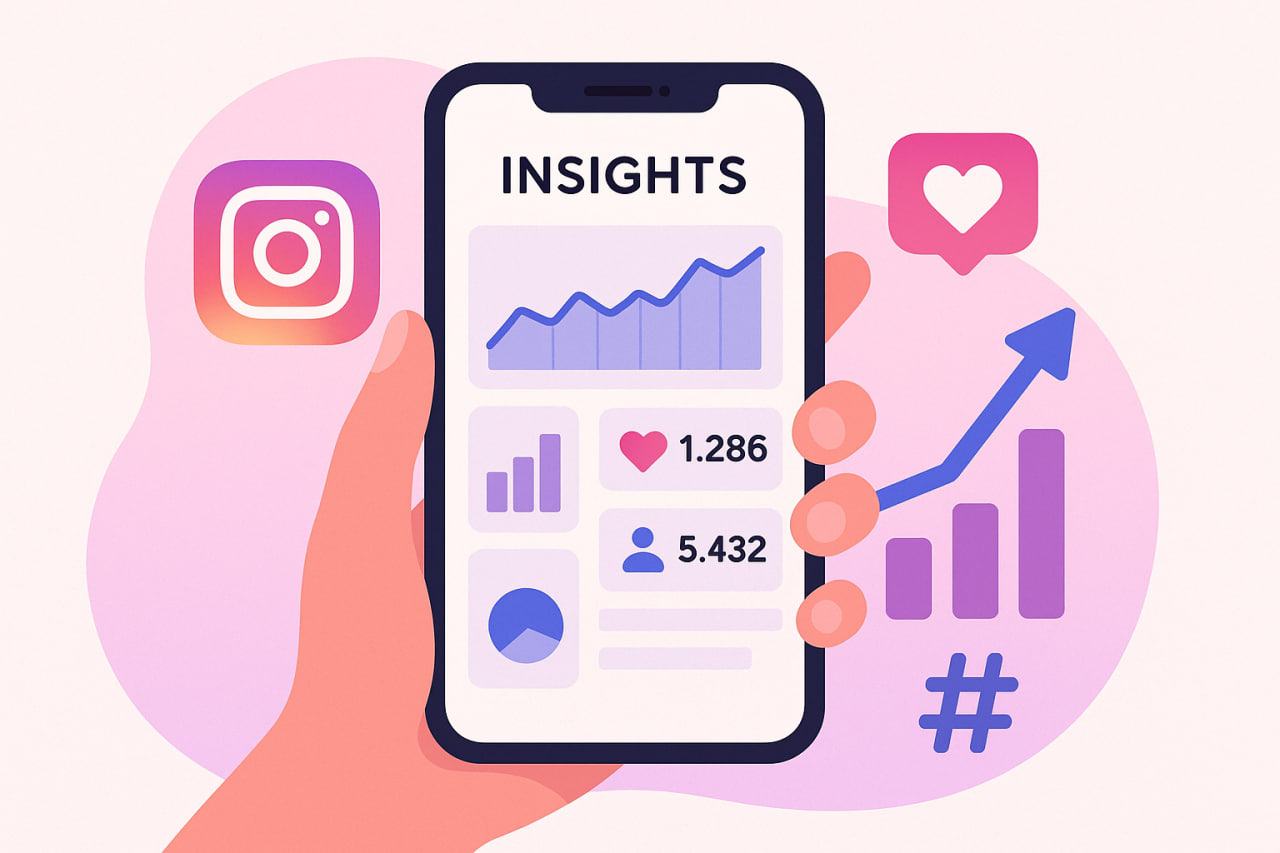
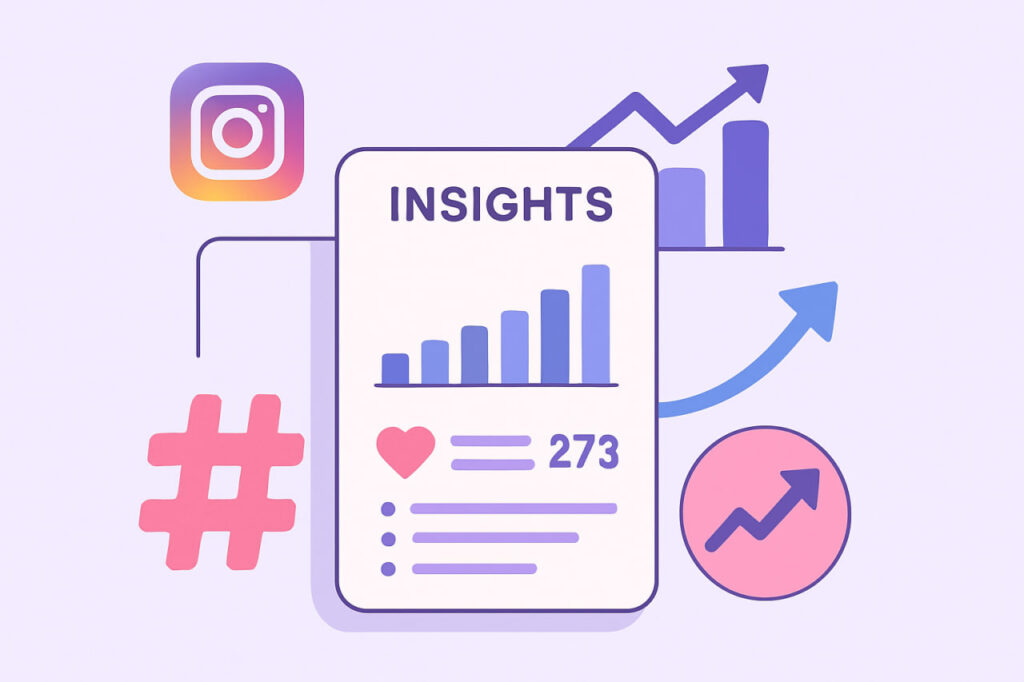
After converting your account, open your profile and tap “Professional dashboard” or “Insights.” The overview screen gives a snapshot of your performance over the last 90 days, including follower count, reach, and engagement rate.
You can filter this data by day, week, or month, making it easier to spot changes or trends. This view shows three core pillars:
- Accounts Reached: Number of unique viewers; split into followers and non-followers.
- Content Interactions: Likes, comments, saves, shares—everything that shows active engagement.
- Follower Growth: Tracks new followers versus unfollows, with clear upward or downward trends.
Diving Deeper Into Your Data
- Post and Reel Insights: Tap ‘View Insights’ on any post or Reel to open data like impressions, reach, saves, comments, shares, and engagement rate.
- Stories Analytics: See metrics for Story completion rates, link clicks, and interactions. Filtering Stories from the last 90 days uncovers what keeps viewers watching.
- Follower Demographics: Find breakdowns by age, gender, top cities/countries, and—crucially—active times. Knowing when your audience is most online helps you schedule for best visibility.
By regularly checking these metrics, you spot what content style excites your audience, which formats encourage saves, and how your follower base evolves.
Avoiding Common Analytics Mistakes and Data Traps
Don’t Be Fooled by Vanity Metrics
It’s easy to chase big numbers like views or likes, but these so-called “vanity metrics” often give a false sense of success. Instead, prioritize metrics with real value:
- Saves: Meaning followers found your content genuinely valuable.
- Engagement Rate: Combines all interactions, showing content resonance beyond surface taps.
- Conversions: (For brands): Clicks to website/shop or action on links.
Tracking these key performance indicators (KPIs) across awareness, engagement, conversion, and retention gives you a better map for growth.
Understanding Analytics Limitations
- Insights only track data from the most recent 90 days—not further back. Make regular exports or notes if you need long-term comparison.
- All metrics are updated daily, with a potential 24-hour lag. When reviewing spikes or drops, consider this refresh delay before drawing conclusions.
- In-app Insights don’t allow exporting raw data for deeper analysis; for this, use third-party platforms.
Quick Fixes for Unusual Data
- Double-check that your account type is correct and analytics tools are updated.
- If numbers appear inaccurate, compare with data from third-party dashboards.
- Filter out outlier data or spammy spikes by adjusting date/content type filters.
Regular audits and clear data hygiene make sure what you see truly reflects your Instagram performance.
How can you save time with Instagram analytics?
Smart Scheduling for Peak Engagement
One of the simplest ways to boost efficiency and get better results is to schedule content when your audience is most active. Instagram Insights shows followers’ most popular activity times by day and hour. Top brands, like Nike and L’Oréal, routinely use this data to target their content drops during these windows—improving visibility and engagement.
You can use Instagram’s built-in scheduling or third-party tools to automate this process. This removes the guesswork and increases consistency, allowing you to focus on content quality over timing stress.
Custom Reports and Comparative Analysis
Busy creators and businesses benefit greatly from custom reports. Platforms like Meta Business Suite and SocialPilot let you create personalized dashboards, sort data by campaign or format, and even compare organic versus paid performance.
- Custom reports save time when reviewing or sharing results with a team.
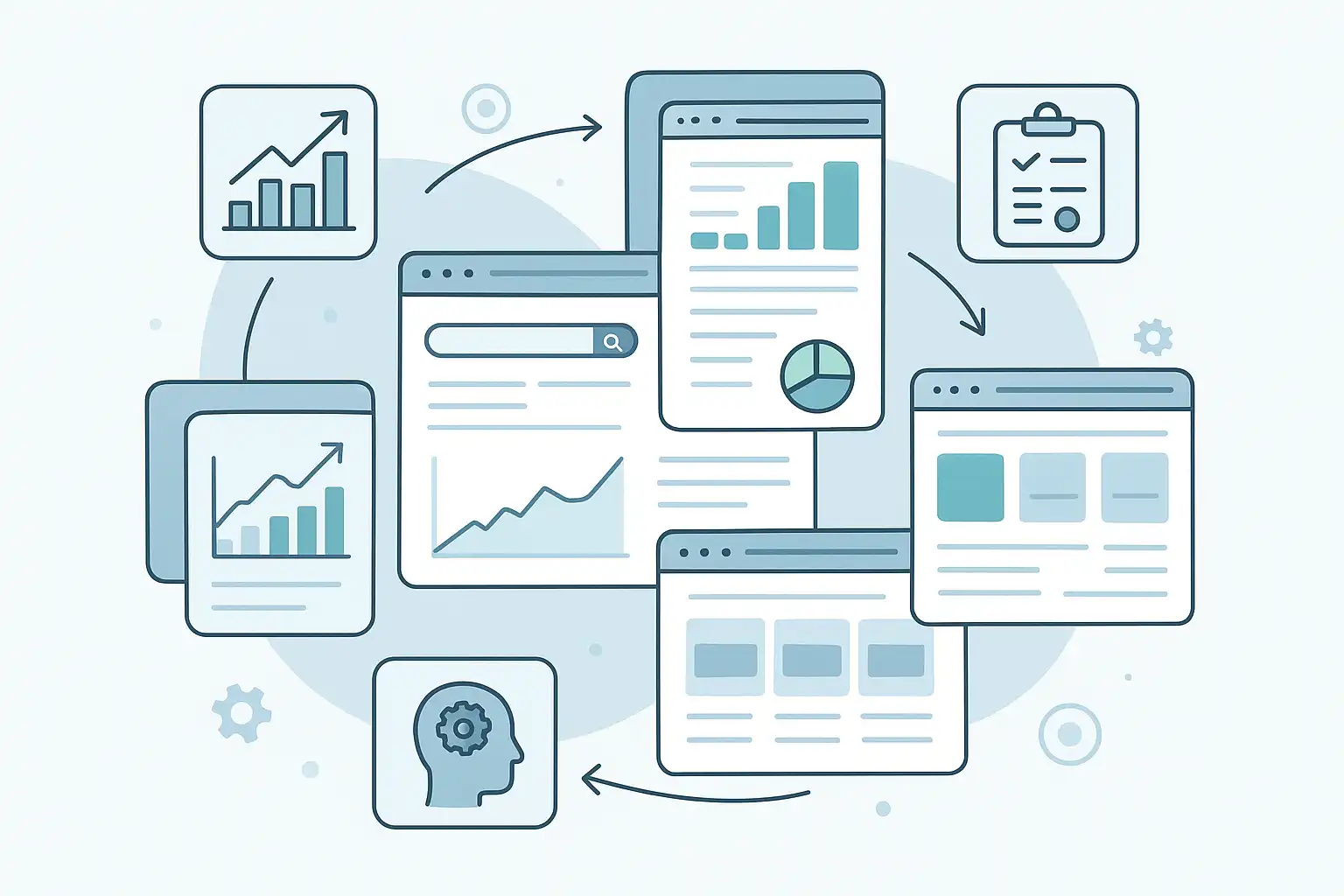
- Comparative analysis across different time periods or post types quickly reveals trends.
This organized, tailored view helps you spot what drives growth—without getting lost in a sea of numbers.
Advanced Tools for Deeper Insights
While Instagram’s app offers the basics, advanced third-party platforms like Hootsuite and Sprout Social provide:
- Longer historical data—a must for tracking seasonal trends.
- Benchmarking tools to compare your account against competitors.
- Multi-account management for agencies and large brands.
- Automated PDF or dashboard exports to save time.
If you’re managing several Instagram pages or want career-level analytics, investing in such tools pays off in both clarity and efficiency.
How do you turn analytics into growth strategies?
Personalizing Content to Your Target Audience
The heart of effective Instagram growth is understanding your unique followers. Use Insights’ demographic data—like age, gender, and location—to adjust language, visuals, and timing. For example, if analytics show your audience is mainly students in Tehran who are most active after 9 PM, tailor your style and schedule accordingly. This simple shift makes followers feel seen and sparks more interaction.
If your demographic landscape changes—perhaps your reach expands to new cities or countries—run experiments with varied content to see what resonates best in each region.
Spotting Trends and Successful Formats
- Review which types of posts (carousel, video, Reels, Stories) attract most saves, shares, and comments.
- Try more of the formats that drive engagement, and reduce those that don’t.
- Notice patterns—maybe product demos perform well during launches and behind-the-scenes Stories peak during weekends.
Consistent review ensures you spend creative energy where it counts, rather than on formats your followers ignore.
Optimizing Hashtags and Campaigns
- Track which hashtags bring in new reach and engagement. Drop those that underperform and rotate in fresh, relevant tags regularly.
- During major events or product launches, monitor campaign-specific hashtags closely to tweak tactics on the fly.
Over time, this refinement process lifts your posts above the crowded feed, increasing discoverability and making each campaign more measurable and successful.
Conclusion
Instagram Insights turns every tap and swipe on your page into an opportunity for growth. By moving away from surface stats and diving into meaningful analytics, you tailor your content and strategy with confidence. Review your top-performing posts, experiment with new formats or timings, and use what you learn to connect more authentically with your followers. If you’re ever uncertain about a metric or want to share your growth story, leave a comment—your question or win could inspire others. For more in-depth strategies or walkthroughs, explore our related Instagram marketing guides. Remember: even a single insight can be the key to your next leap in growth.
FAQ
How often does Instagram update Insights data?
Instagram Insights data refreshes once every 24 hours. This means there could be up to a one-day delay in seeing the impact of your latest post or campaign. For real-time monitoring, supplement with third-party analytics if needed.
Why can’t I see Insights on my Instagram account?
If the Insights feature is missing, your account is likely still set as a personal profile. Switch to a business or creator account in your settings to unlock analytics. Be sure to complete all setup steps; incomplete profiles can block access.