Content for mobile audiences on LinkedIn is all about reaching users exactly where they spend a large part of their professional online time—on their phones. If you want your posts to get noticed, shared, and talked about, you need to tailor your approach for the small screen. Mobile-first thinking ensures that your insights, updates, and stories are easy to consume and interact with anytime, anywhere. In this article, you will discover actionable best practices, real examples, and answers to the most common questions about engaging LinkedIn’s mobile users. Let’s dive right in to make your LinkedIn content work better for people on the go.
Why is creating content for mobile audiences on LinkedIn crucial?
More than ever, professionals scroll through LinkedIn on their phones while commuting, taking a break, or between meetings. Statistics show that nearly 60% of LinkedIn traffic comes from mobile devices. This shift means that if you are not optimizing your content for mobile, you risk missing out on a large part of your audience.
On mobile, attention spans are shorter, and reading environments are far less controlled compared to a desktop. Your content must be visually appealing, immediately valuable, and effortless to interact with on a small screen. Ignoring this reality leads to lost engagement and missed networking opportunities.
To illustrate, think of a time you tried to read a lengthy post crammed into a single paragraph on your phone. Frustration sets in quickly, and most users will simply scroll past. This is especially important for professionals looking to expand their reach or businesses investing in their employer brand. Effective content for mobile audiences on LinkedIn addresses these challenges head-on, making every second of mobile browsing count.
How can you tailor content for mobile audiences on LinkedIn to increase engagement?
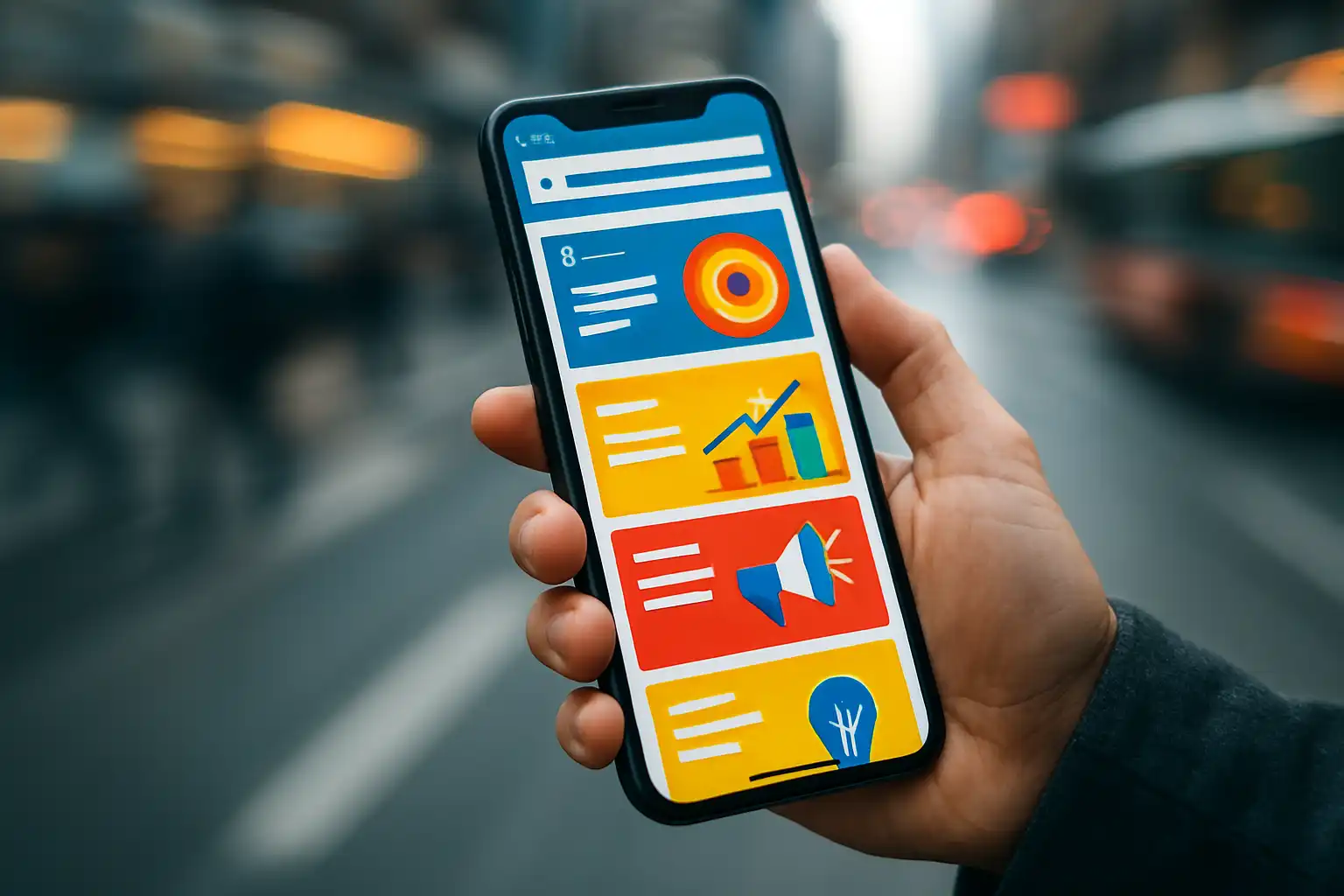
Tailoring your content for LinkedIn’s mobile users starts with understanding their preferences and challenges. Mobile audiences are often multitasking, and they engage with content that either teaches, inspires, or solves a specific problem, quickly and clearly.
- Research and Listen: Explore your audience’s demographics, job roles, pain points, and interests. Use LinkedIn Analytics to see which posts get more mobile engagement, and ask direct questions in your posts to gather feedback.
- Segment and Personalize: Address content to specific professions, industries, or experience levels. Custom messaging feels more personal and prompts better responses.
- Storytelling That Resonates: Share real-life examples, success stories, or case studies to create emotional connections. Relatable content is easier to remember and to interact with on the go.
- Problem-Solving Focus: Offer practical solutions instead of just listing features or generic advice. Posts that clearly state “Here’s how to overcome X challenge” catch attention.
- Choose the Right Formats: Videos, images, polls, or carousel posts work well on mobile. Keep videos short—ideally under a minute—to match user habits.
- Engage Authentically: Respond to comments, ask questions, and mention community members to build a sense of belonging. Authentic back-and-forth in comments often leads to better visibility for your content.
- Narrow Your Focus: Start by delivering content to a very specific group or use case. Once your audience trusts you, gradually expand your topics while keeping relevance high.
If you aim to create inspiring posts that get shared widely, consider how YouTube mobile watch time tips have driven engagement by focusing on audience behavior, which is a strategy you can easily adapt for LinkedIn.
What are the best formatting practices for creating mobile-friendly LinkedIn posts?
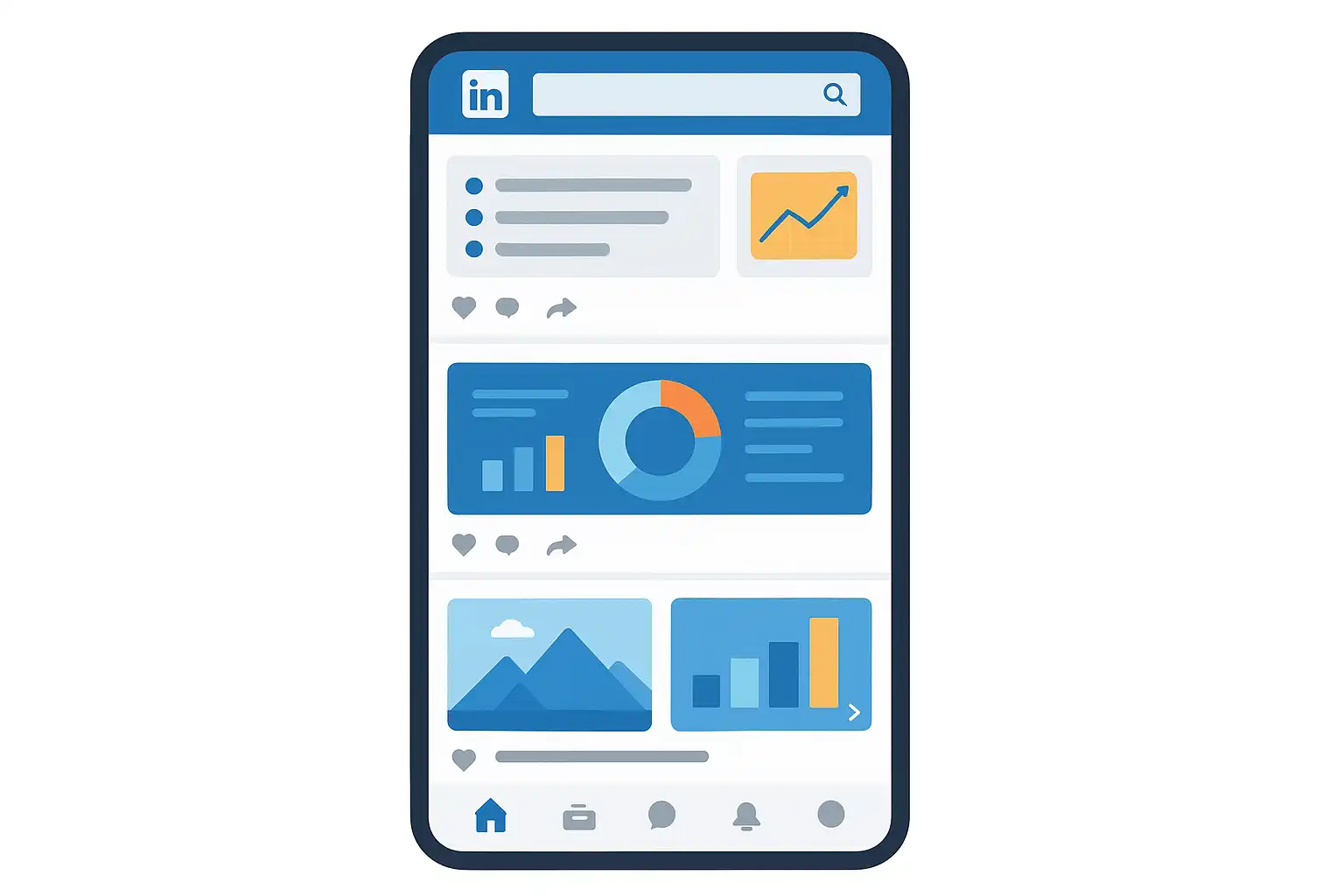
Formatting greatly affects whether users will read, interact with, or skip your post. Here are proven formatting practices to enhance content for mobile audiences on LinkedIn:
- Keep Content Concise: Aim for short paragraphs (one to three sentences) and brief sentences. Mobile readers rarely take time to scroll through walls of text.
- Use Bullet Points or Numbered Lists: Bullets break information into visually appealing chunks and are easier to skim on a small screen.
- Incorporate Headings and Bold Text: While LinkedIn’s formatting options are limited, you can use line breaks and emoji symbols to draw attention to key sections or points.
- Visuals Matter: Images, infographics, and well-framed videos catch the eye. Ensure visuals display well on standard smartphone screens and load quickly.
- Avoid Dense Layouts: Overcrowding with too much text or putting images and text too close together makes posts hard to read on mobile.
- Clickable Elements: Ensure links and calls to action are large enough to tap comfortably. Avoid placing clickable text too close together, which can cause accidental clicks.
- Use Hashtags Wisely: One to three targeted hashtags per post are ideal for reach, but avoid overly generic ones.
- First Line Counts: The first one or two lines are often all a mobile user sees before deciding to expand your post. Start with a strong opening line or question.
Wedge strategies, such as focusing on niche topics or ultra-relevant advice, make your posts especially valuable to a segment of users and can increase your retention rate with mobile viewers. Thinking about this, some creators have found inspiration in copyright tips for beginners, where clear formatting and direct solutions play a key role in content accessibility.
Which types of content perform best on LinkedIn when accessed via mobile devices?
Not all content types adapt equally well to mobile. Here’s what consistently engages mobile LinkedIn users:
- Short-Form Video: Videos under one minute grab attention, relay information fast, and encourage shares or comments.
- Single-Image Updates: Eye-catching images alongside a concise message can deliver value in seconds.
- Interactive Posts: Polls, quizzes, and questions invite instant participation, which is convenient for mobile browsers.
- Storytelling Posts: Anecdotes that highlight a lesson learned, a problem solved, or a career milestone build a personal connection.
- Summarized Blog Insights: Key takeaways from articles, presented in a few bullet points, drive more engagement on mobile than sharing a full blog.
- Webinar or Whitepaper Snippets: Instead of the full resource, share a bite-sized teaser or insight with a link to learn more.
- Carousel Posts: Swipeable image decks condense complex topics into digestible slides.
It’s also worth noting that authentic, community-oriented content—such as celebrating team wins or spotlighting user stories—gets more shares and comments. Success with mobile audiences often comes from using a variety of formats and testing what works best, just like you might experiment with new approaches when browsing mobile content examples from other platforms.
What mistakes should you avoid in content for mobile audiences on LinkedIn?
Even with the right intentions, some common mistakes can reduce the impact of your mobile content on LinkedIn. Avoid these pitfalls to keep engagement high:
- Overly Long Posts: Lengthy text blocks intimidate mobile readers and are likely to be ignored.
- Small Fonts/Unreadable Images: Ensure any text in images is large enough to read on a smartphone.
- Unclear Call to Action: Vague directions can confuse readers; clear actions like “Comment below” or “Tap to learn more” are more effective.
- Poor Visual Contrast: Colors that blend into the background make images hard to see on mobile.
- Too Many Links: Multiple links in a single post can be overwhelming—stick to one strong call to action per post.
- Heavy Files: Large images or videos take time to load and may cause users to scroll past.
- No Testing: Always view your post in LinkedIn’s mobile preview before publishing.
Study what works by analyzing successful posts and looking for universal themes, adapting your approach as you would when striving to craft effective social media content across various channels.
How do you measure the success of your mobile content on LinkedIn?
Measuring the impact of your mobile-friendly content gives you insight into what works and what needs refinement. Here’s how to do it:
- Monitor Engagement: Track likes, comments, shares, and click rates for each post. Mobile users may interact differently than desktop users, focusing more on quick likes or simple comments.
- Analyze Reach by Device: LinkedIn Analytics can show you how many people viewed your post on mobile versus desktop.
- Review Watch Time: For video content, look at how long viewers are watching. Abandonment early in the video signals a need for shorter or more engaging content.
- Evaluate Growth Over Time: Compare engagement rates before and after implementing mobile-focused strategies to see if your audience is responding positively.
- Solicit Feedback: Don’t hesitate to ask your audience directly how they consume LinkedIn content. Simple polls can reveal device preferences and pain points.
By consistently tracking these factors, you can make data-driven decisions to further tailor your content for maximum mobile engagement.
Which tools or features can help optimize LinkedIn content for mobile users?
LinkedIn and several third-party platforms offer resources to boost your content’s mobile performance:
- LinkedIn’s Mobile Preview: Use this feature before publishing to see how your post will display on smartphones.
- Scheduling Tools: Platforms like Buffer, Hootsuite, or LinkedIn’s native scheduler help you post at optimal times when your audience is most active on mobile.
- Analytics Dashboards: Dig into device-level analytics to refine your strategy and identify high-performing content types.
- Design Platforms: Canva and Adobe Express let you create visuals sized for mobile screens, ensuring clarity and fast loading times.
- Video Editors: Tools such as InShot or CapCut simplify video editing directly on your phone, making it perfectly suited for mobile sharing.
Use these features to streamline your workflow, saving time and reducing friction as you optimize content for LinkedIn’s mobile audience.
How can you encourage meaningful engagement among mobile users?
Mobile users want to connect quickly and with purpose. Here are strategies to foster real, lasting interactions:
- Ask Focused Questions: Start your post with a question that relates directly to your audience’s experience or needs.
- Recognize Community Contributions: Highlight user comments, celebrate contributors, and tag individuals for added visibility.
- Respond Promptly: Engage with every comment quickly to show you value participation and keep the conversation going.
- Host Interactive Sessions: Polls or live Q&A sessions attract real-time mobile engagement.
- Direct Calls to Action: Encourage specific actions, such as “Share your opinion below” or “Tag a coworker who should see this.”
Sustained engagement comes from authentic two-way communication, so always look for opportunities to invite your followers to participate.
What are some mobile content strategies for LinkedIn marketing?
Marketing on LinkedIn for a mobile audience means blending creativity with a clear understanding of your users’ context. Here are practical strategies:
- Tap Into Trending Topics: Use insights from industry news, events, or hashtags to join relevant conversations and reach mobile users while they’re most interested.
- Create a Posting Schedule: Analyze when your followers are online and plan posts during peak mobile usage hours, like early mornings or lunch breaks.
- Build Series or Themed Posts: Turn topics into weekly series or challenges. This creates anticipation and encourages repeat visits to your profile.
- Cross-Promote Mobile-Optimized Content: Share LinkedIn posts on your other channels with a focus on their mobile-friendly format.
- Leverage Employee Advocacy: Encourage team members to share company posts from their devices, amplifying your reach among mobile users’ networks.
Many successful brands maintain consistency by sticking to these strategies, reviewing analytics, and refining their approach for ongoing improvement.
What is the impact of effective storytelling on LinkedIn mobile posts?
Storytelling on LinkedIn is a proven way to hook mobile audiences and inspire action. Mobile users have little patience for dry content; stories bridge the gap between information and emotion. When you share a brief anecdote or a real challenge overcome, it humanizes your profile and makes you relatable.
Here’s why storytelling works so well on mobile:
- Makes Content Memorable: People remember stories far more than facts and figures.
- Encourages Sharing: A good story is worth passing along, boosting your reach.
- Builds Trust: When people see your authentic experiences, they’re more likely to engage and connect.
- Fits Mobile Habits: Short, self-contained stories are ideal for on-the-go scrolling.
- Drives Conversation: Personal stories invite feedback, questions, and discussion from your network.
To master storytelling, focus on a single lesson or moment per post, and end with a question or reflection to prompt engagement.

How do LinkedIn mobile content strategies differ from desktop-focused approaches?
While the core message might be similar, the delivery and design must adapt for mobile users. Here are key differences:
- Pacing: Mobile favors shorter, punchier sentences and bite-size information. Desktop content can be a bit more detailed.
- Visual Layout: Images and videos must be designed for vertical orientation and quick loading.
- Interaction Design: Calls to action need to be clear and easily tappable with thumbs on a touchscreen.
- Preview Optimization: The first two lines matter even more on mobile, as users might not expand the entire post.
- Testing: Always preview content on multiple devices to ensure everything displays as intended.
Recognizing these differences lets you maximize engagement regardless of how your audience consumes your content.
FAQ
What are some examples of mobile-friendly content formats for LinkedIn?
Examples include short-form videos (30-60 seconds), swipeable carousel images, single compelling images with a brief caption, polls for quick feedback, and concise text posts with a strong opening line. Each format is designed to deliver value fast and encourage easy interaction on mobile devices.
How often should you post LinkedIn content for mobile audiences?
Consistency is more important than frequency. Aim for two to four posts each week, scheduling them during peak mobile usage times, such as mornings or around lunch. Track engagement to see which days and times yield the best results and adjust your posting schedule accordingly.
Can you use the same content for LinkedIn desktop and mobile users?
You can use similar topics and ideas, but you should always optimize structure and visuals for mobile. Shorten the text, use larger fonts for images, and focus on a single message per post to ensure it’s easily understood and engaging on small screens.
What is the best way to boost shares and comments from mobile audiences?
The most effective approach is to ask relevant questions, offer actionable advice, and create posts that invite participation. Clear calls to action, relatable stories, and visually engaging content all contribute to higher share and comment rates among mobile users.