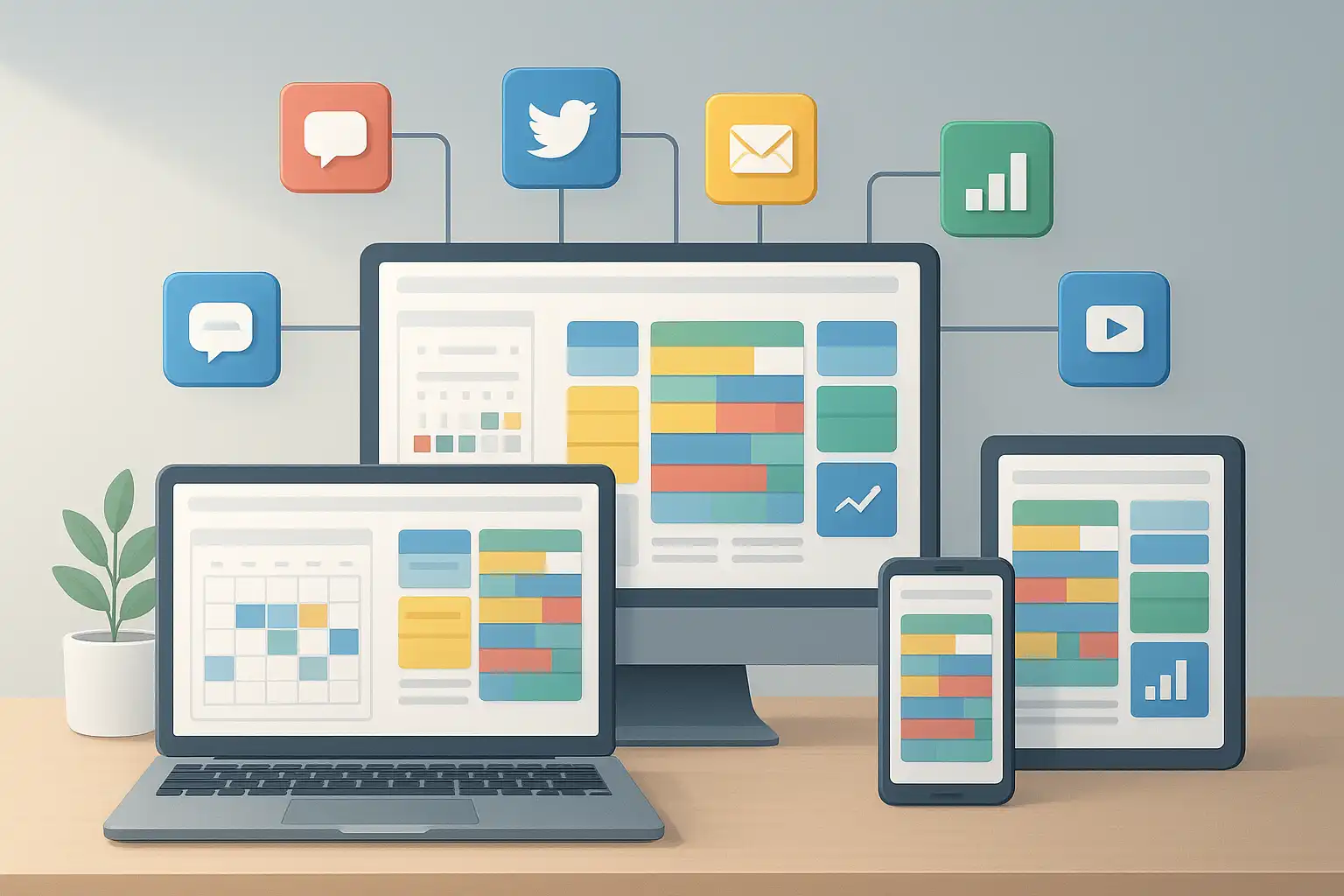
If you want your brand’s message to stay consistent, reach the right people, and be as effective as possible, using a content plan template with channels and formats is essential. This template solves the common challenge of managing content ideas, schedules, and collaborations across blogs, social platforms, emails, and more—all in one streamlined hub. In this guide, you’ll discover exactly how to build, adapt, and leverage your content plan template for every major channel and content format, all in simple, actionable steps.
What is a content plan template with channels and formats?
A content plan template with channels and formats is a strategic document or digital tool for mapping out all marketing content, along with the platforms (channels) for distribution and the types of materials (formats) you’ll create. The template becomes your master plan, letting you see at a glance what content is going where, in what form, and when. This eliminates guesswork and ensures you’re making the most of every piece of content, no matter where it appears.
For example, you might have a single blog post topic in your plan. The template would help you break this down into related social media posts, email newsletter snippets, and short videos, each tailored for its channel and audience. When used well, a content plan template with channels and formats can unify marketing efforts, streamline workflows, and boost your results.
Why is multi-channel content planning necessary?
Modern audiences interact with brands across many platforms. They browse websites, scroll through social feeds, open marketing emails, and watch videos. Each platform has its own user expectations, best practices, and technical requirements. Without a structured approach, your content might end up inconsistent, off-brand, or duplicated. Using a multi-channel content plan template for marketing helps you avoid these pitfalls by aligning all channels under a central plan.
When you manage content this way, you can:
- Maintain a consistent brand voice and message everywhere
- Align campaigns and promotions across all platforms
- Repurpose content easily, saving time and resources
- Track performance metrics for every channel and format
- Collaborate better across teams and departments
Companies that use a content calendar template with channels and formats often find their content is more timely, relevant, and effective. Analytics show that coordinated, multi-channel campaigns can increase engagement by up to 200% compared to scattered, channel-by-channel publishing.

What are the core components of a content plan template for multi-channel use?
To be effective, a content plan template must cover more than just topics and dates. The best templates are flexible, detailed, and built for collaboration. According to specialists in content strategy, here are the main elements to include:
- Content Calendar: Your template should feature a calendar view for planning all scheduled content. Include publishing dates, times, and deadlines, optimized using analytics data so you know when your audience is most active.
- Channels: List all platforms for distribution, such as your blog, Facebook, LinkedIn, Twitter, Instagram, YouTube, email marketing, gated content pages, organic search, and guest blogs.
- Formats: Define what types of content you’ll produce for each channel: articles, infographics, short videos, podcasts, newsletters, case studies, etc.
- Content Topics: Map out your main ideas, campaign themes, or individual post topics. This keeps your messaging fresh and avoids repetition.
- Design Assets: Track supporting visuals, graphics, templates, or brand guidelines needed for each format or campaign.
- Editing and Workflow Features: Allow for quick edits, drag-and-drop rescheduling, and feedback or approval stages if your team collaborates on content.
- Automation and Integration: If possible, use templates or tools that sync up with publishing platforms, letting you schedule posts or emails ahead of time.
- Performance Metrics: Track analytics—views, clicks, shares, conversions—linked to each piece of content. This helps you identify what works and iterate on your strategy.
Templates can be digital (like spreadsheets, Notion, Asana, Trello, or all-in-one platforms) or physical documents, but digital options often provide better automation and tracking.
How can you adapt a content plan template for different channels?
Each marketing channel has unique requirements. Adapting your content plan template means customizing the plan for every platform while keeping your central goals cohesive. Here are a few practical tips:
- Blogs and Website: Focus on in-depth, evergreen content. Include word counts, keywords, and SEO optimization strategies in your template.
- Social Media: Plan for shorter, more visual content. Add character limits, image/video specs, hashtags, and posting times for each platform into your plan. For example, Instagram Stories and LinkedIn updates require different formats and tones.
- Emails: Map out newsletters, promotions, or nurture sequences. Include subject lines, preview text, target audience segments, and clear calls-to-action.
- Gated Content: Track eBooks, whitepapers, or webinars that require sign-ups. Your template should note landing page links, lead magnets, and required assets.
- Guest Posts and External Publications: Log submission guidelines, deadlines, and contacts for each publication. Make space for review notes and feedback.
By segmenting your plan and using channel-specific guidelines, you make sure every piece of content is optimized for its platform without losing the core of your campaign. If you’re looking for more on the foundations of digital publishing, reviewing content planning explained can help clarify this step-by-step.
What are the best practices for adapting content across formats?
Formats are the types of content you create—written, video, audio, visual, interactive, or downloadable. A great content plan template with channels and formats is flexible enough to manage them all. Here’s how to work with multiple content formats:
- Segment by Format: Break your plan into sections for blogs, social posts, videos, infographics, emails, and more.
- Add Format-Specific Details: Record essential specs: recommended word counts, image or video resolutions, platform posting rules, and brand style notes.
- Repurpose and Refresh: Plan to reuse content in new ways. For instance, you can turn a webinar into a series of short social posts or an infographic into several data-driven tweets.
- Automate and Use Templates: Digital tools with drag-and-drop editors or smart automation help you quickly adapt templates for any format. This speeds up editing and publishing.
- Embed Channel-Specific Timing: Use analytics to determine the best days and times for each format on each channel. Update your plan accordingly.
When you build these practices into your plan, your team will save time, reduce errors, and maintain high quality, regardless of format.
How do you ensure consistency in multi-channel content planning?
One of the biggest challenges in multi-channel content planning is staying consistent with messaging and branding. Here are some proven strategies for consistent multi-channel content planning:
- Unified Calendar: Centralize all scheduling in one view. This prevents overlaps and ensures every channel works together for campaigns.
- Brand Guidelines: Keep your tone, style, and core message aligned across formats. Include these guidelines in your template so everyone follows the same rules.
- Analytics-Driven Timing: Use data to standardize the best posting times and content frequency for each channel.
- Automation: Rely on tools that schedule and publish content automatically. This reduces manual errors and keeps campaigns on track.
- Strategic Repurposing: Share stories across different channels with adjustments for each audience. For example, the same announcement may look different on Twitter versus in an email.
- Regular Reviews: Use performance data to review and adjust your plan. This keeps your strategy updated and effective over time.
Consistency doesn’t mean every channel looks identical—just that your brand’s message and quality stay strong everywhere it appears.
What is the step-by-step process for creating and using a content plan template with channels and formats?
Setting up the right content planning process saves time and boosts your marketing results. Here’s a simple, actionable guide:
- Set Clear Goals: Decide what you want to achieve—brand awareness, conversions, sales, education, or engagement.
- Choose Your Channels and Formats: Pick where you’ll publish (website, email, social, etc.) and what forms your content will take (articles, videos, guides, posts).
- Define Your Audience: Create audience profiles for each channel to craft tailored messages and content types.
- Collect Content Ideas: Brainstorm topics, campaigns, or seasonal events relevant to your brand and audience.
- Build Your Template: Set up your document or tool with the sections mentioned above. Use columns, calendars, or boards depending on your workflow.
- Assign Roles and Deadlines: Decide who creates, reviews, and approves each piece of content, and set clear deadlines.
- Populate the Plan: Fill in your schedule, channels, formats, and all key details for each content item. Include links to assets, keywords, and campaign goals.
- Automate Where Possible: Use scheduling tools or integrations to reduce repetitive tasks.
- Review and Adjust: Analyze performance regularly and refine your template based on what works.
If you need advanced structural tips, the article Content Strategy Structure covers effective organization in more detail.
Is there a tool or template that works best?
There’s no “one-size-fits-all” solution, but some popular digital planning platforms offer excellent flexibility for managing a content plan template with channels and formats. Tools like Trello, Asana, Airtable, Notion, and specialized marketing platforms such as CoSchedule or Monday.com give you calendar views, automation, asset management, and analytics. Many offer free starter templates you can customize. If you need deeper understanding of essential elements, the resource content strategy essentials explains the critical features and tools brands rely on for modern content planning.
How can you measure the effectiveness of your content plan template?
The real power of a content plan template with channels and formats lies in its ability to show results. To measure effectiveness:
- Track engagement metrics for each channel (likes, shares, comments, opens, clicks, downloads)
- Compare traffic and conversion rates before and after using the template
- Monitor time spent on planning and execution—successful templates reduce this
- Survey your team for workflow improvements and gather feedback
- Review campaign performance and identify where adjustments are needed
When your template is working, you’ll see higher quality content, better brand recall, and improved ROI on every channel.
What are the pitfalls to avoid in multi-channel content planning?
Even the best templates can fall short if common mistakes creep in. Watch out for:
- Over-complicating the template with too many details or complex tools
- Ignoring channel-specific requirements (e.g., image sizes or posting times)
- Failing to review and update the template based on changing goals or analytics
- Not assigning clear roles for creation, approval, and publishing
- Separating your plan from your actual workflow, making it less actionable
The key is to keep it practical, flexible, and easy for all team members to use.
Quick answers: Your content plan template with channels and formats questions resolved
How do you keep your content plan flexible when new channels or formats emerge?
Use a template with editable sections for new channels and formats. Design it to add, remove, or update items with drag-and-drop or dropdown menus. Choose platforms that offer easy integrations with additional tools or channels.
What’s the fastest way to repurpose content across different formats?
Start with a core piece—like a webinar or blog—then use your template to outline related assets (social posts, infographics, short clips, email snippets). Schedule their release across channels to extend reach and keep messaging fresh.
Can I use the same content plan template for both internal and external marketing?
Yes, simply add columns or tags to differentiate internal (employee updates, corporate news) from external (customer campaigns, public posts) content. This allows you to manage it all from one place without confusion.
How often should I review or update my template?
Check your plan at least monthly. More frequent reviews after major campaigns let you quickly apply lessons learned, tweak formats or timing, and keep your strategy sharp and successful.

Related Posts