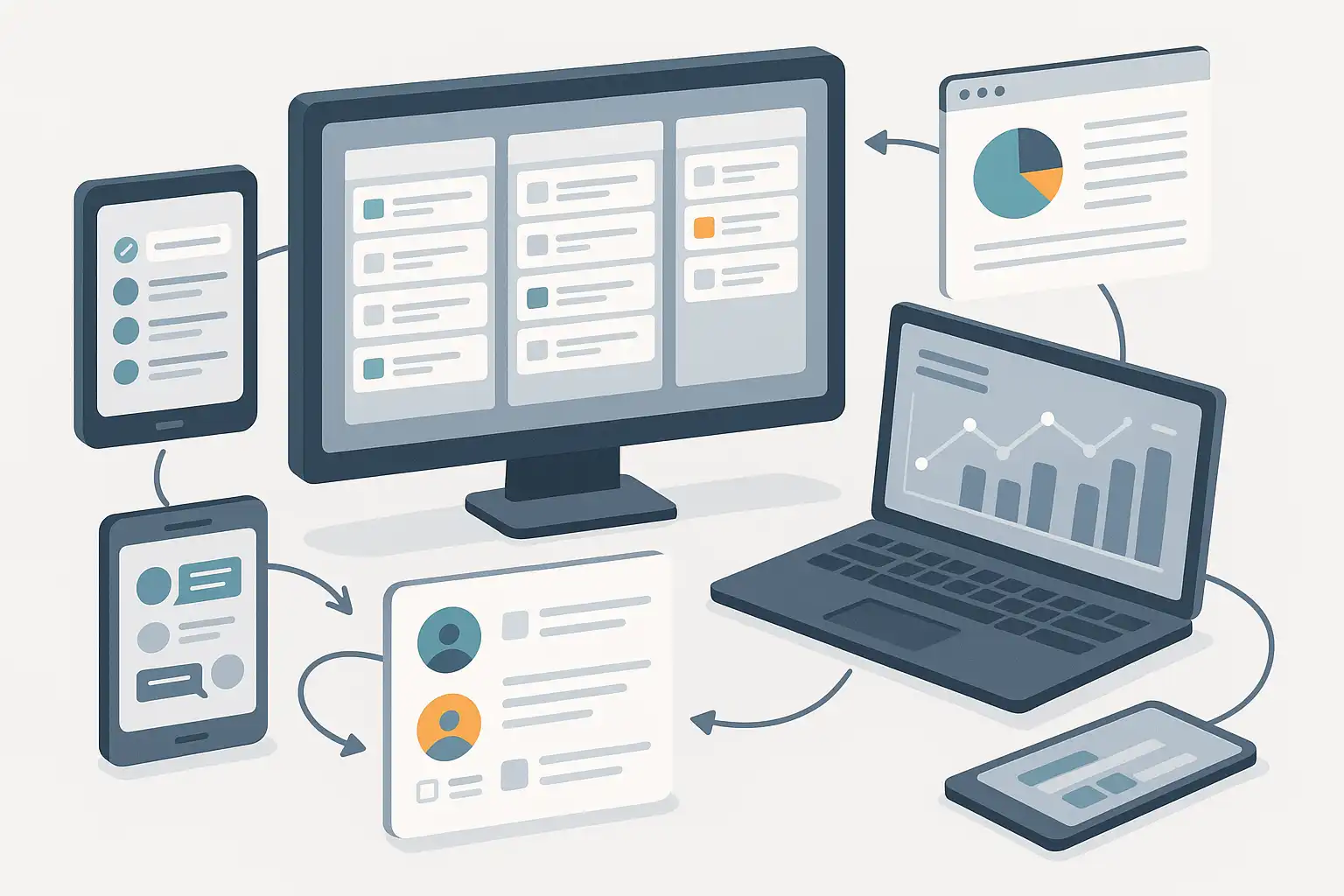
If you have ever felt overwhelmed by messy team projects, scattered files, or endless email threads, you are not alone. Content collaboration workflows management is the answer to these common challenges. It describes how teams organize, delegate, and complete work together, ensuring everyone knows their role and deadlines are met. By using good workflows, teams save time, reduce confusion, and work better together. Let’s explore how you can manage content collaboration workflows more easily, even if you have never set up a workflow before.
What is Content Collaboration Workflows Management?
Content collaboration workflows management is a structured approach to planning, handling, and tracking tasks when multiple people work together on content. It covers everything from the initial idea to the final approval and publication. Good workflow management means everyone knows what they should do, when they should do it, and how their work connects with others. This system is not limited to writers or designers; it also benefits marketers, editors, and even IT teams who work on shared projects.
For example, when creating a marketing campaign, you may need writers for copy, designers for images, and editors for final checks. Managing all these moving parts without a workflow can lead to missed deadlines or repeated efforts. That’s where content collaboration workflows management comes in—it streamlines the process and keeps all contributors on the same page.
How Does Content Collaboration Workflows Management Improve Team Productivity?
The main benefit of content collaboration workflows management is better productivity. By clearly defining each step and responsibility, everyone knows what to focus on. This reduces duplicate work, prevents miscommunication, and helps teams finish projects faster. According to research by McKinsey, employees spend up to 20% of their workweek searching for internal information or tracking down colleagues for help. Well-defined workflows can cut this wasted time and free team members to focus on the work that matters.
For instance, instead of chasing emails to find out who is editing a document, a workflow tool can track who is working on what and notify the next person when it’s their turn. This keeps the project moving smoothly and builds accountability within the team.

Which Tools Help Streamline Content Collaboration Workflows?
Many tools are available to support content collaboration workflows management. These platforms can automate steps, centralize communication, and track progress in real time. Here are some popular types and examples:
- Project Management Platforms: Tools like Trello, Asana, and Monday.com let you create boards or lists for tasks, assign team members, and follow due dates.
- Document Collaboration Tools: Google Docs and Microsoft 365 allow multiple users to edit documents together, leave comments, and review changes instantly.
- Content Management Systems (CMS): WordPress and Drupal help teams manage publishing workflows, set permissions, and track changes for articles, blogs, and web pages.
- Specialized Workflow Software: Platforms such as Airtable, Notion, and Smartsheet offer customizable workflow templates for any process.
Choosing the right tool depends on your team’s size, the complexity of your projects, and your existing setup. Many of these platforms can integrate with each other, letting teams combine messaging, file storage, and workflow tracking in one place.
What Are the Key Features of Good Content Collaboration Workflow Software?
While every tool is different, most effective content collaboration workflow software share some key features:
- Task Assignment: You can assign work to individuals or teams, making responsibilities clear.
- Commenting and Feedback: Team members can share feedback directly in documents or tasks, reducing the need for long email chains.
- Version Control: The software keeps track of changes and stores previous versions, so nothing gets lost.
- Notifications and Reminders: Automatic alerts keep everyone informed of deadlines or updates.
- Integration: The ability to connect with other tools you use, such as Slack, Google Drive, or Dropbox.
These features help teams stay organized, communicate effectively, and ensure every part of a project moves forward as planned.
How Can Organizations Set Up Effective Content Collaboration Workflows?
To set up a content collaboration workflow, follow these practical steps:
- Identify the Content Process: Map out each step from idea to delivery. For example, drafting, reviewing, editing, approving, and publishing.
- Assign Roles: Decide who is responsible for each task. Use job titles or specific names to avoid confusion.
- Choose the Tools: Select software that matches your workflow. Make sure it is easy for everyone to use.
- Set Deadlines: Give each step a realistic time frame, and communicate expectations clearly to the team.
- Create Templates: Save time by reusing templates for common content types, such as blog posts or newsletters.
- Review and Adjust: After each project, get feedback and refine your workflow to make it smoother next time.
By following these steps, your workflow will be more predictable and less prone to missed deadlines or forgotten tasks.
Common Challenges and How to Overcome Them
Organizations sometimes struggle with implementing content collaboration workflows management due to resistance to new tools, unclear responsibilities, or lack of training. To address these issues:
- Start Small: Try the workflow with a small team before rolling it out to everyone.
- Offer Training: Help team members learn new tools with short tutorials or guides.
- Communicate the Benefits: Show how organized workflows reduce stress and make jobs easier.
With patience and clear communication, teams are more likely to embrace these changes.
What Are the Pros and Cons of Content Collaboration Workflows Management?
- Pros:
- Saves time and reduces confusion
- Improves team accountability
- Helps deliver higher-quality content
- Easy tracking of project status
- Enables better remote work collaboration
- Cons:
- May need initial setup time
- Requires team buy-in
- Some tools may have learning curves
- Too much structure can slow down creative work if not flexible
The advantages usually outweigh the drawbacks, especially for teams who work together often or manage complex projects. For those curious about how this works in real situations, reviewing a content collaboration workflow example offers practical insights.
Real-World Examples of Streamlined Workflows
Modern companies of all sizes use content collaboration workflows management to deliver projects efficiently. For instance, digital marketing agencies rely on workflow boards to manage blog posts, from research to publication. Software development teams use similar systems to handle documentation, user guides, and release notes. Even nonprofit organizations organize campaign materials and social media posts through basic task lists and shared timelines. These real-world cases show that workflow management is not just for big corporations—it can help any group work together more effectively.

How Can Teams Keep Their Content Collaboration Workflows Effective Over Time?
To keep content collaboration workflows management working smoothly, it is important to regularly review your processes. Here are a few tips:
- Check for Bottlenecks: If tasks are getting stuck with one person or team, adjust the workflow to keep things moving.
- Encourage Openness: Invite feedback so all team members feel comfortable suggesting improvements.
- Stay Updated: As new tools become available, see if they can save more time or make collaboration easier.
- Keep Documentation: Write down your workflow steps and keep them updated for new team members.
An effective workflow is a living system that grows with your team’s needs. Small adjustments can have a big impact on productivity and team satisfaction.
Frequently Asked Questions
- What industries benefit most from content collaboration workflows management?
Almost every industry can benefit. Marketing, publishing, software development, education, and healthcare all see improved teamwork and fewer delays when using structured workflows. - Do you need expensive software to manage workflows?
No. Many free or low-cost tools, like Google Drive or Trello, are suitable for most teams. It’s more important to pick a tool that fits your process and is easy for everyone to use. - How do you know if your workflow is effective?
Signs of success include meeting deadlines, fewer errors, and positive feedback from team members. If projects run more smoothly and the team is less stressed, your workflow is likely working. - What if team members resist using a new workflow?
Start with clear communication. Explain the benefits, offer training, and gather feedback. Involve the team in designing the workflow so everyone feels ownership in the process.

Related Posts