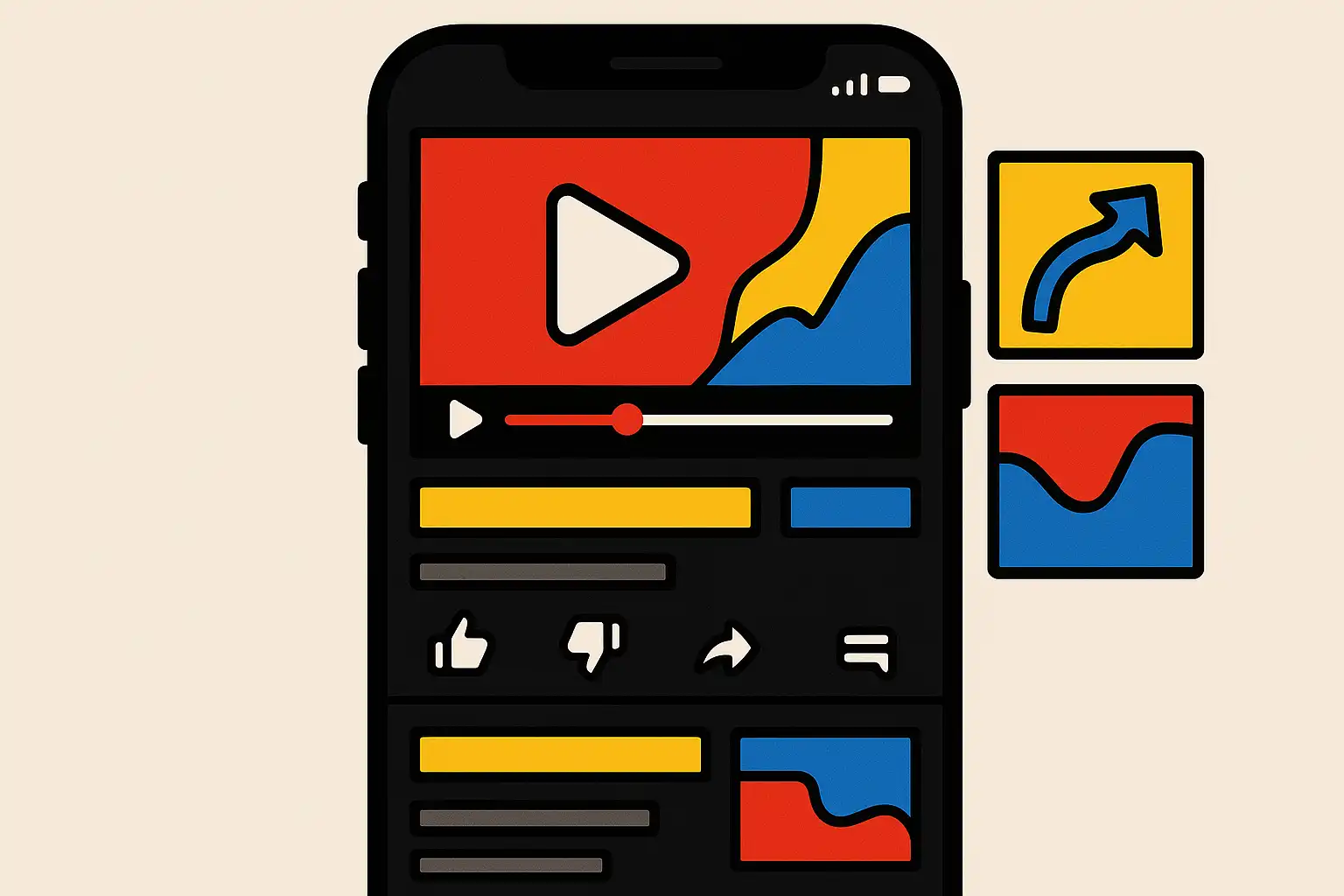
Are you looking to increase watch time on your YouTube channel by creating content for mobile audiences on YouTube? You’re in the right place. Today, most YouTube viewers watch from their smartphones. To keep these viewers engaged, your content must be mobile-friendly from the very first second. In this guide, you’ll find actionable tips that help you hook mobile viewers, boost retention, and encourage them to watch more—without technical jargon or complex strategies.
Why is mobile-focused content essential for YouTube watch time?
Mobile viewers now make up the majority of YouTube’s global traffic. In fact, over 70% of YouTube watch time reportedly comes from mobile devices. Small screens, short attention spans, and busy on-the-go lifestyles all affect how people watch videos. For content creators, this means it’s crucial to adapt your video style and editing choices to meet mobile users’ needs. The right approach improves not only your viewer experience but also your channel’s total watch time—a key metric YouTube uses for suggestions and recommendations.
The challenge with mobile audiences
Unlike desktop users, mobile viewers are more likely to get distracted. Notifications, calls, and multitasking can all pull them away in seconds. That’s why keeping their attention requires smart planning and crisp delivery.

How do you structure YouTube videos for higher retention on mobile?
Structuring your content for mobile audiences on YouTube means making every moment count. Here are some proven strategies to organize your videos for maximum retention:
- Start with an Engaging Intro: The first few seconds are make-or-break. Open with a strong hook—ask a bold question, share an eye-catching visual, or tease what viewers will gain by staying until the end. For example, “Ever wondered how top YouTubers double their watch time? Let’s break it down!”
- Divide Content into Sections: Break your videos into clear chapters or segments. Use on-screen text, graphics, or quick verbal cues so viewers always know what’s coming next. This structure makes it easy for mobile viewers to follow and stick around.
- Use Smooth Transitions: Avoid abrupt jumps that may confuse or tire viewers. Instead, use brief transition clips, sound effects, or onscreen transitions. Smooth flow holds attention better on small screens.
- Keep Visuals Bold and Simple: Mobile screens are small, so design graphics, overlays, and fonts to remain clear and readable. Use strong contrast, large fonts, and minimal clutter. Key information should be visible at a glance.
- Encourage Interaction Early: Instead of waiting until the end, ask for likes, comments, or subscriptions within the first minute. Prompting interaction early signals value and boosts engagement.
Checklist for mobile-optimized video structure
- Hook viewers within the first 5-10 seconds
- Use chapters or sections for videos over 3 minutes
- Include clear, concise visuals and text overlays
- Maintain audio clarity, avoiding long music breaks
- Repeat your main message before sign-off
What video editing techniques increase mobile audience engagement?
Video formatting and editing play a major role in optimizing content for mobile audiences on YouTube. Here are some editing techniques that drive longer watch times and more loyal subscribers:
- Keep it Short and Sweet: Mobile viewers often prefer shorter videos or tightly edited longer ones. Trim unnecessary pauses or tangents. Each segment should add value or progress the story.
- Use On-Screen Indicators: Progress bars, countdowns, and visual cues show mobile viewers where they are in the video. These guides reduce drop-off and help people find key parts quickly.
- Bold Graphics and Captions: Use high-contrast graphics and captions to reinforce your message. Captions are especially helpful for viewers watching without sound—common on mobile devices.
- Optimize for Vertical and Square Formats: While most content is still horizontal, consider vertical (9:16) or square (1:1) formats for shorts, stories, or ads. These fill the screen and feel more immersive on phones.
- Include Calls to Action (CTAs): End screens and pop-up cards can direct viewers to your next video or playlist. Guide them toward related content to keep them on your channel.
Example process: Editing for mobile retention
- Import your recorded footage into your favorite editing tool (like Adobe Premiere, CapCut, or iMovie).
- Cut the intro to 10 seconds or less with a clear hook.
- Add text overlays for main points or chapter titles.
- Insert jump cuts and transitions for smooth pacing.
- Review how the video looks on an actual phone before publishing.
How can you create binge-worthy playlists for mobile viewers?
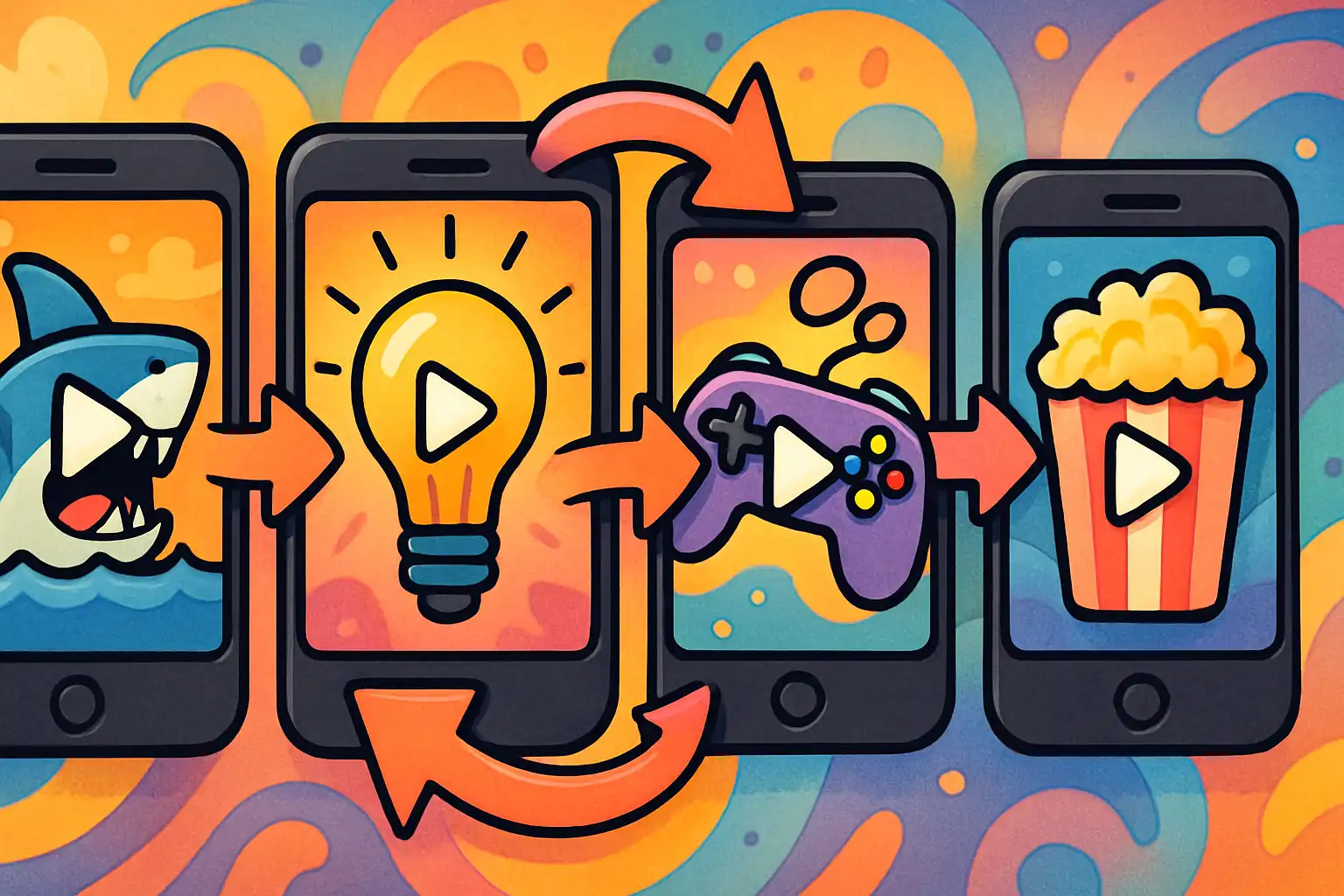
YouTube encourages viewers to keep watching by automatically suggesting related videos. As a creator, you can take control by designing “binge-worthy” playlists. Here’s how:
- Group Related Content: Organize your videos into themed playlists. For example, a cooking channel can group breakfast recipes in one list and dinner ideas in another.
- Link Videos with Cards and End Screens: Use YouTube’s card and end screen features to suggest the next video at the right moment. This increases the chance that viewers continue watching instead of leaving your channel.
- Give Each Playlist a Clear Theme and Title: Use descriptive, keyword-friendly titles and provide a brief playlist description. Mobile viewers are more likely to tap on playlists with clear value.
Benefits of playlists for mobile audiences
- Boosts total watch time per session
- Improves visibility in YouTube’s algorithm
- Creates a seamless viewing experience on mobile devices
What YouTube analytics can help you improve content for mobile audiences?
YouTube offers several analytics tools to help creators boost watch time among mobile viewers. Here are the key metrics to monitor and why they matter:
- Average View Duration: Shows how long, on average, viewers watch your videos. Short dips in this metric can identify where mobile users lose interest.
- Audience Retention: Displays which parts of your video are most and least engaging. Use this data to refine your intros, transitions, and CTAs.
- Audience Demographics: Reveals viewing device types, allowing you to tailor content to actual mobile viewer habits and preferences.
Checking these analytics regularly helps you test new formats, optimize for higher retention, and deliver more of what your audience wants.
FAQ: Mobile Audiences and YouTube Watch Time
Q1: How can I hook mobile viewers in the first few seconds?
A: Start with a compelling question, an unexpected fact, or a strong visual. Your goal is to create curiosity immediately so viewers want to keep watching.
Q2: Should I use different video formats for mobile audiences?
A: While horizontal (16:9) works well for most YouTube videos, try vertical or square formats for shorts or stories. Test which style your viewers prefer by checking your analytics.
Q3: How long should my videos be to maximize mobile watch time?
A: There’s no perfect length, but concise storytelling matters. Focus on delivering value quickly, then use playlists to encourage longer watch sessions across multiple videos.
Q4: What editing apps are best for mobile-friendly YouTube videos?
A: Popular tools like CapCut, InShot, and Adobe Premiere Rush let you edit and optimize videos for mobile screens. Choose one that fits your skill level and workflow.

Related Posts